1
Appendix B
enable
PURPOSE:
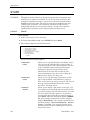
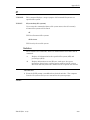
This utility makes a port ready for log on. Enabling a port forces the program
“getty” to run which is responsible for placing a login prompt on the terminal
screen and getting the login id and password from the user. It would be used
for a port that has been disabled. (See “disable”.)
There are no switches or options for this utility. This is the SCO UNIX
format. For AIX, see “penable”.
PROCEDURE:
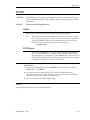
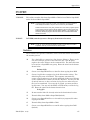
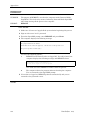
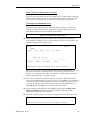
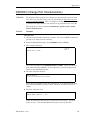
1 From the UNIX prompt, type enable followed by the device to be enabled.
For example, to enable /dev/tty10, enter one of the following:
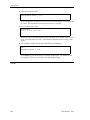
enable /dev/tty10
enable tty10
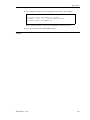
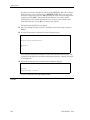
If the device was already enabled, the computer displays a message
terminates the command with no further action taken.
NOTES:
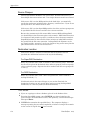
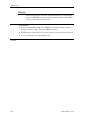
When enabling a port that has been previously disabled, you should see a new login prompt
displayed on the terminal (if all communications are working properly). This is true even if
the device has a printer attached to it. If you enable a printer port, the login prompt will be
printed.
Dim3D (Rev. 10.0)
211