1
Student Dashboard User Guide
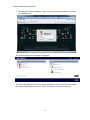
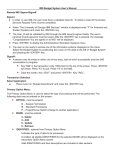
2. The My UofC screen will appear. Type in your eID and your password in the form
of “PIN/SecureID”:
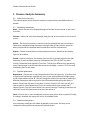
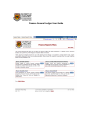
The following page, the main page, will appear:
The main page displays the various content and actions you can perform from within
the Cognos reporting environment. Select “My home” to access the reports.
4