1
Solution
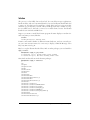
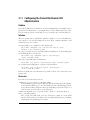
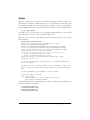
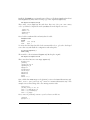
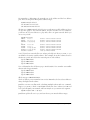
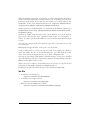
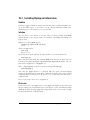
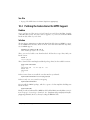
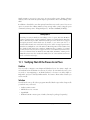
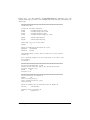
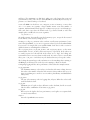
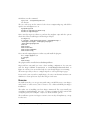
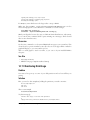
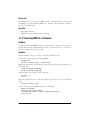
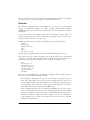
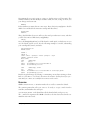
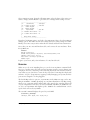
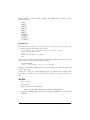
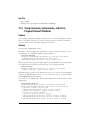
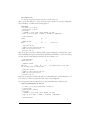
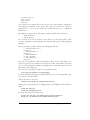
Yes, it would, and you can. Asterisk has 20 reserved parking slots, 701–720. Activate
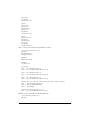
parking by adding the parkedcalls context to your desired internal context, such as
the [local-users] context used in this chapter:
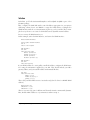
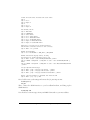
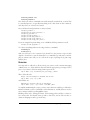
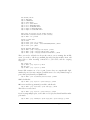
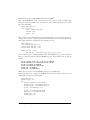
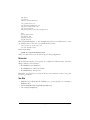
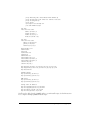
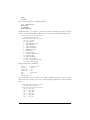
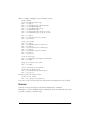
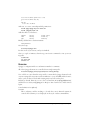
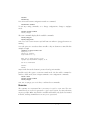
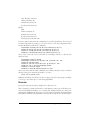
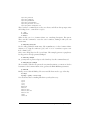
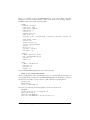
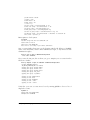
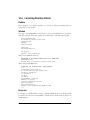
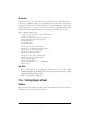
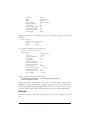
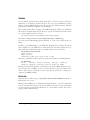
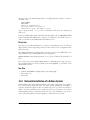
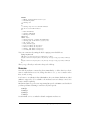
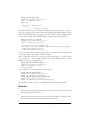
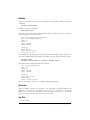
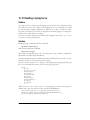
[local-users]
include => parkedcalls
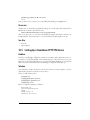
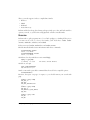
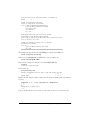
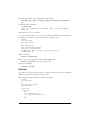
Make sure you have mighty transfer powers with the t option:
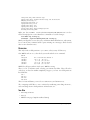
exten => 252,1,Dial(SIP/dutchs,10,t)
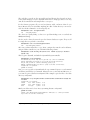
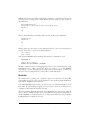
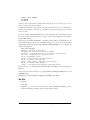
Enabling parked calls requires a server restart:
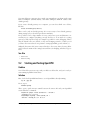
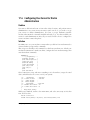
asterisk1*CLI> restart gracefully
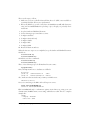
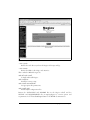
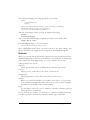
Test it by calling your extension. An easy way to do this is to have a second softphone on your test PC configured with a different user account. Cell phones are also
great for testing Asterisk.
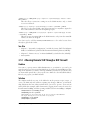
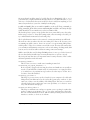
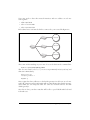
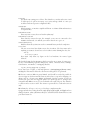
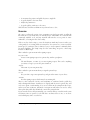
Transfer the call to extension 700, and Asterisk will automatically park it in the first
empty slot. It will tell you the number of the parked extension—to resume the call,
pick up another extension, and dial the parked extension number.
If it times out, it will ring the extension originally called, where it will be treated like
any call, and go to voicemail if it’s not answered.
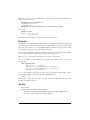
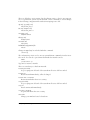
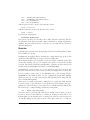
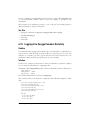
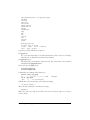
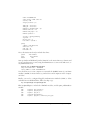
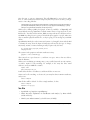
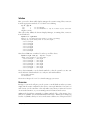
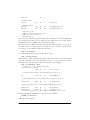
The lowercase t option allows only the person receiving the call to transfer it. This
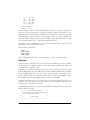
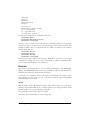
means you can park a call only once. If you add an uppercase T, like this:
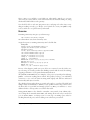
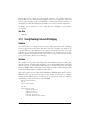
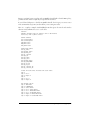
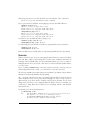
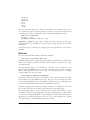
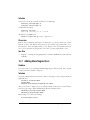
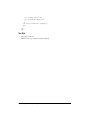
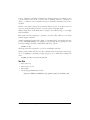
exten => 252,1,Dial(SIP/dutchs,10,tT)
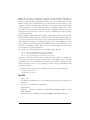
then you can make transfers whether you’re on the receiving or the calling end. So,
when you un-park a call, you can park and transfer it yet again.
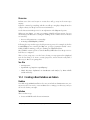
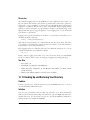
Discussion
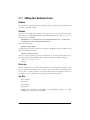
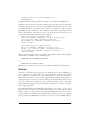
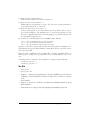
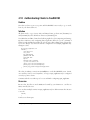
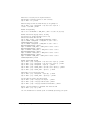
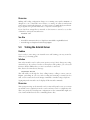
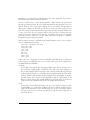
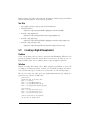
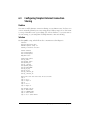
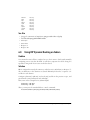
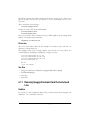
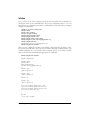
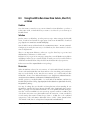
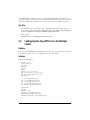
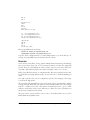
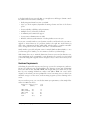
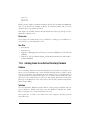
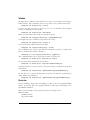
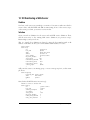
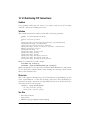
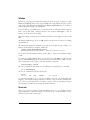
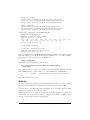
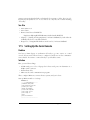
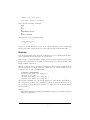
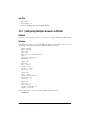
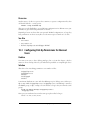
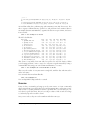
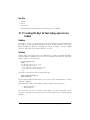
Call parking is configured in /etc/asterisk/features.conf. While there are a number of
configurable options, the only one that really matters to most folks is the parkingtime
option, which sets the timeout value.
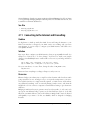
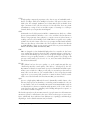
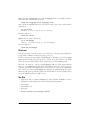
The default is 45 seconds, which means if you don’t pick up within 45 seconds, the
call will ring back to your original extension.
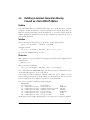
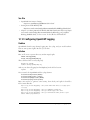
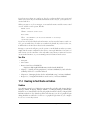
See Also
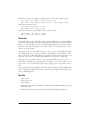
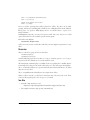
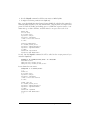
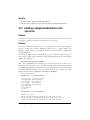
• The sample /etc/asterisk/features.conf
160
|
Chapter 5: Building a VoIP Server with Asterisk