1
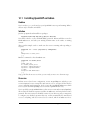
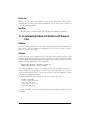
Discussion
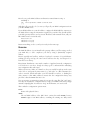
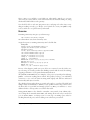
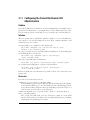
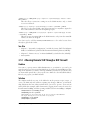
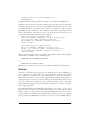
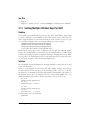
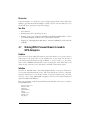
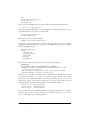
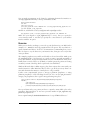
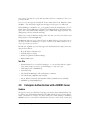
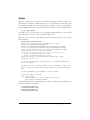
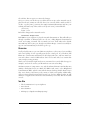
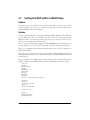
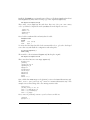
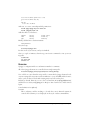
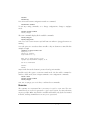
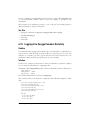
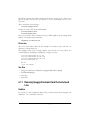
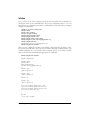
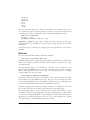
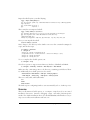
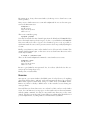
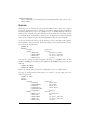
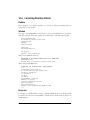
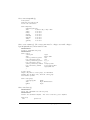
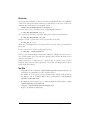
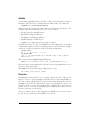
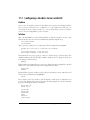
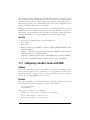
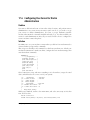
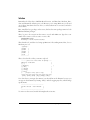
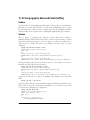
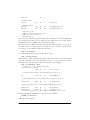
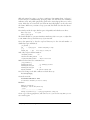
check_http takes a number of options. It checks normal (HTTP) and secure (HTTPS)
connections, and reports if SSL certificates are still valid. You can test it on the command line first. This shows your command options:
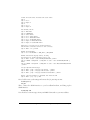
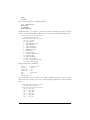
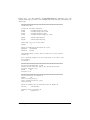
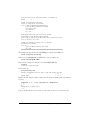
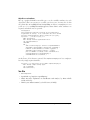
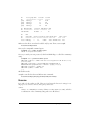
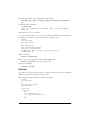
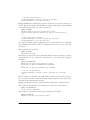
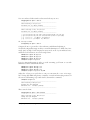
root@xena:/usr/local/nagios/libexec# ./check_http -h
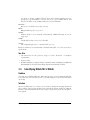
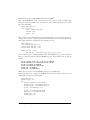
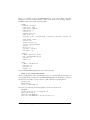
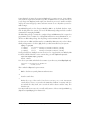
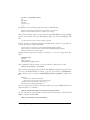
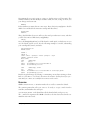
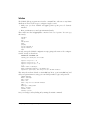
Use it this way to give you 30 days’ notice on expiring SSL certificates:
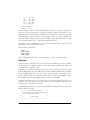
# ./check_http www.yourdomain.com -C 30
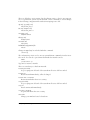
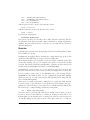
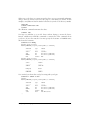
The -p option specifies the port number, when you’re using a nonstandard port:
# ./check_http www.yourdomain.com -p 8080
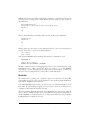
Using the -w and -c options lets you test response time, in seconds:
# ./check_http -w 5 -c 10
That issues a warning if there is no response after 5 seconds, and it goes critical after
10 seconds.
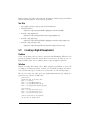
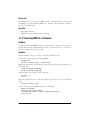
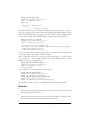
Use the -ssl option to connect to SSL-enabled servers:
# ./check_http --ssl www.yourdomain.com
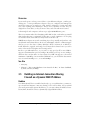
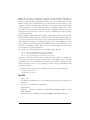
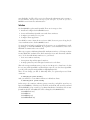
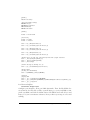
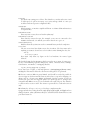
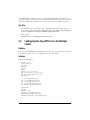
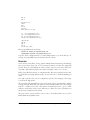
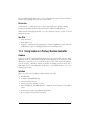
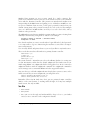
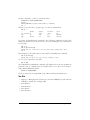
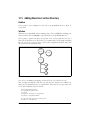
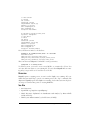
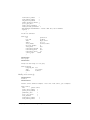
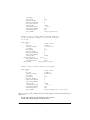
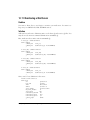
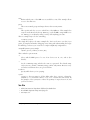
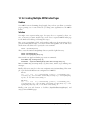
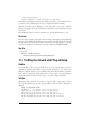
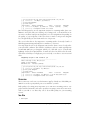
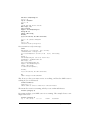
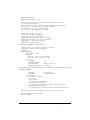
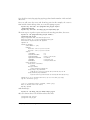
Once you get the initial Nagios framework configured, adding new servers and services is fairly simple. Just copy and paste existing entries and modify them for the
new hosts and services.
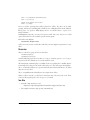
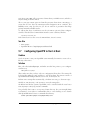
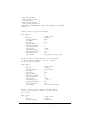
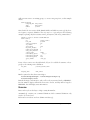
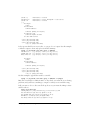
Using hostgroups is a simple way to control groups of related servers. Use the
hostgroup_name option in services.cfg instead of host_name, and simply add or remove
servers from the hostgroup.
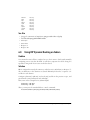
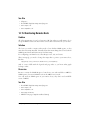
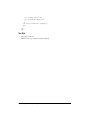
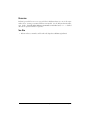
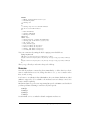
See Also
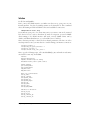
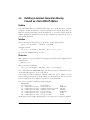
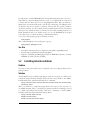
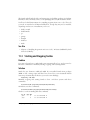
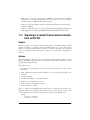
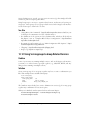
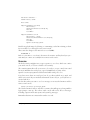
• “Using Macros In Commands” (http://localhost/nagios/docs/macros.html) in your
local Nagios documentation for a list of built-in macros
• For definitions of the options in object definition files, which are all the files in
lan_objects/, start at “Template-Based Object Configuration”: http://localhost/
nagios/docs/xodtemplate.html
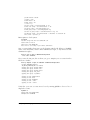
• For nagios.cfg and resources.cfg, see “Main Configuration File Options”: http://
localhost/nagios/docs/configmain.html
• “Flapping”: http://localhost/nagios/docs/flapping.html
• Nagios.org: http://www.nagios.org/
13.10
Monitoring a Web Server |
399