1
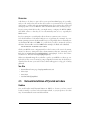
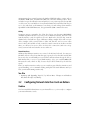
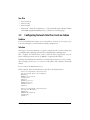
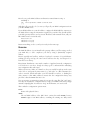
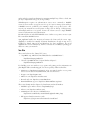
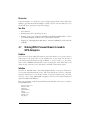
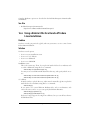
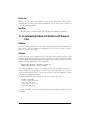
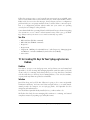
See Also
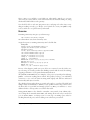
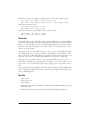
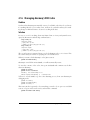
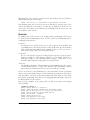
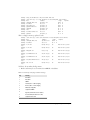
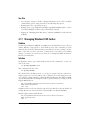
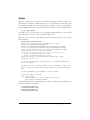
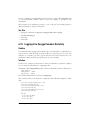
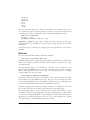
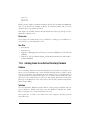
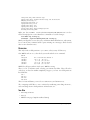
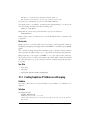
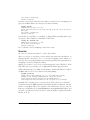
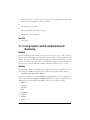
• Local Nagios documentation: http://localhost/nagios
• For definitions of the options in object definition files, which are all the files in
lan_objects/, start at “Template-Based Object Configuration”: http://localhost/
nagios/docs/xodtemplate.html
• For nagios.cfg and resources.cfg, see “Main Configuration File Options”: http://
localhost/nagios/docs/configmain.html
• For cgi.cfg, see “CGI Configuration File Options” (http://localhost/nagios/docs/
configcgi.html) and “Authentication And Authorization In The CGIs” (http://
localhost/nagios/docs/cgiauth.html)
• Nagios.org: http://www.nagios.org/
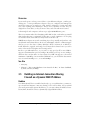
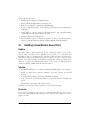
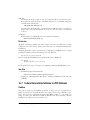
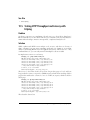
13.5 Configuring CGI Permissions for Full Nagios Web
Access
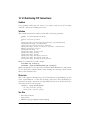
Problem
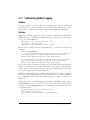
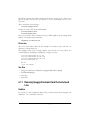
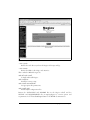
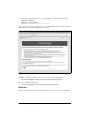
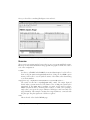
You have followed all the steps so far, but when you log in to the Nagios web interface, you can’t access all of the pages. Instead, you get this error: “It appears as
though you do not have permission to view information you requested.... If you
believe this is an error, check the HTTP server authentication requirements for
accessing this CGI and check the authorization options in your CGI configuration
file.” How do you fix this?
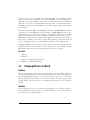
Solution
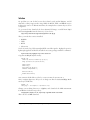
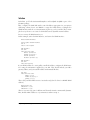
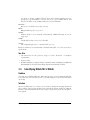
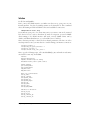
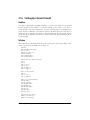
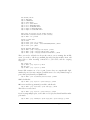
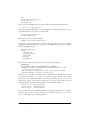
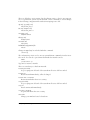
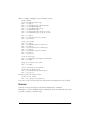
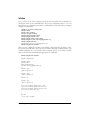
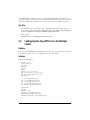
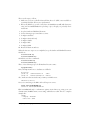
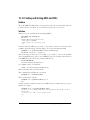
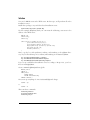
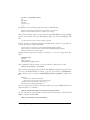
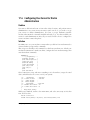
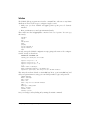
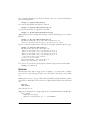
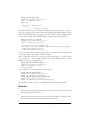
Uncomment these lines in /usr/local/nagios/etc/cgi.cfg, and make sure the correct
Nagios user is named, which in this chapter is nagios:
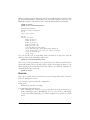
authorized_for_all_services=nagios
authorized_for_all_hosts=nagios
authorized_for_system_commands=nagios
authorized_for_configuration_information=nagios
authorized_for_all_service_commands=nagios
authorized_for_all_host_commands=nagios
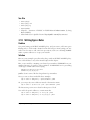
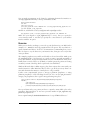
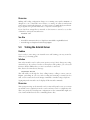
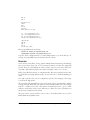
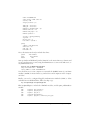
Make sure this line is uncommented and set to 1:
use_authentication=1
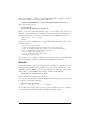
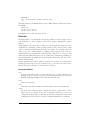
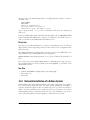
This requires all CGI scripts to use authentication. Disabling this opens a great big
security hole; for example, any random person on your LAN could write whatever
they want to your command file.
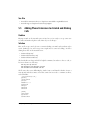
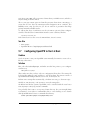
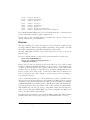
Save the changes, and try again. Now, your nagios user should have full access to all
pages on the Nagios web interface, including the ability to run commands.
13.5
Configuring CGI Permissions for Full Nagios Web Access |
389