1
9
10
ms
11
12
* * *
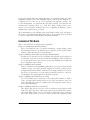
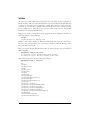
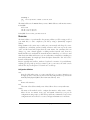
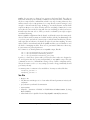
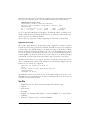
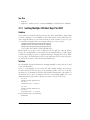
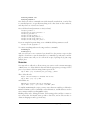
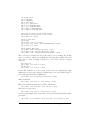
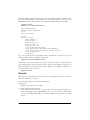
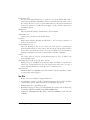
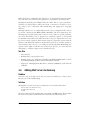
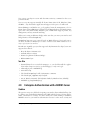
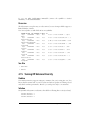
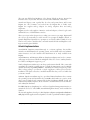
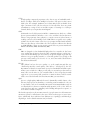
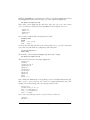
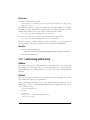
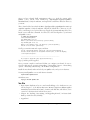
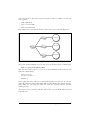
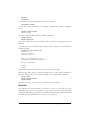
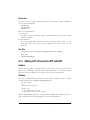
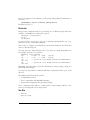
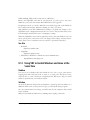
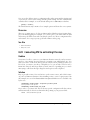
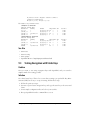
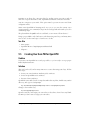
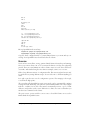
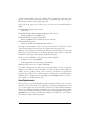
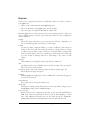
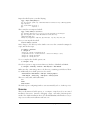
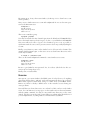
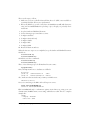
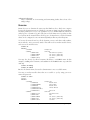
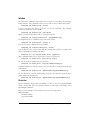
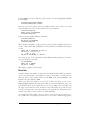
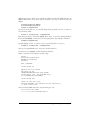
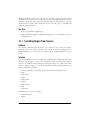
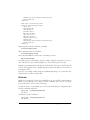
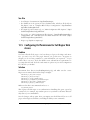
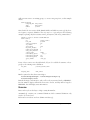
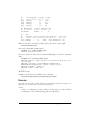
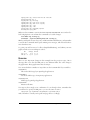
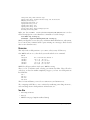
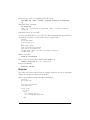
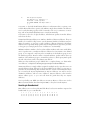
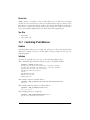
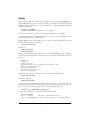
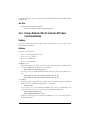
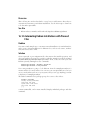
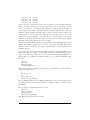
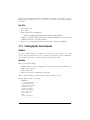
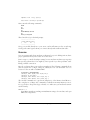
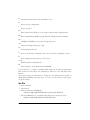
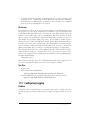
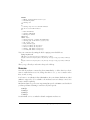
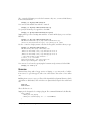
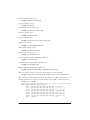
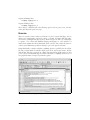
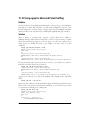
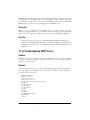
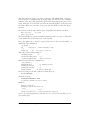
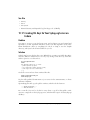
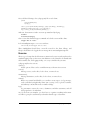
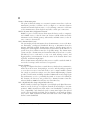
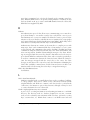
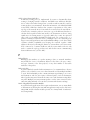
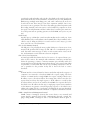
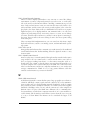
lw-core1-ge2.rtr.liquidweb.com (209.59.157.30)
116.363 ms
115.567 ms
149.428
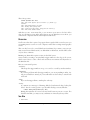
lw-dc1-dist1-ge1.rtr.liquidweb.com (209.59.157.2) 129.055 ms 137.067 ms *
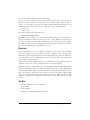
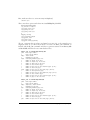
host6.miwebdns6.com (67.43.0.135) [open] 130.926 ms 122.942 ms 125.739 ms
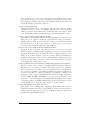
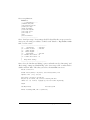
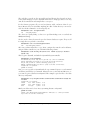
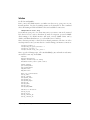
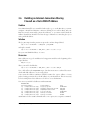
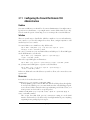
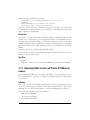
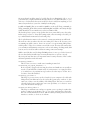
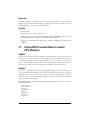
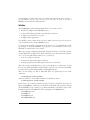
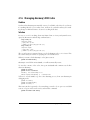
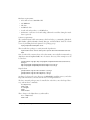
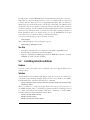
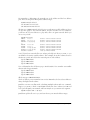
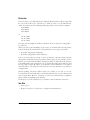
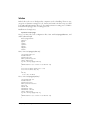
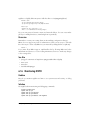
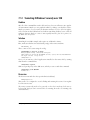
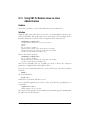
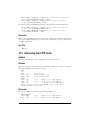
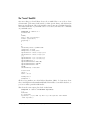
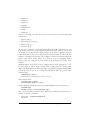
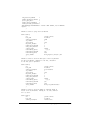
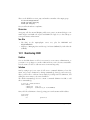
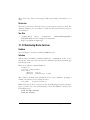
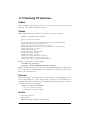
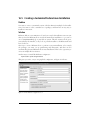
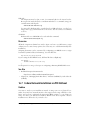
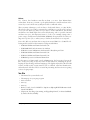
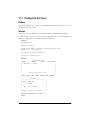
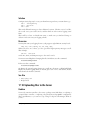
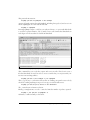
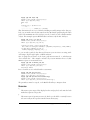
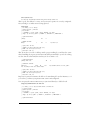
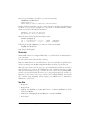
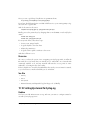
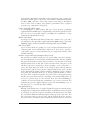
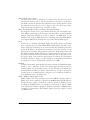
An excellent utility that combines ping and traceroute is mtr (My Traceroute). Use
this to capture combined latency, packet loss, and problem router statistics. Here is
an example that runs mtr 100 times, organizes the data in a report format, and stores
it in a text file:
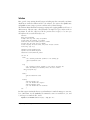
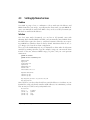
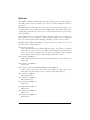
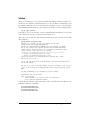
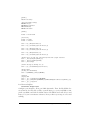
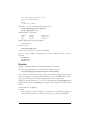
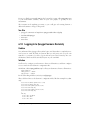
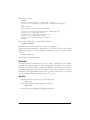
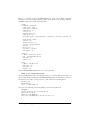
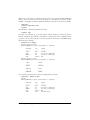
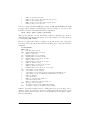
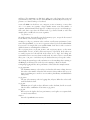
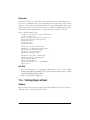
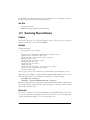
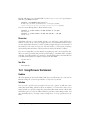
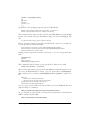
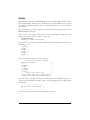
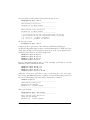
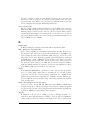
$ mtr -r -c100 oreilly.com >> mtr.txt
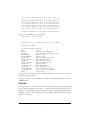
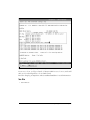
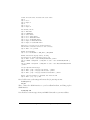
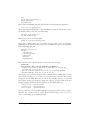
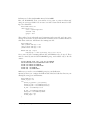
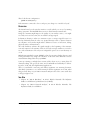
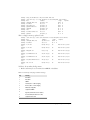
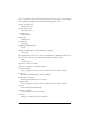
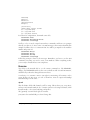
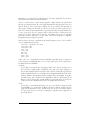
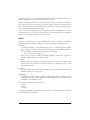
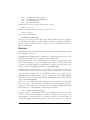
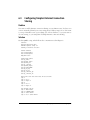
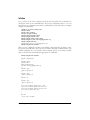
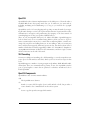
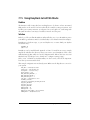
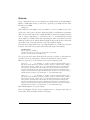
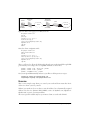
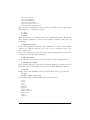
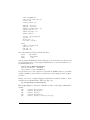
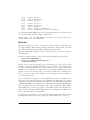
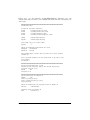
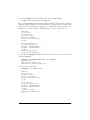
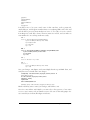
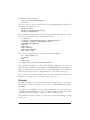
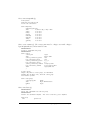
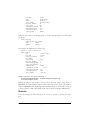
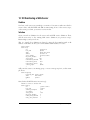
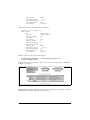
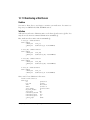
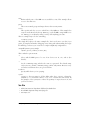
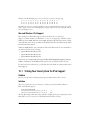
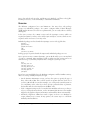
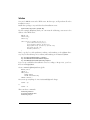
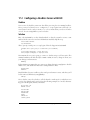
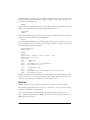
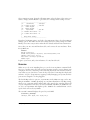
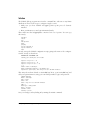
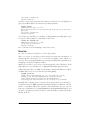
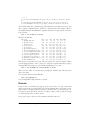
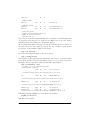
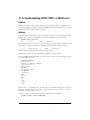
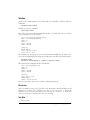
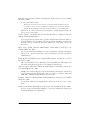
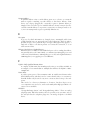
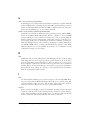
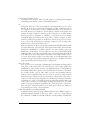
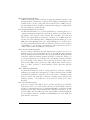
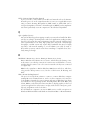
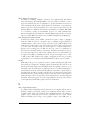
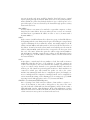
The file looks like this:
HOST: xena
Loss%
1. pyramid.alrac.net
0.0%
2. gateway.foo.net
0.0%
3. router.foo.net
0.0%
4. 12.222.222.201
1.0%
5. 12.222.222.50
4.0%
6. gbr1.st6wa.ip.att.net
1.0%
7. br1-a350s5.attga.ip.att.net
3.0%
8. so0-3-0-2488M.scr1.SFO1.gblx 1.0%
9. sonic-gw.customer.gblx.net
2.0%
10. 0.ge-0-1-0.gw.sr.sonic.net
2.0%
11. gig50.dist1-1.sr.sonic.net
0.0%
12. ora-demarc.customer.sonic.ne 5.0%
13. www.oreillynet.com
4.0%
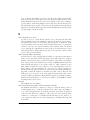
Snt
100
100
100
100
100
100
100
100
100
100
100
100
100
Last
Avg Best
0.4
0.5
0.3
23.5 23.1 21.6
23.4 24.4 21.9
52.8 57.9 44.5
61.9 62.4 50.1
61.4 76.2 46.2
57.2 60.0 44.4
73.9 83.4 64.0
72.6 79.9 69.3
71.5 78.2 67.6
81.1 84.3 73.1
69.1 82.9 69.1
75.4 81.0 69.8
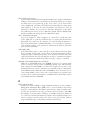
Wrst StDev
6.8
0.7
29.8
1.0
78.9
5.9
127.3 10.3
102.9
9.8
307.8 48.8
107.1 11.6
265.9 27.6
119.5
7.5
142.2
9.3
169.1 12.1
144.6 10.2
119.1
7.0
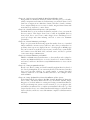
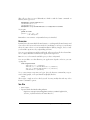
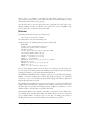
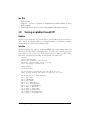
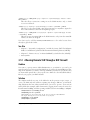
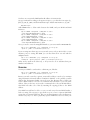
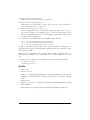
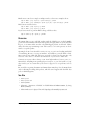
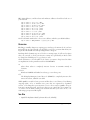
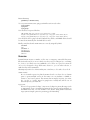
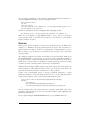
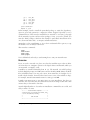
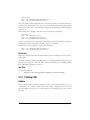
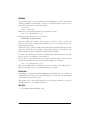
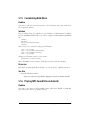
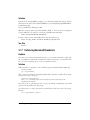
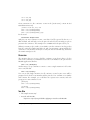
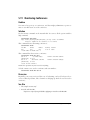
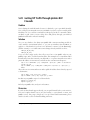
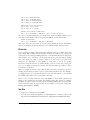
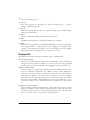
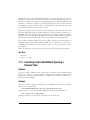
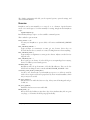
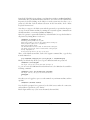
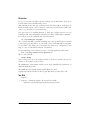
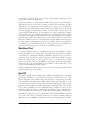
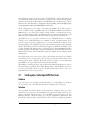
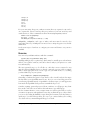
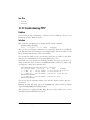
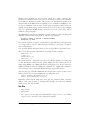
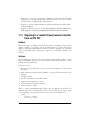
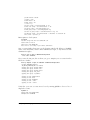
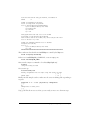
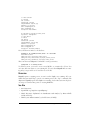
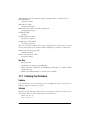
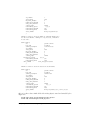
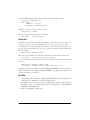
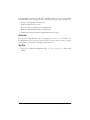
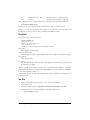
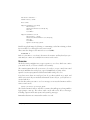
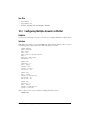
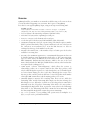
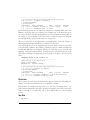
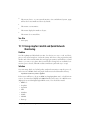
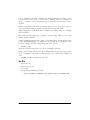
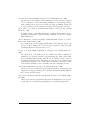
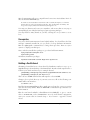
This shows a reasonably clean run with low packet loss and low latency. When
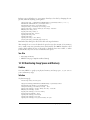
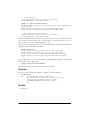
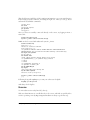
you’re having problems, create a cron job to run mtr at regular intervals by using a
command like this (using your own domain and filenames, of course):
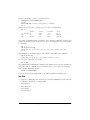
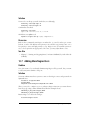
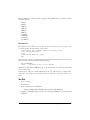
$ mtr -r -c100 oreillynet.com >> mtr.txt && date >> mtr.txt
This stores the results of every mtr run in a single file, with the date and time at the
end of each entry.
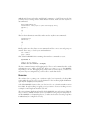
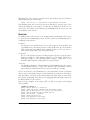
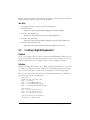
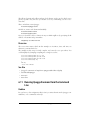
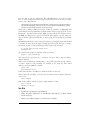
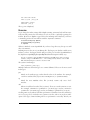
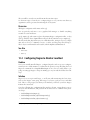
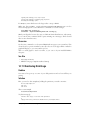
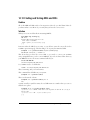
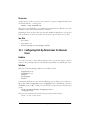
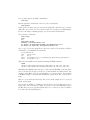
You can watch mtr in real time like this:
$ mtr -c100 oreillynet.com
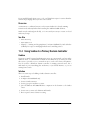
You can skip DNS lookups with the -n switch.
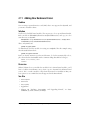
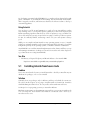
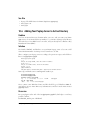
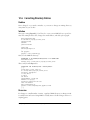
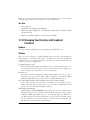
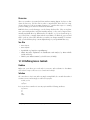
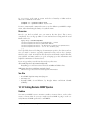
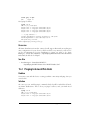
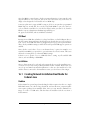
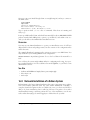
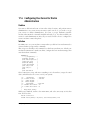
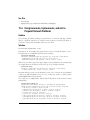
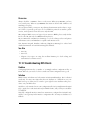
Discussion
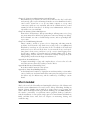
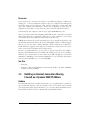
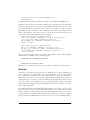
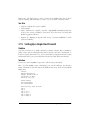
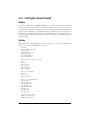
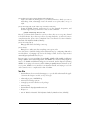
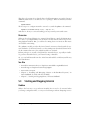
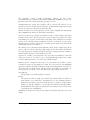
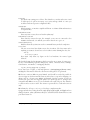
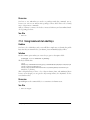
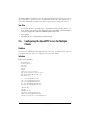
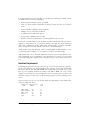
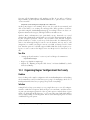
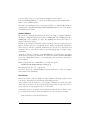
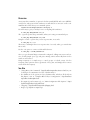
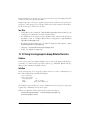
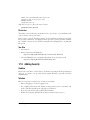
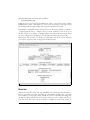
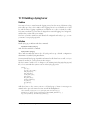
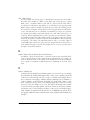
If any of these consistently get hung up at the same router, or if mtr consistently
shows greater than 5 percent packet losses and long transit times on the same router,
then it’s safe to say that particular router has a problem. If it’s a router that you control, then for gosh sakes fix it. If it isn’t, use dig or whois to find out who it belongs
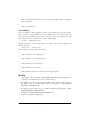
to, and nicely report the trouble to them.
Save your records so they can see the numbers with their own eyes.
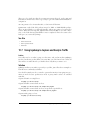
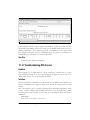
528
|
Chapter 19: Troubleshooting Networks