1
8.6
Watching Nxclient Users from the FreeNX Server
Problem
You want a central management console to keep an eye on who is logged in to your
FreeNX server. You want to be able to terminate sessions, view user histories, and
send vitally important messages to users.
Solution
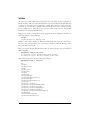
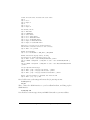
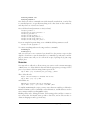
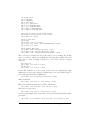
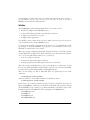
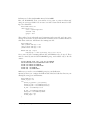
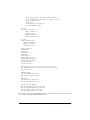
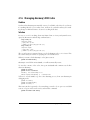
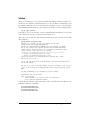
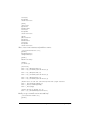
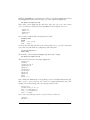
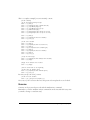
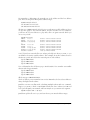
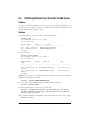
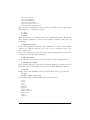
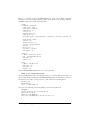
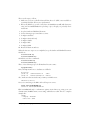
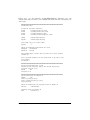
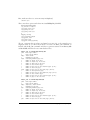
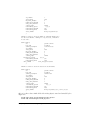
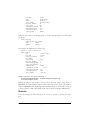
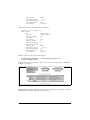
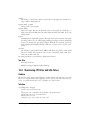
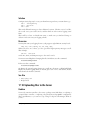
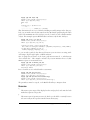
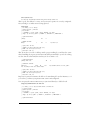
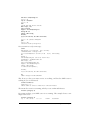
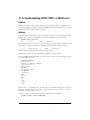
Use /usr/bin/nxserver. You can see who is currently logged in:
# nxserver --list
NX> 100 NXSERVER - Version 1.5.0-50 OS (GPL)
NX> 127 Sessions list:
Display
------1003
1001
NX> 999
Username
Remote IP
Session ID
--------------- --------------- -------------------------------carla
192.168.1.17
1D0FB6F2759E350067E911D245E9
pinball 192.168.1.19
64A6BBAE7E9BDD8BC79EE5FCAB
Bye
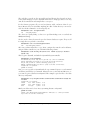
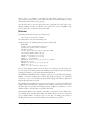
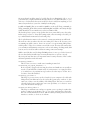
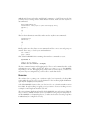
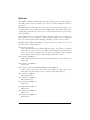
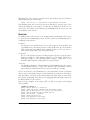
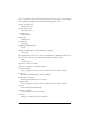
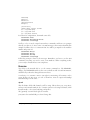
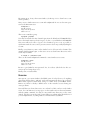
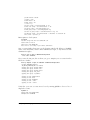
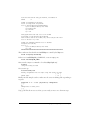
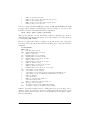
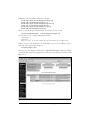
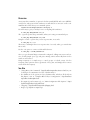
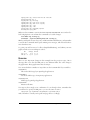
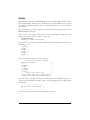
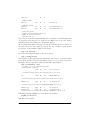
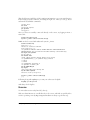
View user history:
# nxserver --history pinball
NX> 100 NXSERVER - Version 1.5.0-50 OS (GPL)
NX> 127 Session list:
Display Username
Remote IP
Session ID
Date
Status
------- --------------- --------------- -------------------------------- ------------------ ----------1000
pinball 192.168.1.17
B5870BA4DF456E9126B0561402
2006-12-14 04:25:06
Finished
1001
pinball 192.168.1.17
64A6BBAE7E9BDB1C79EE5FCAB
2006-12-18 09:56:12
Running
NX> 999 Bye
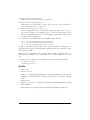
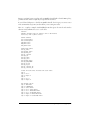
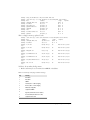
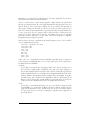
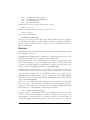
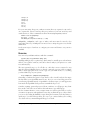
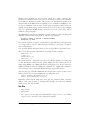
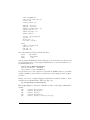
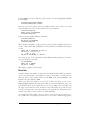
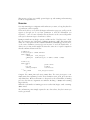
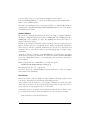
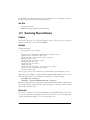
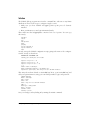
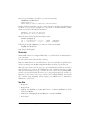
pinball is being a pain, so you want to kick her off the server. You may terminate a
single session, using the session ID:
# nxserver --terminate 64A6BBAE7E9BDB1C79EE5FCAB
Or, you can knock all of pinball’s sessions offline with her username:
# nxserver --terminate pinball
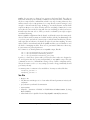
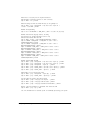
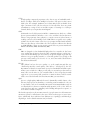
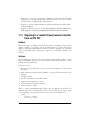
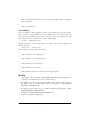
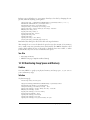
You may send messages to single users, or to all users:
# nxserver --send pinball "Save your work, I'm disconnecting you in five seconds"
# nxserver --broadcast "Save your work, I'm disconnecting you in five seconds and
then we're going out for treats"
This is a useful command for cleaning up stray sessions leftover after a power outage:
# nxserver --cleanup
240
|
Chapter 8: Using Cross-Platform Remote Graphical Desktops