1
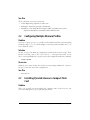
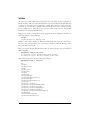
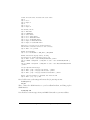
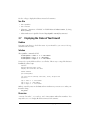
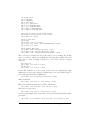
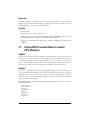
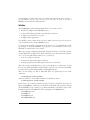
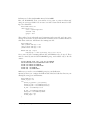
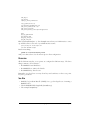
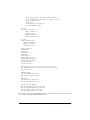
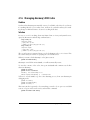
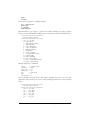
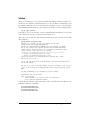
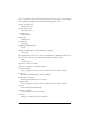
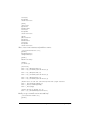
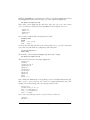
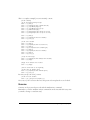
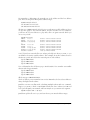
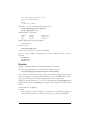
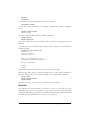
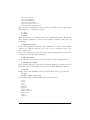
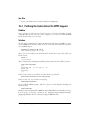
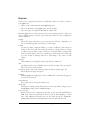
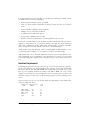
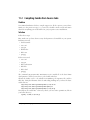
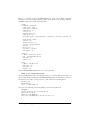
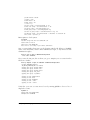
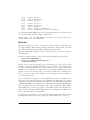
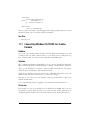
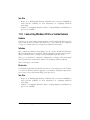
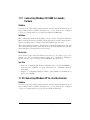
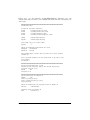
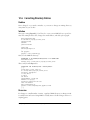
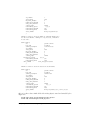
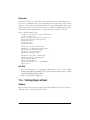
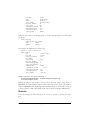
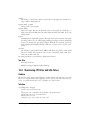
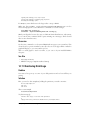
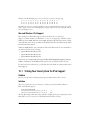
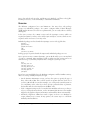
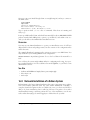
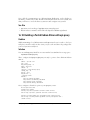
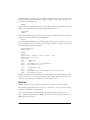
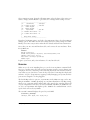
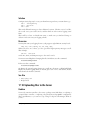
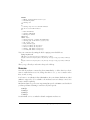
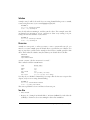
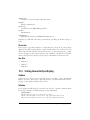
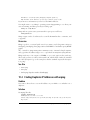
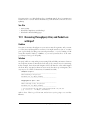
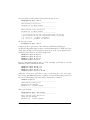
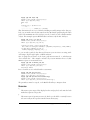
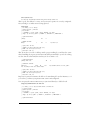
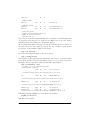
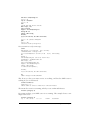
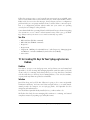
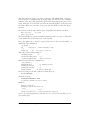
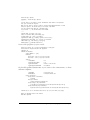
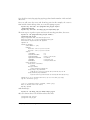
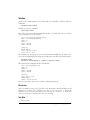
This example is for a PC running Debian Etch. Of course you may configure your
PCs to use whatever Debian release you prefer.
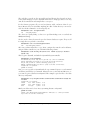
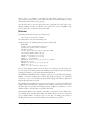
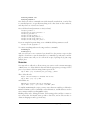
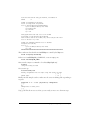
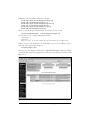
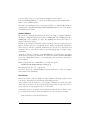
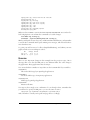
Run aptitude update on the clients to update their local package lists, and you’re in
business.
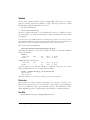
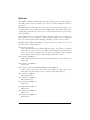
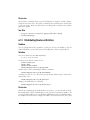
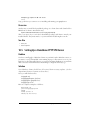
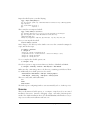
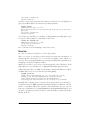
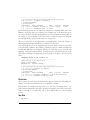
Discussion
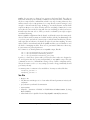
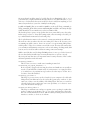
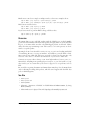
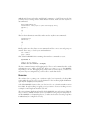
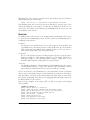
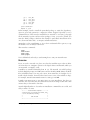
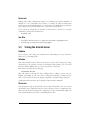
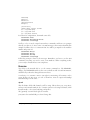
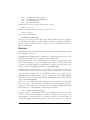
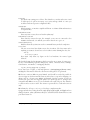
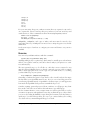
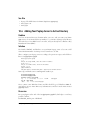
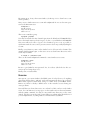
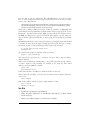
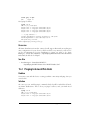
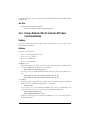
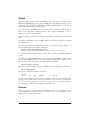
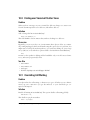
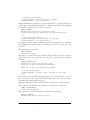
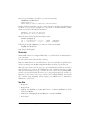
This example has the client getting security updates directly from Debian.org,
instead of from a local server cache. You may cache security updates on the server if
you prefer. Some admins think it is safer and fresher to have the clients fetch their
own security updates directly.
Debian’s security updates are never mirrored, and are only available from security.
debian.org.
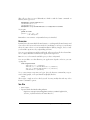
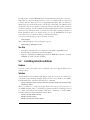
See Also
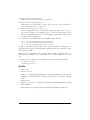
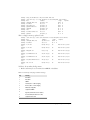
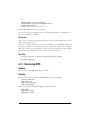
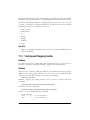
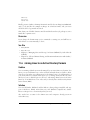
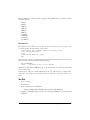
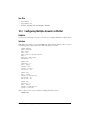
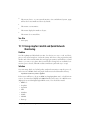
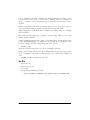
• man 5 sources.list
• Debian releases, manuals, and downloads: http://www.debian.org/releases/
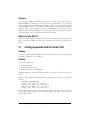
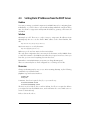
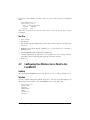
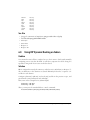
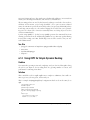
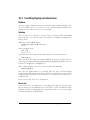
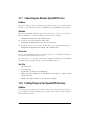
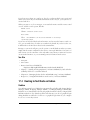
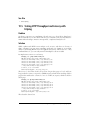
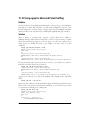
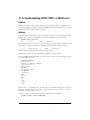
16.12 Setting Up a Debian PXE Netboot Server
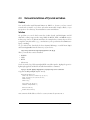
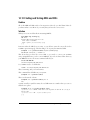
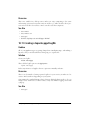
Problem
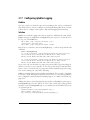
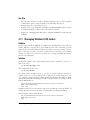
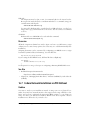
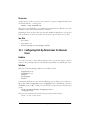
You want a Debian boot server so you can perform network installations without an
installation CD or USB flash device. Your PCs have network interfaces that support
netbooting, or they have Etherboot diskettes, and you have configured the appropriate BIOS settings, so your clients are ready. You have your local Debian mirror all set
up and ready to go.
What else do you need to do?
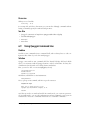
Solution
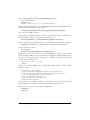
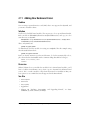
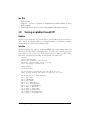
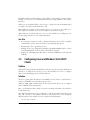
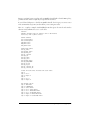
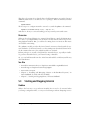
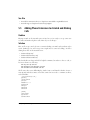
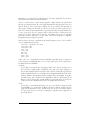
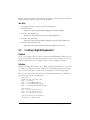
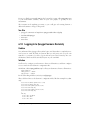
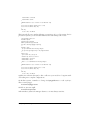
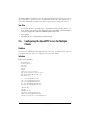
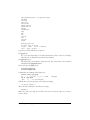
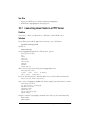
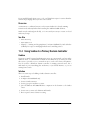
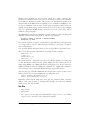
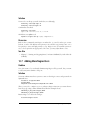
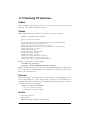
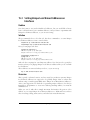
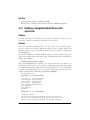
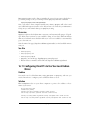
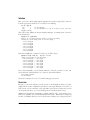
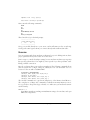
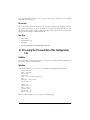
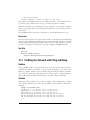
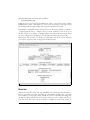
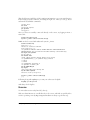
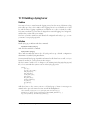
Your Debian mirror server needs to be PXE-netboot enabled. You’ll need these
packages:
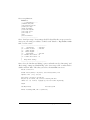
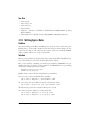
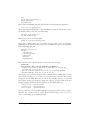
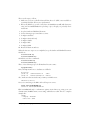
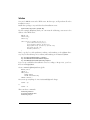
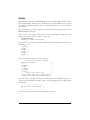
# aptitude install tftpd-hpa dhcp3-server
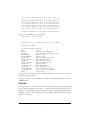
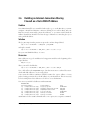
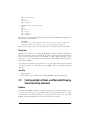
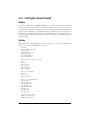
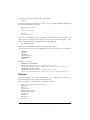
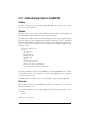
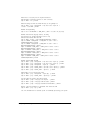
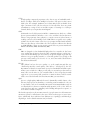
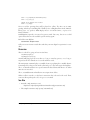
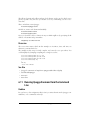
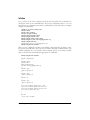
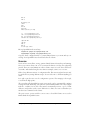
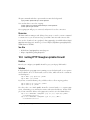
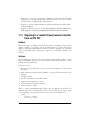
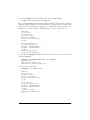
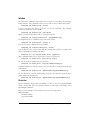
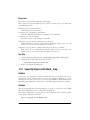
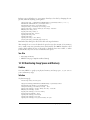
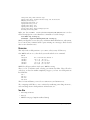
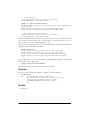
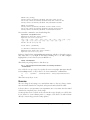
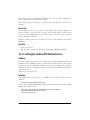
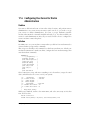
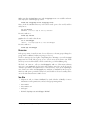
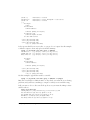
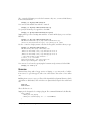
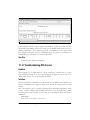
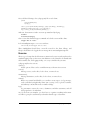
Next, download netboot/netboot.tar.gz from your favorite Debian mirror into /var/lib/
tftpboot, and unpack it there:
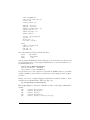
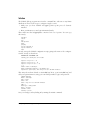
# wget http://debian.uchicago.edu/debian/dists/etch/main/installer-\
i386/current/images/netboot/netboot.tar.gz
# tar zxvf netboot.tar.gz
472
|
Chapter 16: Setting Up Hands-Free Network Installations of New Systems