1
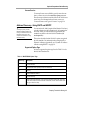
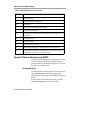
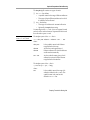
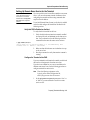
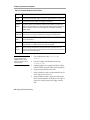
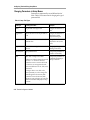
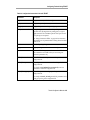
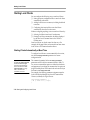
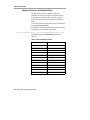
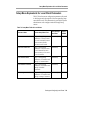
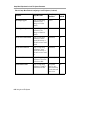
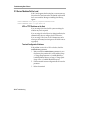
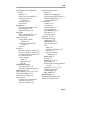
Summary of Local Clients
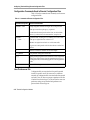
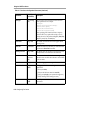
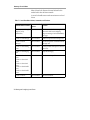
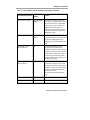
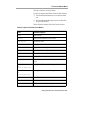
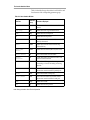
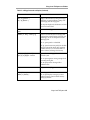
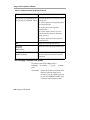
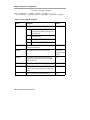
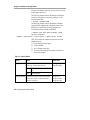
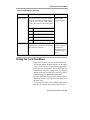
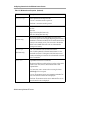
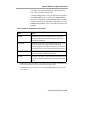
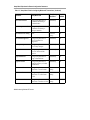
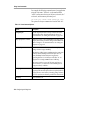
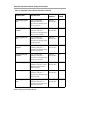
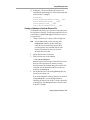
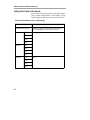
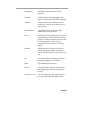
Table 7-1 Local Client Menu Choices, Commands, and Functions (Continued)
Console Name & Location
Command and
Options
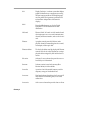
Statistics ⇒ Show X
Connections
show connections
Displays information about all the current
X clients connected to the terminal. See the
ncdshow(1) man page.
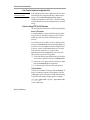
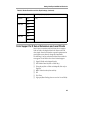
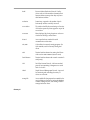
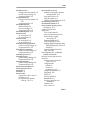
Statistics ⇒ Show Statistics
stats
[ -d display ]
[ -h host ]
[ -p password ]
Displays statistics pertaining to the
terminal. The -d option specifies the X
server to use, by default, hostname:0.0; the
-h option specifies the host to try to connect
to; the -p option specifies a password
required for connecting to a remote
terminal using the -h option. See the
ncdstats(1) man page.
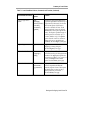
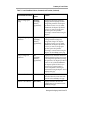
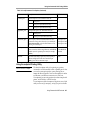
Statistics ⇒ Show Wireless
show wireless
Displays information about the wireless
Access Point. Explora, Explora Pro, and
Explora 400/450 only.
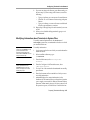
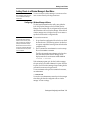
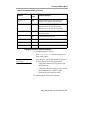
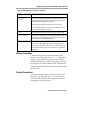
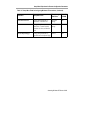
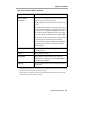
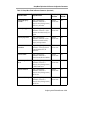
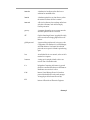
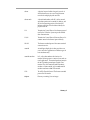
No Console item
touchscreen
Enables software support for a touch screen
monitor. Do not use the pref-xservercurrent-pointing-device parameter with
touchscreen because touchscreen
automatically puts the terminal in “mouseand-extension-device” mode. See the User’s
Guide and the touchscreen(1) man page.
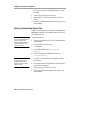
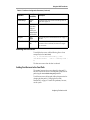
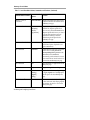
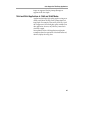
No Console item 1
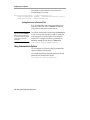
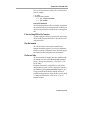
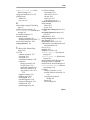
java
Starts standalone Java applications. See the
java(1) man page.
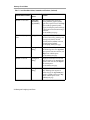
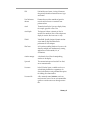
No Console item 1
startjava
Displays the Applet Viewer dialog box.
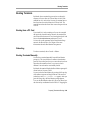
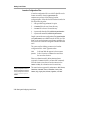
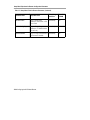
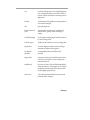
No Console item 1
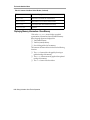
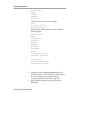
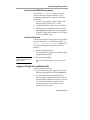
ncdclock
[ -analog ]
[ -digital ]
[ -help ]
Displays the local time in analog (-analog)
or digital (-digital) form. The -help option
lists all options. See the ncdclock(1) man
page.
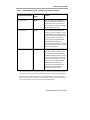
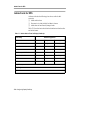
No Console item 1
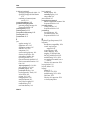
video
The MPEG1 video decoder driver. Displays
a video without the Video Player graphical
user interface. See the User’s Guide or the
video(1) man page.
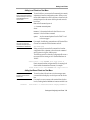
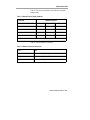
7-8 Starting and Configuring Local Clients
Function