1
Configuring a PC Card for Booting
5.
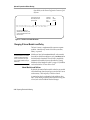
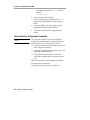
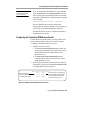
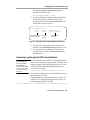
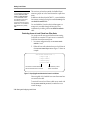
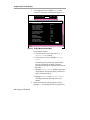
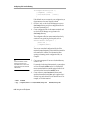
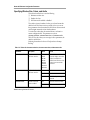
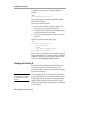
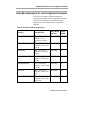
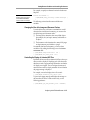
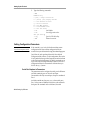
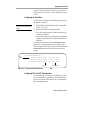
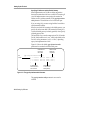
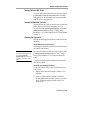
Use the right arrow key to highlight Network in the
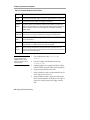
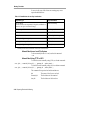
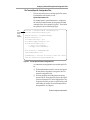
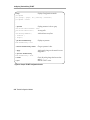
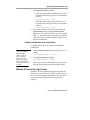
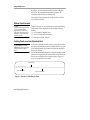
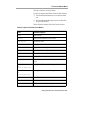
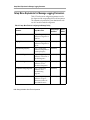
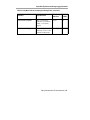
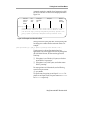
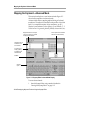
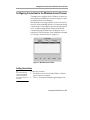
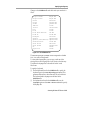
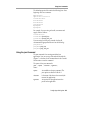
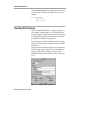
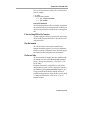
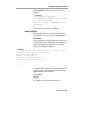
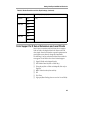
menu bar. The Network window appears (Figure 9-1).
Help Keyboard Monitor
Network
Boot
Done
Network
Get IP Addresses From:
DHCP IP Addressing Order:
BOOTP IP Addressing Order:
RARP IP Addressing Order:
Terminal IP Address:
First Boot Host IP Address:
Second Boot Host IP Address:
Third Boot Host IP Address:
Gateway IP Address:
Subnet Mask:
Broadcast IP Address
Terminal NCDnet Address:
Host NCDnet Address:
Router NCDnet Address:
SNAP (802.2 LLC) Encapsulation:
Network
1
2
3
0.0.0.0
0.0.0.0
0.0.0.0
0.0.0.0
0.0.0.0
0.0.0.0
0.0.0.0
0.0
0.0
0.0
Enabled
NVRAM
Disabled
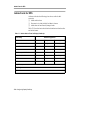
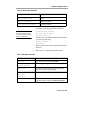
Figure 9-1 The Boot Monitor’s Network Menu
6.
9-16 Using a Local File System
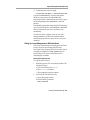
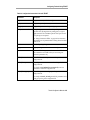
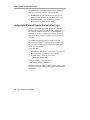
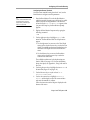
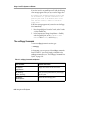
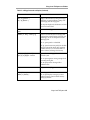
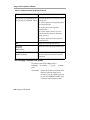
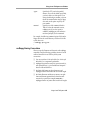
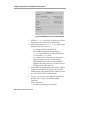
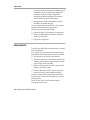
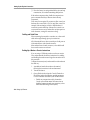
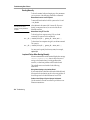
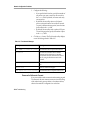
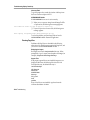
In the Network window:
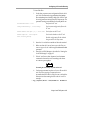
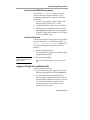
a. Use the left arrow key to set the value of Get IP
Addresses From to “NVRAM.”
b. Use the down arrow key to highlight Terminal IP
Address.
Use the backspace key to erase the current address
and enter the terminal’s IP address. Follow the
instructions in the help text displayed at the bottom of
the screen.
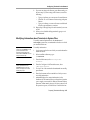
c. Highlight Gateway IP Address, backspace to erase the
current address, and enter the gateway address to be
used by the terminal (if any).
d. Highlight Subnet Mask and Broadcast IP Address
and change them to the addresses used on your
network.
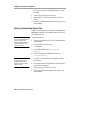
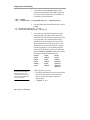
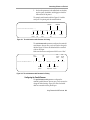
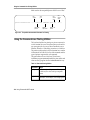
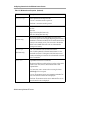
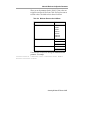
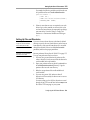
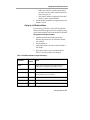
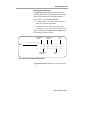
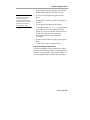
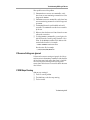
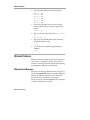
Reboot the terminal by using the right arrow key to
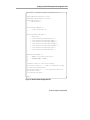
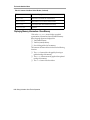
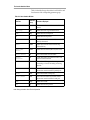
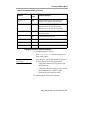
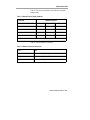
highlight Done and pressing the Return key (Figure 9-2).