1
Working with Patterns
Recording Patterns in Real Time
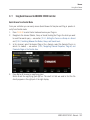
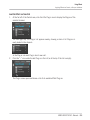
5.
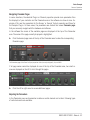
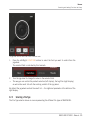
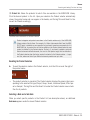
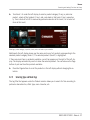
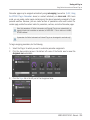
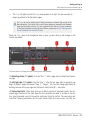
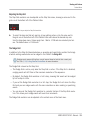
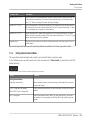
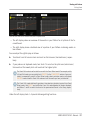
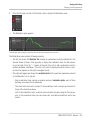
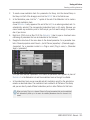
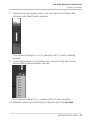
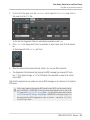
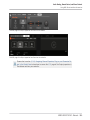
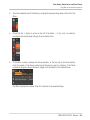
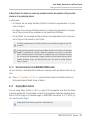
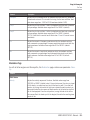
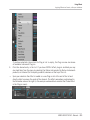
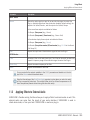
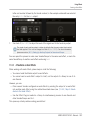
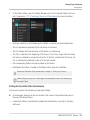
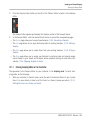
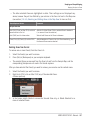
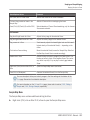
When you’re done, press REC again to stop recording the pads.
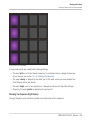
The ERASE and REC buttons turn off. The sequencer keeps playing until you press PLAY
again.
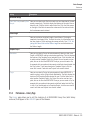
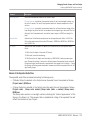
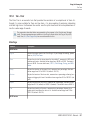
In order to prevent you from erasing events accidentally, in following situations Replace mode
is automatically disengaged (ERASE turns off) and the recording continues in Overdub mode:
▪ When the playback loops (whether at the end of the Loop Range or at the end of your
Project).
▪ When you stop the sequencer (by pressing the lit PLAY button).
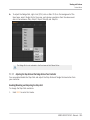
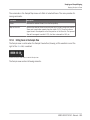
▪ When you jump to another location in the Project (see section ↑7.1.4, Jumping to Another
Playback Position in the Pattern).
▪ When you switch your controller to another mode (by pressing, e.g., SCENE, PATTERN,
etc.).
▪ When you set the focus to another Group.
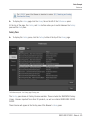
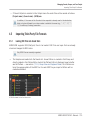
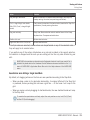
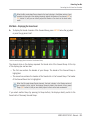
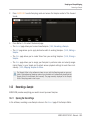
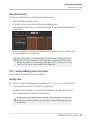
You can also manually disengage Replace mode and switch to Overdub mode:
►
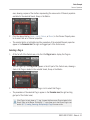
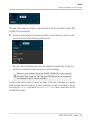
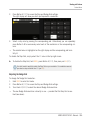
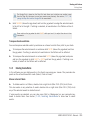
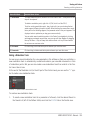
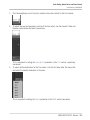
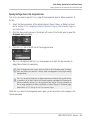
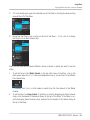
While recording in Replace mode, press the lit ERASE button to disengage Replace
mode.
→
The recording goes on in Overdub mode (see description above).
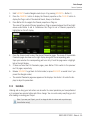
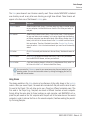
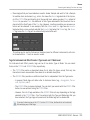
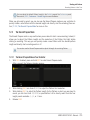
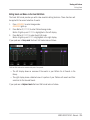
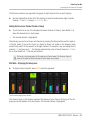
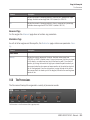
You can also erase events without engaging record: If you hold ERASE together with a pad
while playing (or recording), all events of that pad at the current play position are deleted
(see section ↑7.4.5, Deleting Events/Notes).
Where are the Events Recorded?
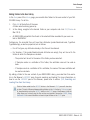
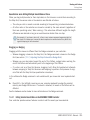
When you start recording the pads, the events are recorded as follows:
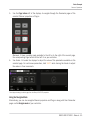
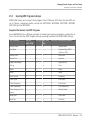
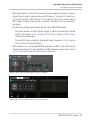
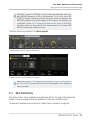
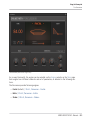
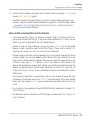
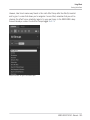
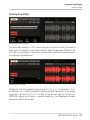
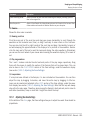
▪ If a Pattern is already selected (i.e. loaded in the Pattern Editor), the events are recorded
in that Pattern. This is also true if the playhead of the Arranger currently is within an automatic repetition of the original Clip (see section ↑13.1, Arranger Basics).
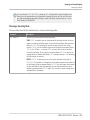
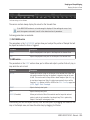
▪ If no Pattern is selected, engaging record (in Overdub or Replace mode) automatically
creates an empty Pattern with the default Pattern Length. The new Pattern is referenced
by a Clip placed at the beginning of the current Scene and repeated all along the Scene.
MASCHINE STUDIO - Manual - 269