1
Basic Concepts
Using Footswitches with Your MASCHINE STUDIO Controller
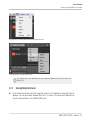
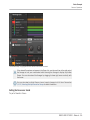
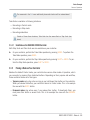
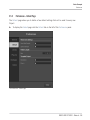
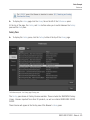
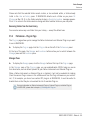
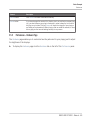
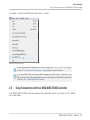
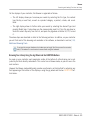
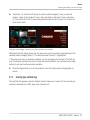
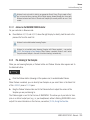
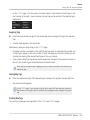
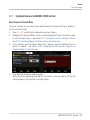
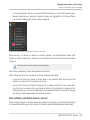
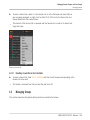
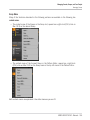
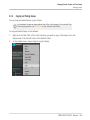
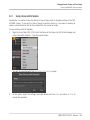
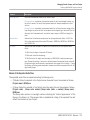
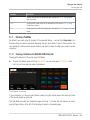
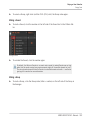
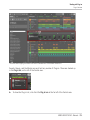
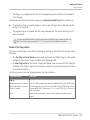
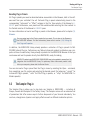
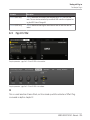
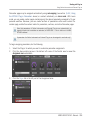
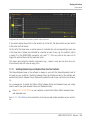
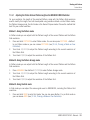
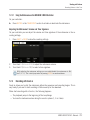
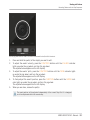
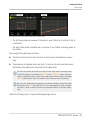
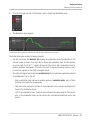
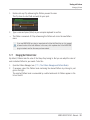
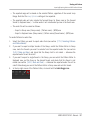
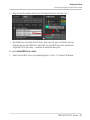
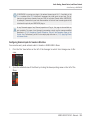
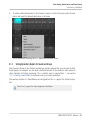
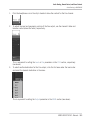
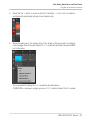
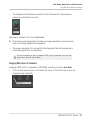
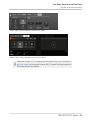
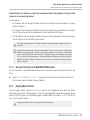
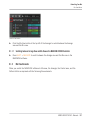
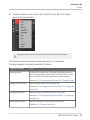
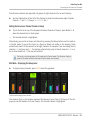
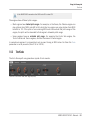
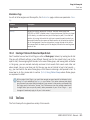
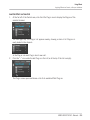
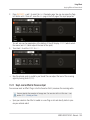
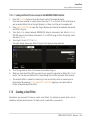
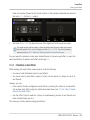
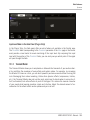
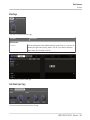
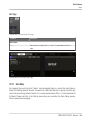
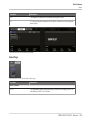
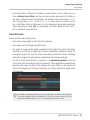
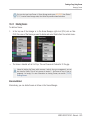
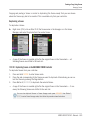
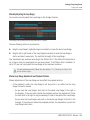
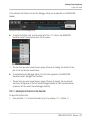
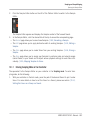
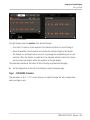
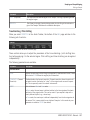
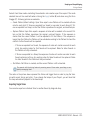
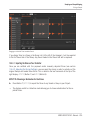
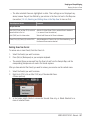
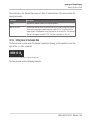
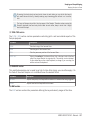
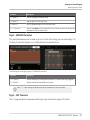
To enable it, select Send MIDI Clock from the File menu:
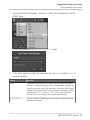
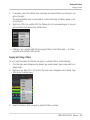
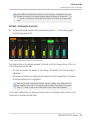
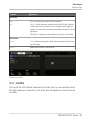
Send MIDI Clock activated.
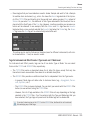
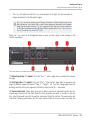
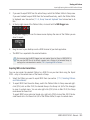
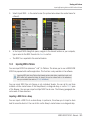
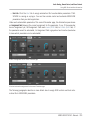
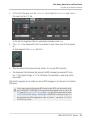
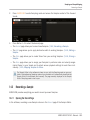
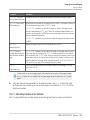
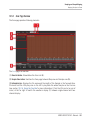
You can adjust the MIDI Clock offset in the MIDI page of the Audio and MIDI Settings panel. See ↑2.6.2, Audio and MIDI Settings – Routing Page for more information.
If you want MASCHINE to send other MIDI messages than MIDI Clock, in particular if you
want to control other MIDI-capable devices via the notes played in MASCHINE, please refer
to section ↑8.2.4, Sending MIDI from Sounds.
2.8
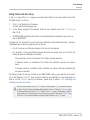
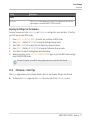
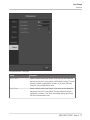
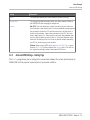
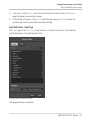
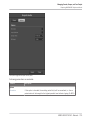
Using Footswitches with Your MASCHINE STUDIO Controller
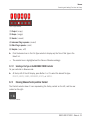
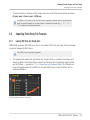
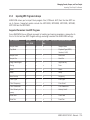
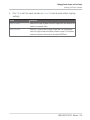
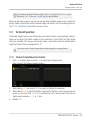
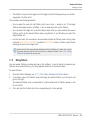
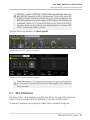
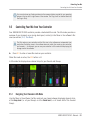
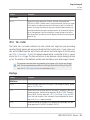
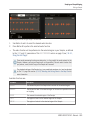
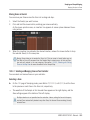
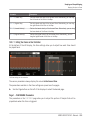
Your MASCHINE STUDIO Controller provides two footswitch inputs in the form of 1/4" sockets
on its rear panel.
MASCHINE STUDIO - Manual - 81