1
Managing Sounds, Groups, and Your Project
Exporting MASCHINE Objects and Audio
1.
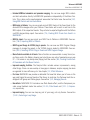
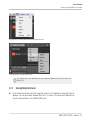
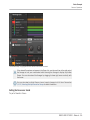
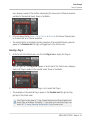
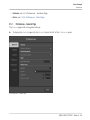
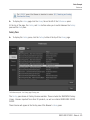
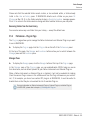
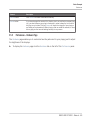
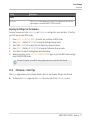
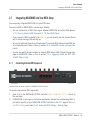
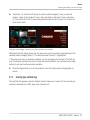
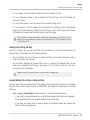
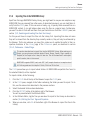
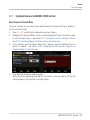
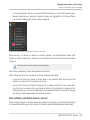
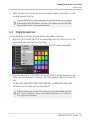
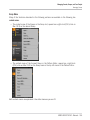
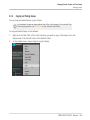
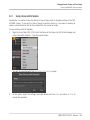
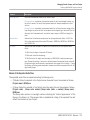
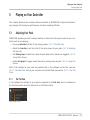
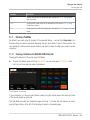
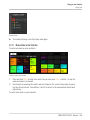
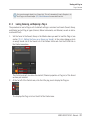
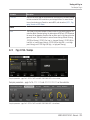
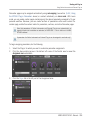
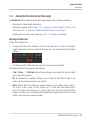
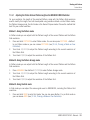
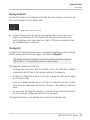
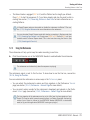
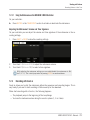
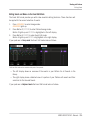
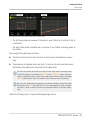
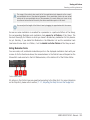
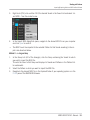
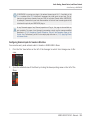
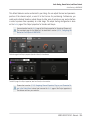
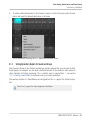
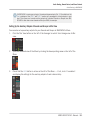
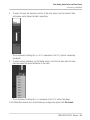
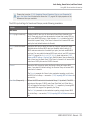
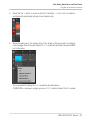
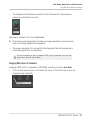
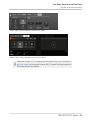
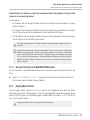
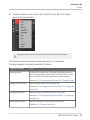
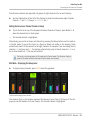
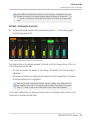
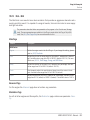
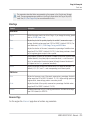
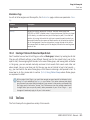
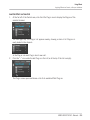
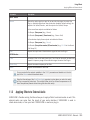
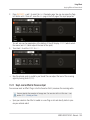
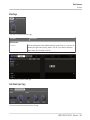
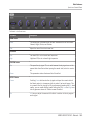
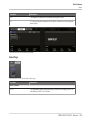
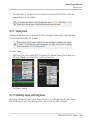
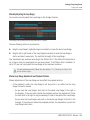
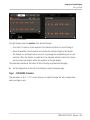
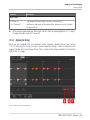
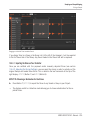
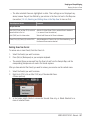
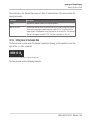
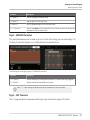
Choose Save Project with Samples… from the File menu or the File submenu in the MASCHINE menu:
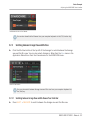
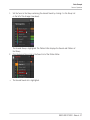
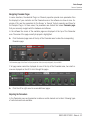
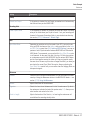
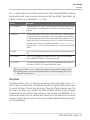
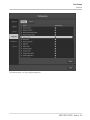
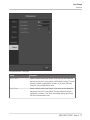
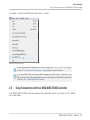
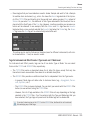
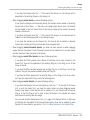
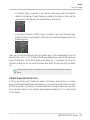
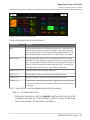
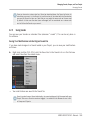
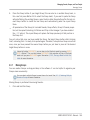
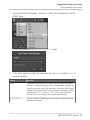
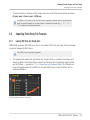
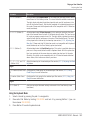
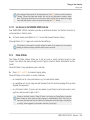
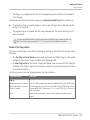
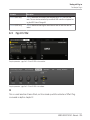
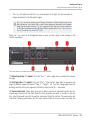
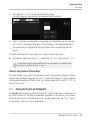
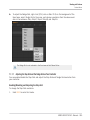
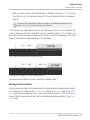
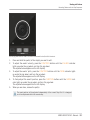
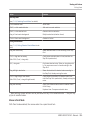
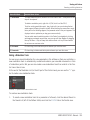
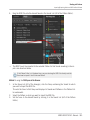
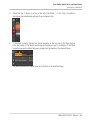
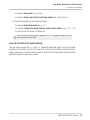
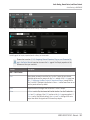
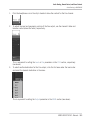
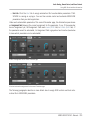
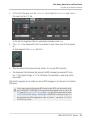
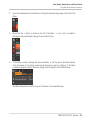
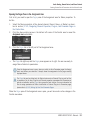
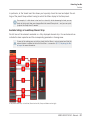
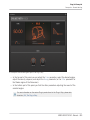
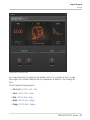
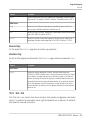
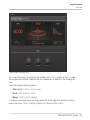
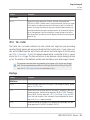
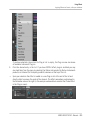
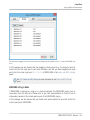
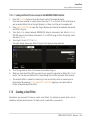
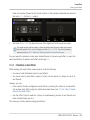
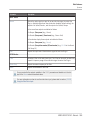
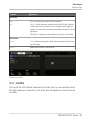
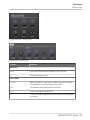
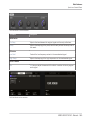
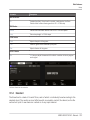
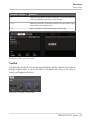
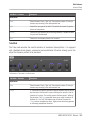
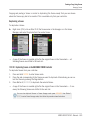
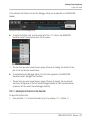
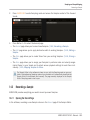
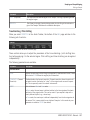
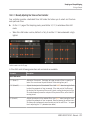
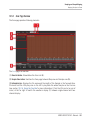
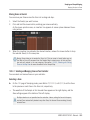
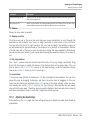
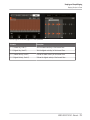
You will be presented with the Save Project with Samples panel:
2.
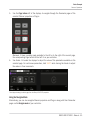
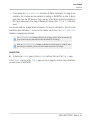
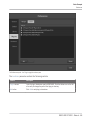
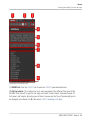
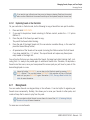
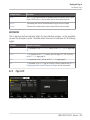
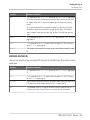
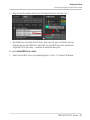
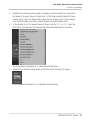
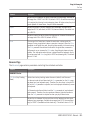
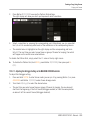
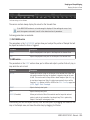
In this panel, adjust the settings (see table below) and click Save to confirm or Close to
cancel the operation.
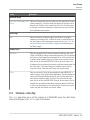
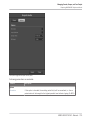
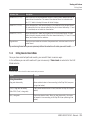
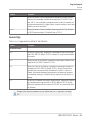
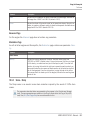
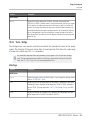
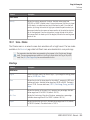
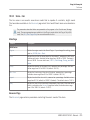
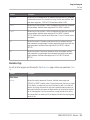
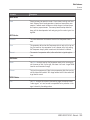
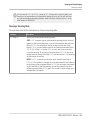
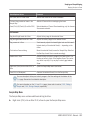
Element
Description
Project
Displays the name and location of the Project file to be created. The Samples
will be put in a folder with the same name in the same location. By default, the
Project file inherits the name of the Project and it will be saved in the “Projects”
subfolder of your Standard User Directory (as defined in Preferences > Library >
User, see section ↑2.5.2, Preferences – Default Page for more information).
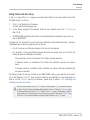
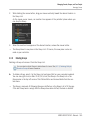
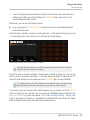
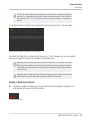
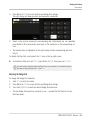
Click the folder icon on the right to select another name and/or path.
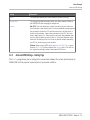
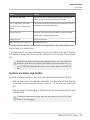
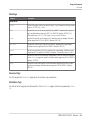
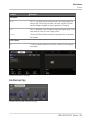
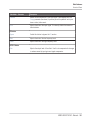
Delete Unused Files
Enable this checkbox to delete unused files, thereby minimizing the amount of
audio data to be exported.
MASCHINE STUDIO - Manual - 169