1
Working with Patterns
Recording and Editing Modulation
4.
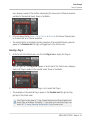
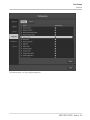
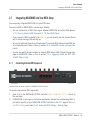
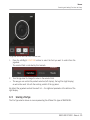
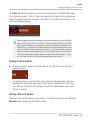
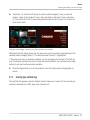
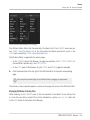
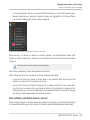
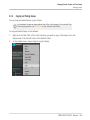
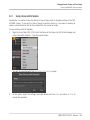
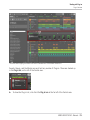
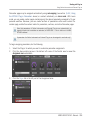
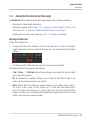
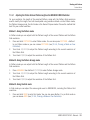
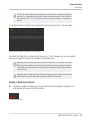
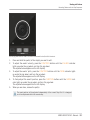
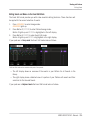
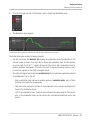
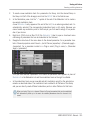
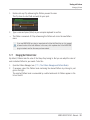
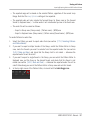
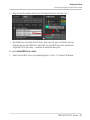
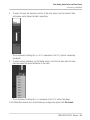
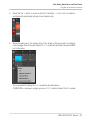
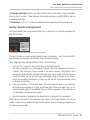
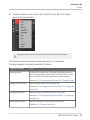
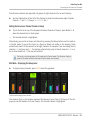
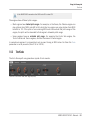
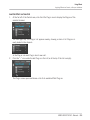
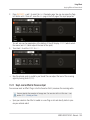
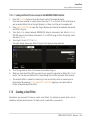
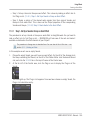
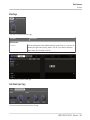
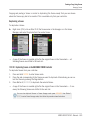
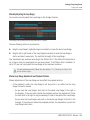
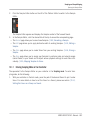
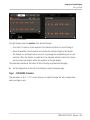
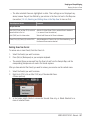
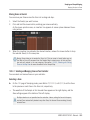
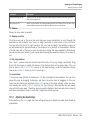
Click the little bar icon left of the Control Lane to display the Modulation pane.
→
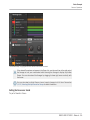
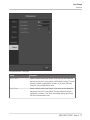
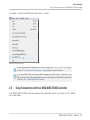
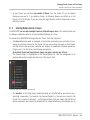
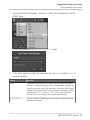
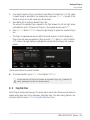
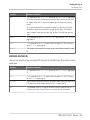
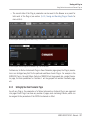
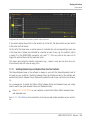
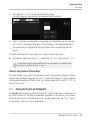
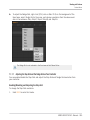
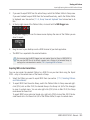
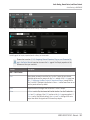
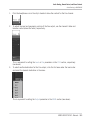
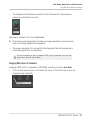
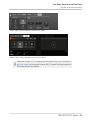
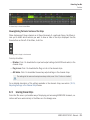
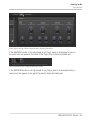
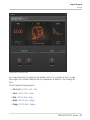
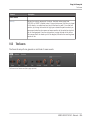
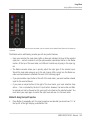
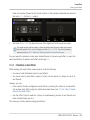
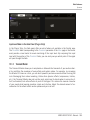
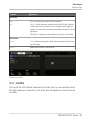
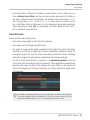
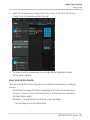
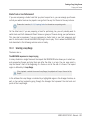
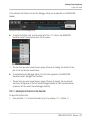
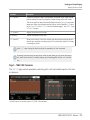
The Modulation pane appears.
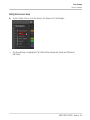
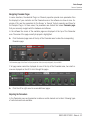
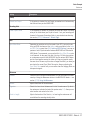
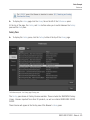
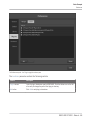
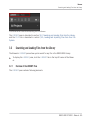
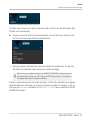
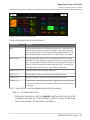
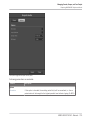
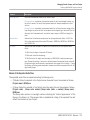
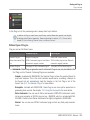
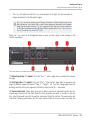
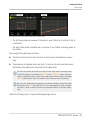
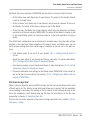
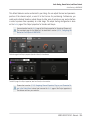
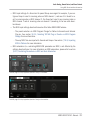
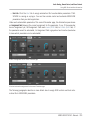
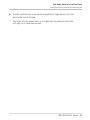
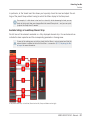
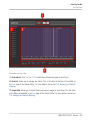
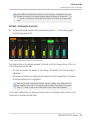
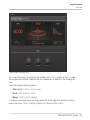
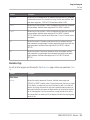
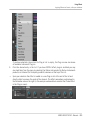
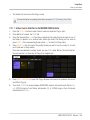
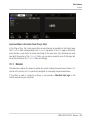
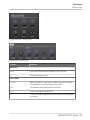
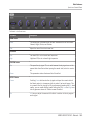
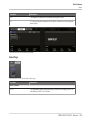
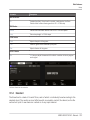
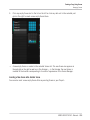
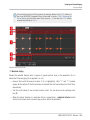
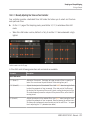
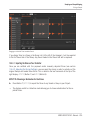
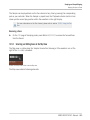
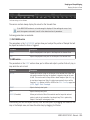
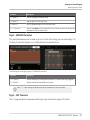
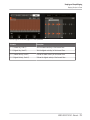
The Modulation pane showing the modulation track for the Decay parameter (see on the left).
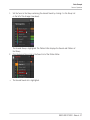
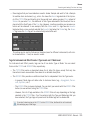
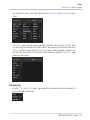
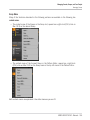
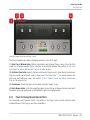
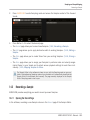
The Modulation pane contains following elements:
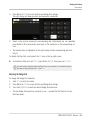
▪ The left part shows the Modulator List showing all parameters currently modulated in the
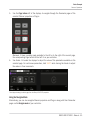
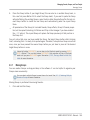
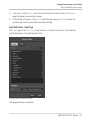
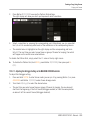
focused Sound or Group. Click any entry to display the modulation track for that parameter on the right. Click the “+” symbol at the end of the list to add a modulation track for
another parameter (see below). If the list is too small to display all entries at once, a vertical scroll bar appears on the right to navigate the list.
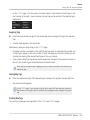
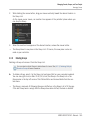
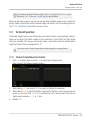
▪ The right and biggest part shows the modulation track for the particular parameter selected
in the Modulator List on the left:
◦ Each modulation track contains a variable number of modulation points, each of them
defining a new value for the parameter.
◦ The zoom factor and scroll position of the modulation track is always synchronized to
those of the Event area above.
◦ Left of the modulation track, a vertical scale indicates the value range for that parameter. In the modulation track you can create, edit, and delete modulation points (see
below).
MASCHINE STUDIO - Manual - 312