1
Browser
Searching and Loading Files from the Library
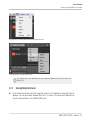
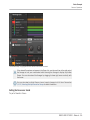
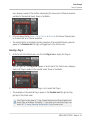
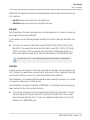
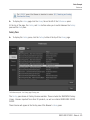
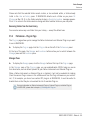
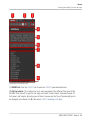
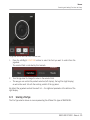
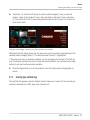
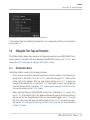
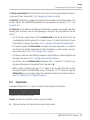
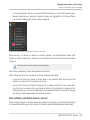
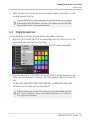
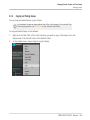
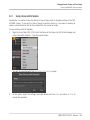
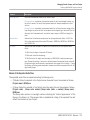
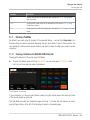
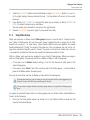
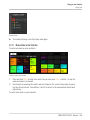
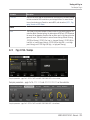
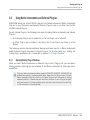
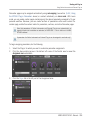
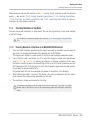
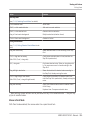
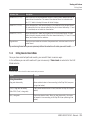
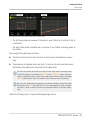
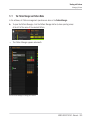
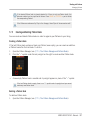
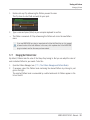
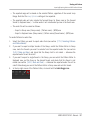
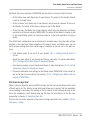
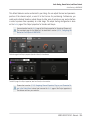
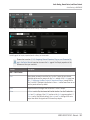
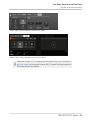
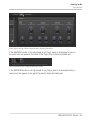
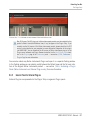
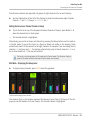
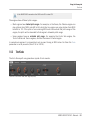
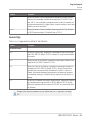
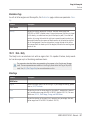
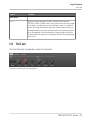
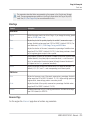
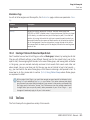
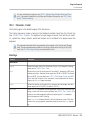
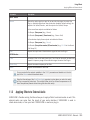
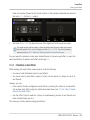
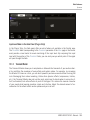
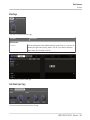
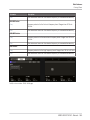
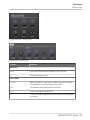
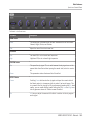
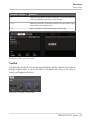
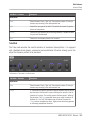
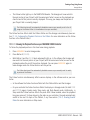
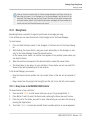
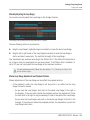
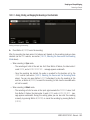
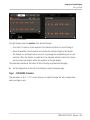
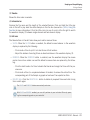
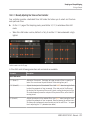
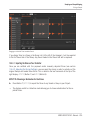
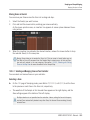
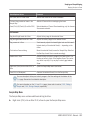
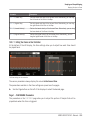
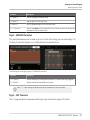
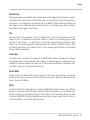
The jog wheel and the FUNCTION buttons in Browse mode.
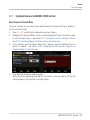
1.
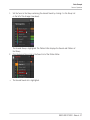
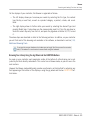
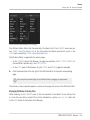
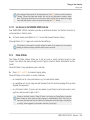
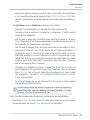
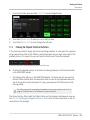
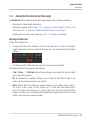
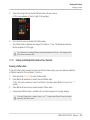
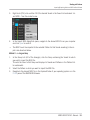
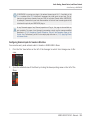
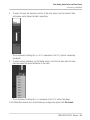
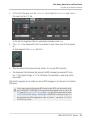
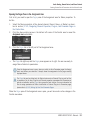
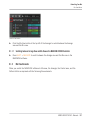
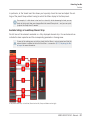
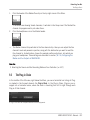
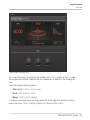
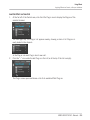
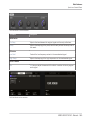
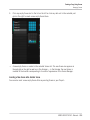
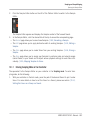
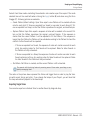
Press the Left/Right FUNCTION buttons to select the field you want to control from the
jog wheel.
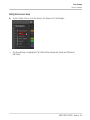
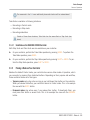
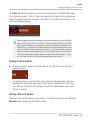
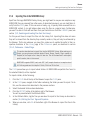
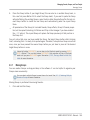
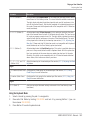
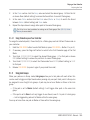
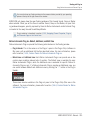
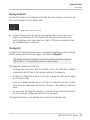
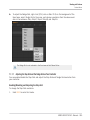
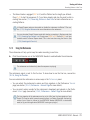
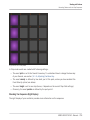
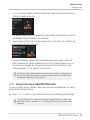
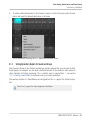
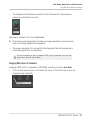
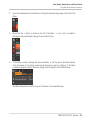
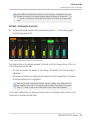
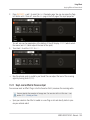
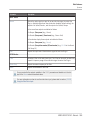
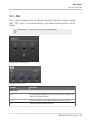
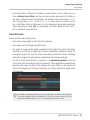
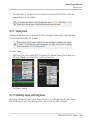
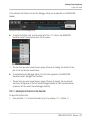
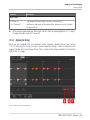
The selected field is indicated by thin brackets:
2.
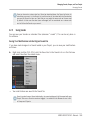
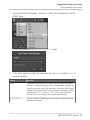
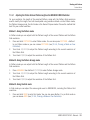
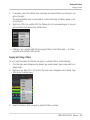
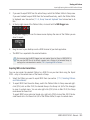
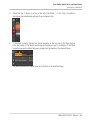
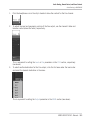
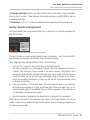
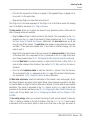
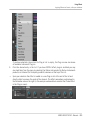
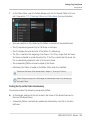
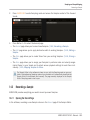
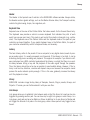
Turn the jog wheel to change the value in the selected field.
→
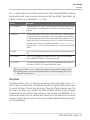
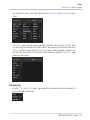
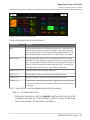
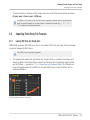
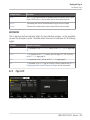
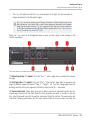
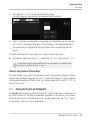
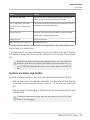
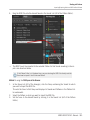
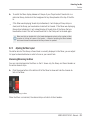
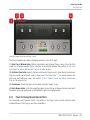
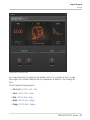
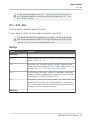
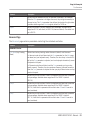
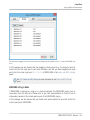
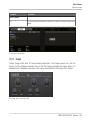
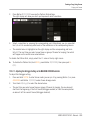
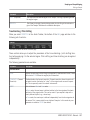
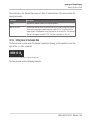
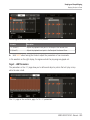
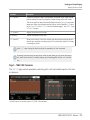
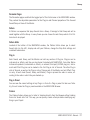
This way you can control the product selection (left display), the tag filter (right display),
as well as the result list with the scrolling comfort of the jog wheel.
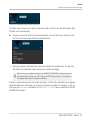
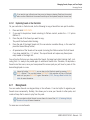
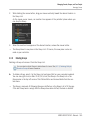
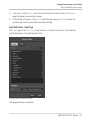
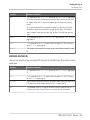
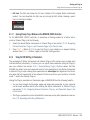
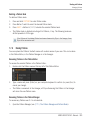
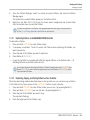
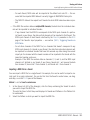
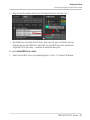
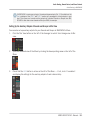
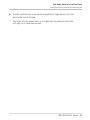
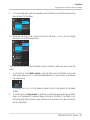
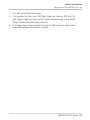
By default the jog wheel controls the result list — the rightmost parameter at the bottom of the
right display.
3.2.2
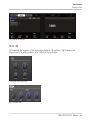
Selecting a File Type
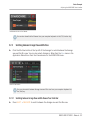
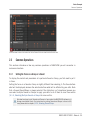
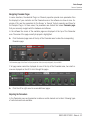
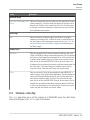
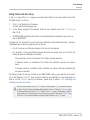
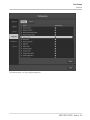
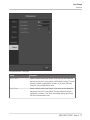
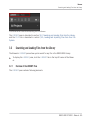
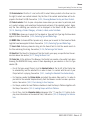
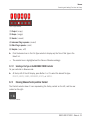
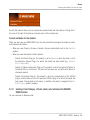
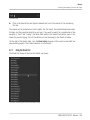
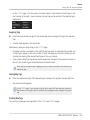
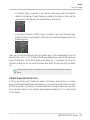
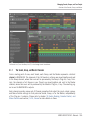
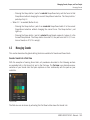
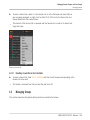
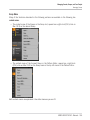
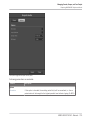
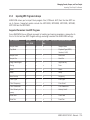
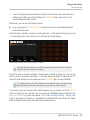
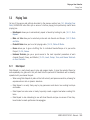
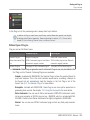
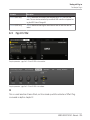
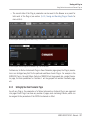
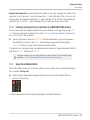
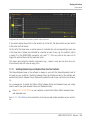
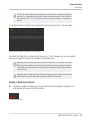
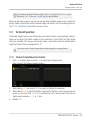
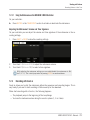
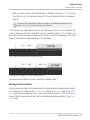
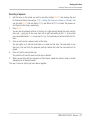
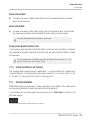
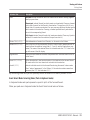
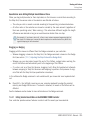
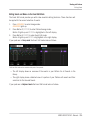
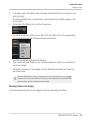
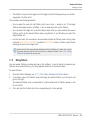
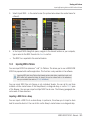
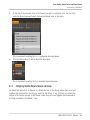
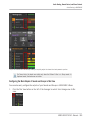
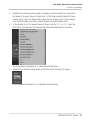
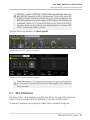
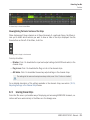
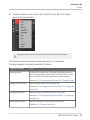
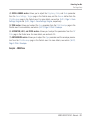
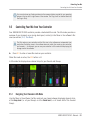
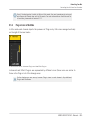
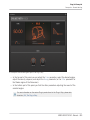
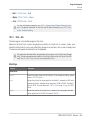
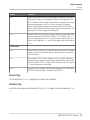
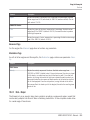
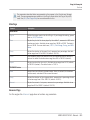
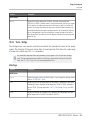
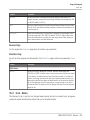
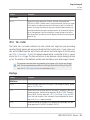
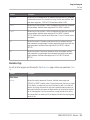
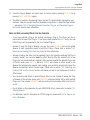
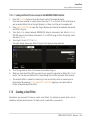
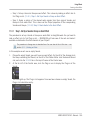
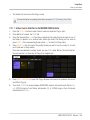
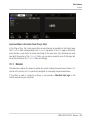
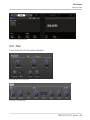
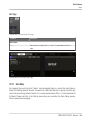
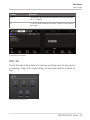
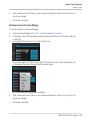
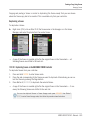
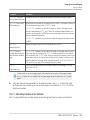
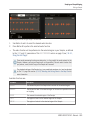
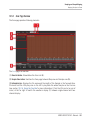
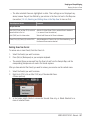
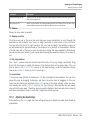
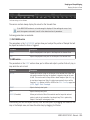
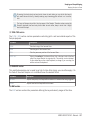
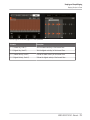
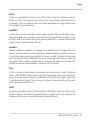
The File Type selector shows six icons representing the different file types of MASCHINE:
MASCHINE STUDIO - Manual - 90