1
Creating a Song Using Scenes
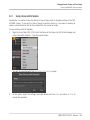
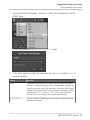
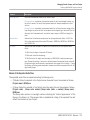
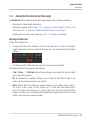
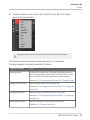
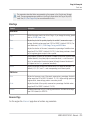
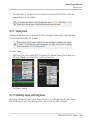
Managing Scenes
►
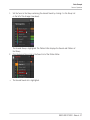
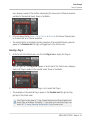
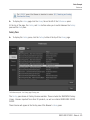
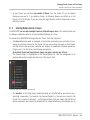
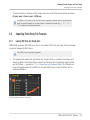
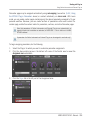
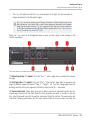
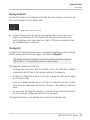
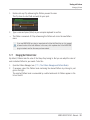
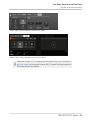
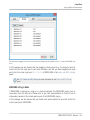
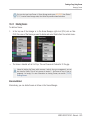
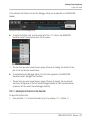
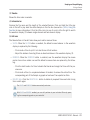
To close the Scene Manager, click anywhere outside it.
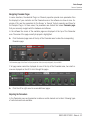
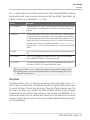
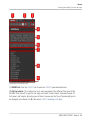
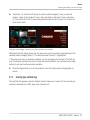
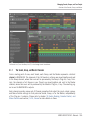
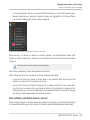
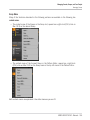
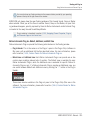
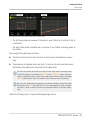
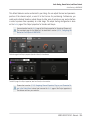
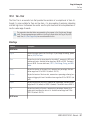
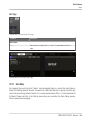
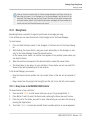
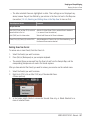
Scene Manager vs. Arranger’s Top Row
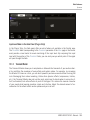
If all Scene operations can be done in the Scene Manager, most of them can also be done in
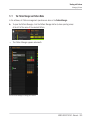
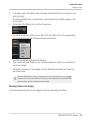
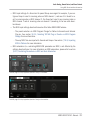
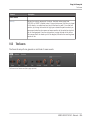
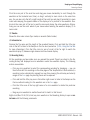
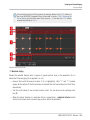
the top row of the Arranger:
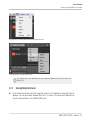
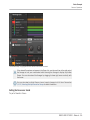
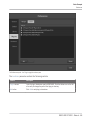
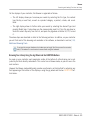
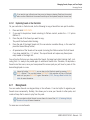
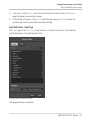
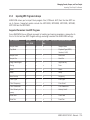
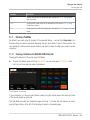
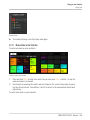
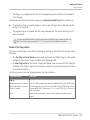
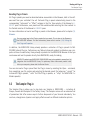
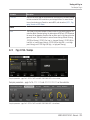
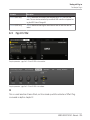
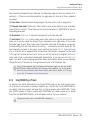
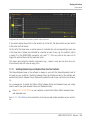
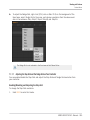
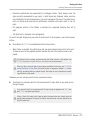
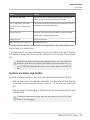
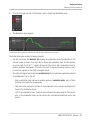
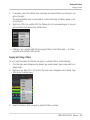
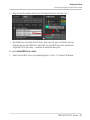
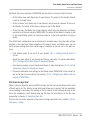
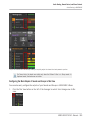
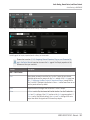
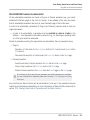
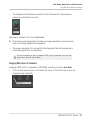
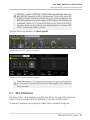
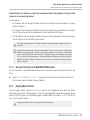
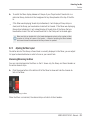
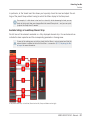
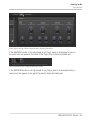
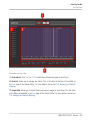
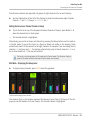
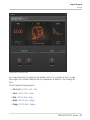
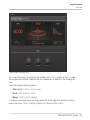
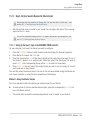
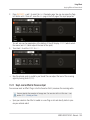
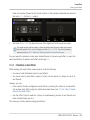
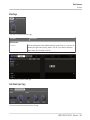
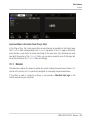
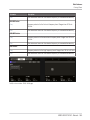
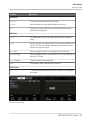
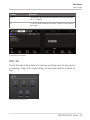
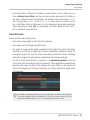
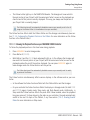
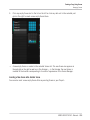
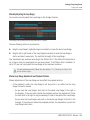
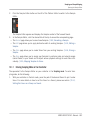
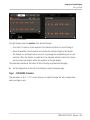
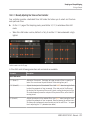
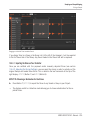
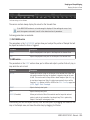
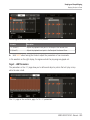
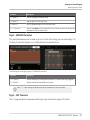
The top row of the Arranger.
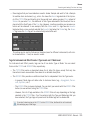
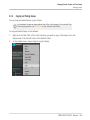
The only difference between the Scene Manager and the Arranger’s top row is that the Scene
Manager allows you to manage your Scene banks, which is impossible in the Arranger’s top
row. Apart from this, actions in the Arranger’s top row and in the Scene Manager are strictly
equivalent.
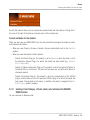
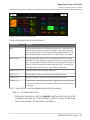
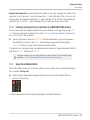
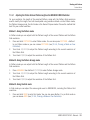
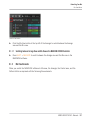
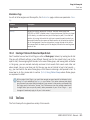
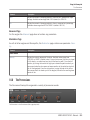
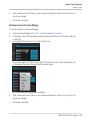
13.2.1.1 Managing Scenes on the MASCHINE STUDIO Controller
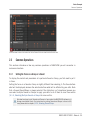
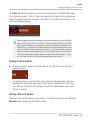
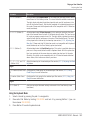
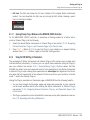
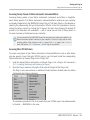
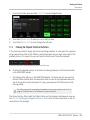
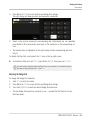
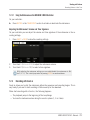
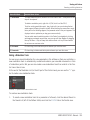
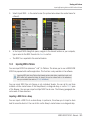
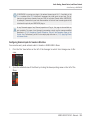
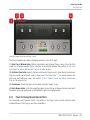
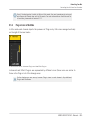
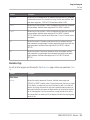
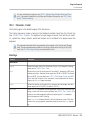
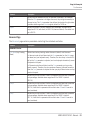
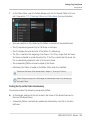
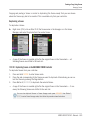
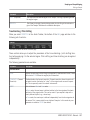
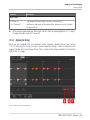
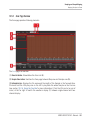
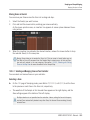
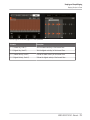
On your controller you have two modes at your disposal to control your Scenes: the Scene Arrange mode and the Scene mode.
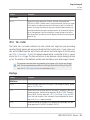
The Scene Arrange Mode
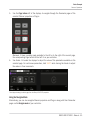
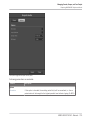
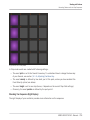
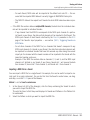
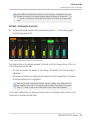
The Scene Arrange mode allows you to visually control the Scenes of your Project while providing important Scene management features. This mode allows you to easily build and modify
your arrangement.
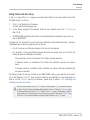
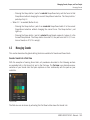
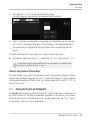
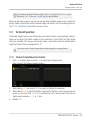
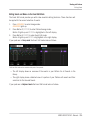
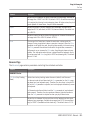
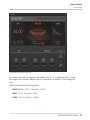
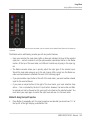
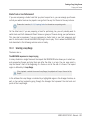
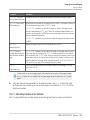
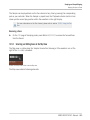
To enter Scene Arrange mode on your controller:
1.
2.
→
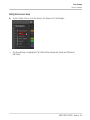
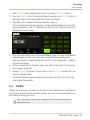
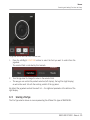
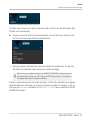
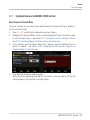
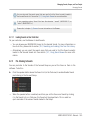
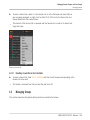
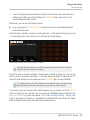
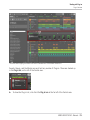
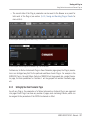
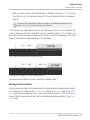
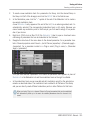
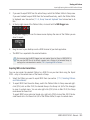
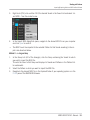
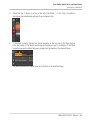
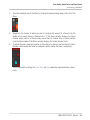
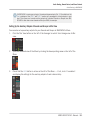
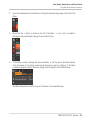
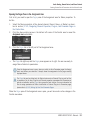
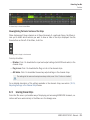
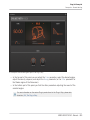
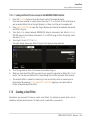
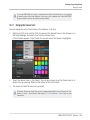
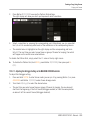
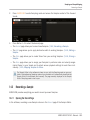
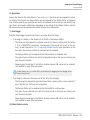
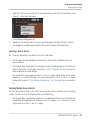
Press ARRANGE to enter Arrange mode.
The ARRANGE lights up to indicate that Arrange mode is enabled.
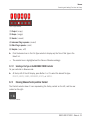
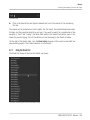
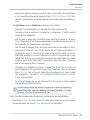
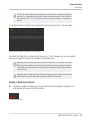
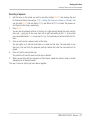
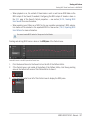
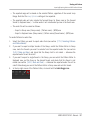
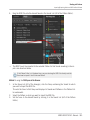
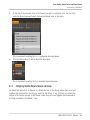
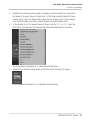
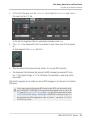
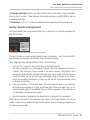
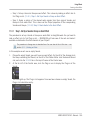
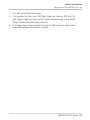
Press Button 1 (SCENE) to enter Scene Arrange mode. You can also press BACK under the
jog wheel.
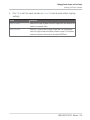
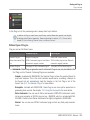
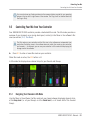
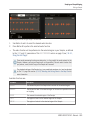
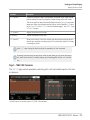
Button 1 lights up and the SCENE label underneath is highlighted to indicate that the controller is in Scene Arrange mode.
MASCHINE STUDIO - Manual - 598