1
Working with Patterns
Importing/Exporting Audio and MIDI to/from Patterns
4.
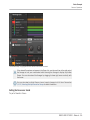
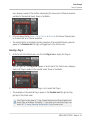
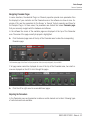
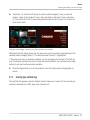
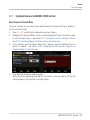
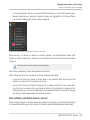
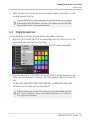
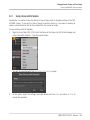
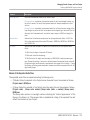
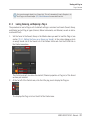
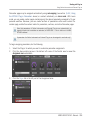
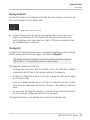
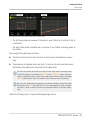
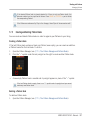
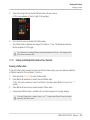
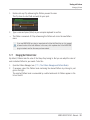
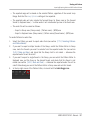
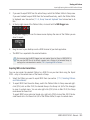
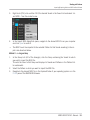
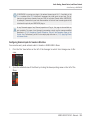
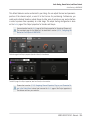
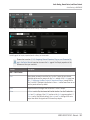
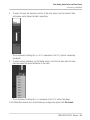
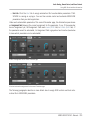
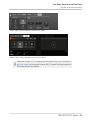
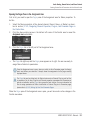
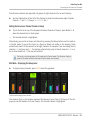
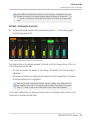
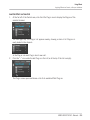
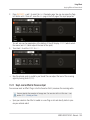
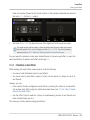
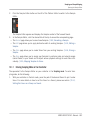
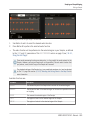
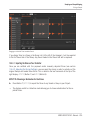
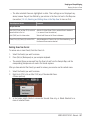
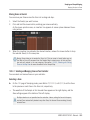
Drag the MIDI file onto the desired Sound in the Sound List (left of the Pattern Editor).
→
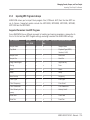
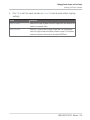
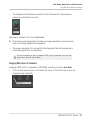
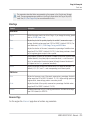
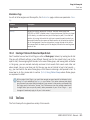
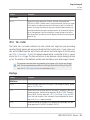
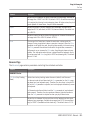
The MIDI file will be imported to the selected Pattern for that Sound according to the import rules described below.
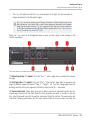
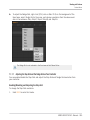
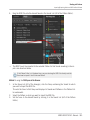
If the Pattern Editor is in Keyboard view, you can also drag the MIDI file directly onto the
Event area to import it into the focused Sound!
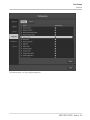
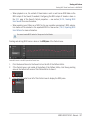
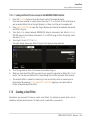
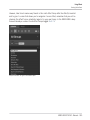
Method 3: using the FILES pane of the Browser
1.
2.
3.
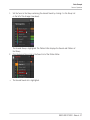
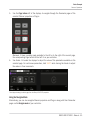
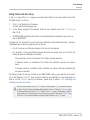
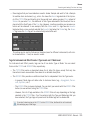
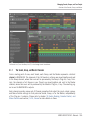
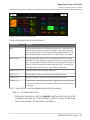
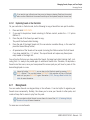
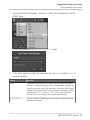
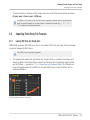
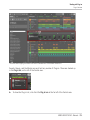
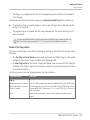
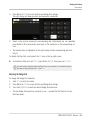
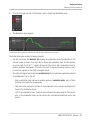
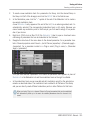
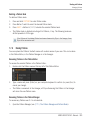
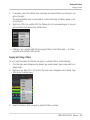
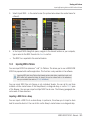
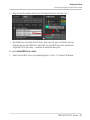
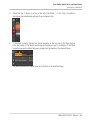
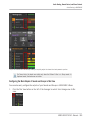
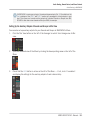
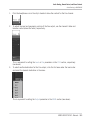
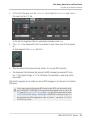
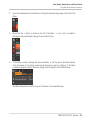
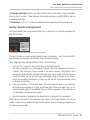
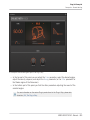
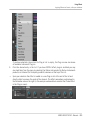
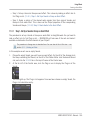
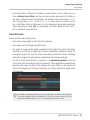
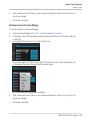
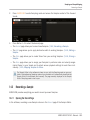
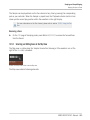
In the Group List (left of the Arranger), click the Group containing the Sound for which
you want to import the MIDI file.
This sets the focus to that Group and displays its Sounds and Patterns in the Pattern Editor underneath.
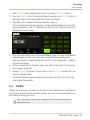
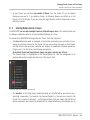
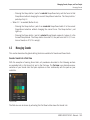
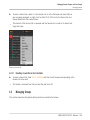
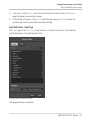
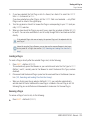
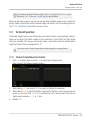
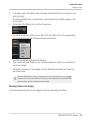
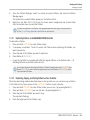
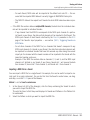
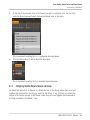
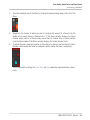
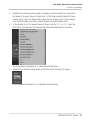
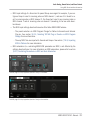
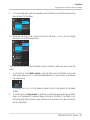
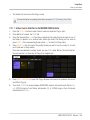
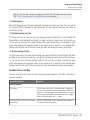
Select the Pattern in which you want to import the MIDI file.
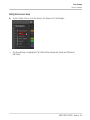
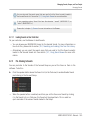
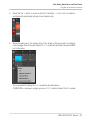
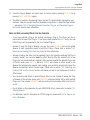
Set the focus to the desired Sound by clicking it in the Sound List (left of the Pattern
Editor).
MASCHINE STUDIO - Manual - 345