1
WORKING WITH LIVESCRIBE PDFS
LIVESCRIBE+ USER GUIDE
VIEWING AND PLAYING LIVESCRIBE PDFS
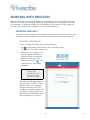
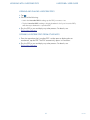
1. Tap
.
2. Do one of the following:
• Under the Livescribe PDFs heading, tap the PDF you want to view.
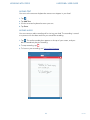
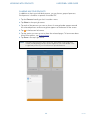
• Tap the Livescribe PDFs heading to display thumbnails of all your Livescribe PDFs,
and then tap a thumbnail to open that PDF.
3. Play the PDF as you would play any other pencast. For details, see
Playing Your Pencasts.
OPENING LIVESCRIBE PDFS FROM OTHER APPS
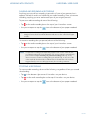
1. From the app where the Livescribe PDF is either open or displayed as an
attachment, tap the PDF. The PDF automatically opens in Livescribe+.
2. Play the PDF as you would play any other pencast. For details, see
Playing Your Pencasts.
31
Rev AB