1
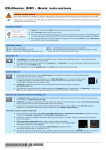
Optimizing Lenses
6-8
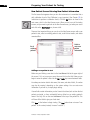
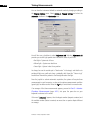
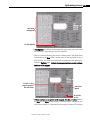
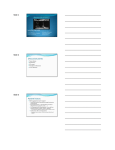
9-select patient
10-enter IOL
power
11-enter
Post-Op
refraction
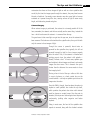
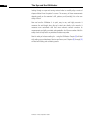
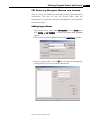
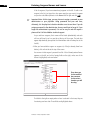
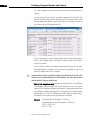
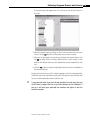
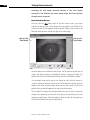
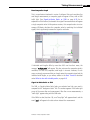
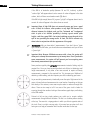
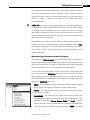
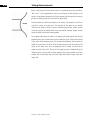
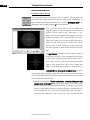
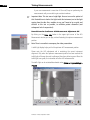
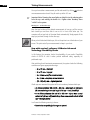
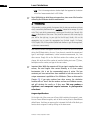
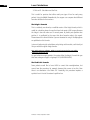
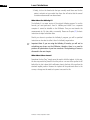
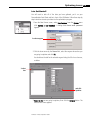
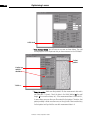
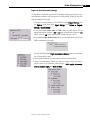
9. Select a patient.
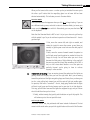
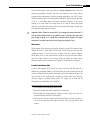
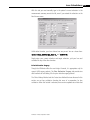
10.Enter diopter power of implanted IOL.
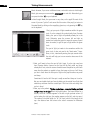
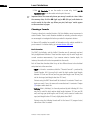
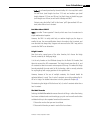
11.Enter post-operative refraction (the dates are optional).
12.Repeat steps 9. through 11. until data has been entered for each patient.
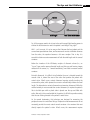
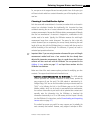
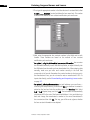
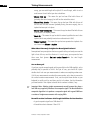
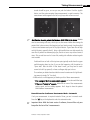
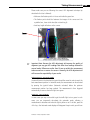
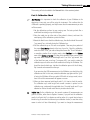
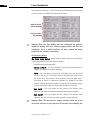
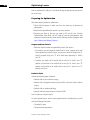
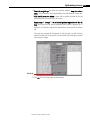
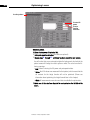
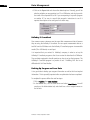
You will notice that as you enter patient data the background color behind the
patient names will change from red to yellow or white. The colors have the following meanings.
• Red: Patient is missing the IOL power and postoperative data.
• Yellow: No ACD values were measured for that patient, which means that the
a0 constant for the Haigis formula will not be optimized. (Please see
information about optimizing the Haigis formula later in this chapter)
• White: All measurements were done and data is available for optimization.
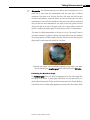
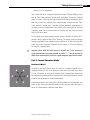
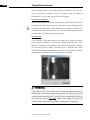
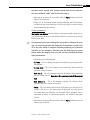
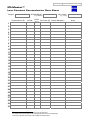
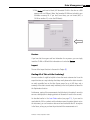
13.Make sure all data has been inputted for each patient on the left side of the
screen.
IOLMaster: A Practical Operation Guide