Download AEDIT Text Editor

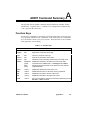
Transcript
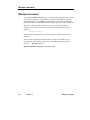
Set Command
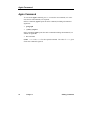
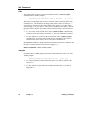
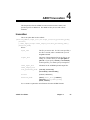
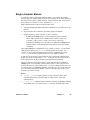
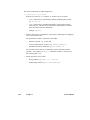
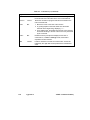
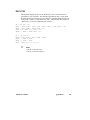
I-Indent
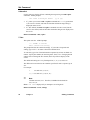
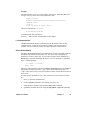
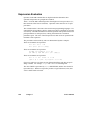
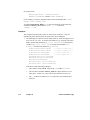
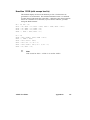
Use this option when entering code in a structured language such as PL/M or
Pascal. AEDIT prompts:
automatically indent during insertion?
(y or [n])
•
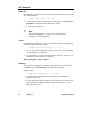
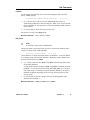
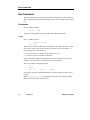
If y is chosen, when <CR> is pressed in insert mode, the next line is
automatically indented to as the preceding line. When <CR> is pressed at the
main command level, the cursor moves to the first nonblank, nontab character
in the next line.
•
If n (the default) is chosen, this option is turned off.
This option is not active in xchange mode.
Related Commands: <CR> (<Return>), insert
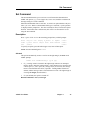
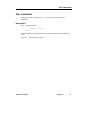
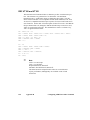
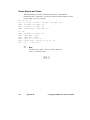
K-K_token
✏
Note
K-tokens are not the same as iRMX tokens.
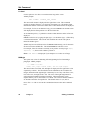
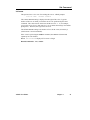
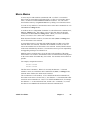
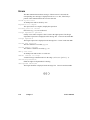
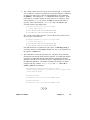
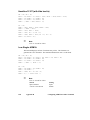
This option enables you to find a string only if it is enclosed by delimiters and is
not part of a larger string. AEDIT prompts:
find only token strings?
(y or [n])
Token characters are all the characters that are not delimiters. A token is defined
as a nonempty string surrounded by delimiters. Delimiters in this context are the
characters specified in set e_delimit.
•
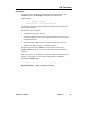
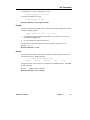
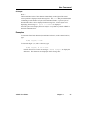
If y, a string is found by the (-)find or (?)replace command only if the string
fits the token definition.
A string in the text that is found by (-)find or (?)replace commands when set
k_token no is in effect will also be found when set k_token yes is in effect
only if that string is a nonempty string surrounded by delimiters. In general,
delimiters include the beginning and end of a file, the cursor position, and
carriage return.
•
If n (the default) is pressed, a string in the text is found regardless of the
characters that surround it.
Related Commands: (-)find, (?)replace, set e_delimit
AEDIT Text Editor
Chapter 3
47