Download AEDIT Text Editor

Transcript
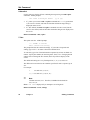
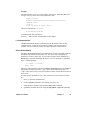
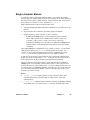
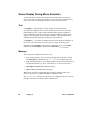
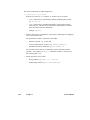
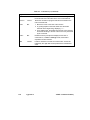
Terminate the macro by typing one of these characters:
<Ctrl-C>
Terminates macro mode without defining the macro; the
macro is deleted.
M (main level only)
Successful termination of macro definition.
By defining a single-character macro, you can configure keys to execute the macro
in a single stroke, thus making them powerful new function keys.
See also:
execute command, described later in this chapter
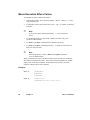
Examples
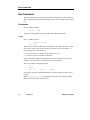
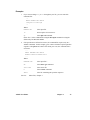
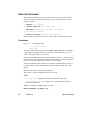
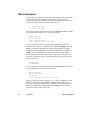
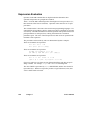
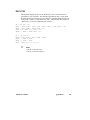
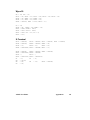
This is an example that interactively creates the macro dot (.) that finds the next
occurrence of the last target string:
M(ACRO) C(reate)
Macro name:.<Esc>
F<Esc>M
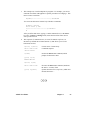
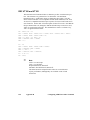
This is an example that interactively creates a macro to configure <Ctrl-L> to mean
jump to start of line.
M(ACRO) C(reate)
Macro name:<Ctrl-L><Esc>
<Right><Left><Home>M
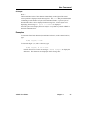
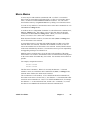
Error: no more room for macros is displayed on the message line if macros
exceed the amount of memory allocated to macros. The definition is terminated,
and the current incomplete macro definition is deleted.
G-Get Subcommand
The get subcommand reads and processes a macro file, with the result that:
•
The macro definitions in the file are available for execution.
•
The configuration commands in the file are executed.
•
The set commands in the file are executed.
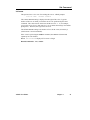
The new macro definitions are added to the current set of available macros. If a
macro in the new set has the same name as a macro already available, the new
macro overrides the previous one. Configuration commands and set commands are
executed.
See also:
AEDIT Text Editor
Macro files
Chapter 5
79