1
D. Payee Details
The Payees are the ones to whom the cheques are to be issued. The payee ‘SELF’
and ‘YOURSELF’ is already created. The data in this module automatically gets
updated from all places where Payee name is to be provided whenever it
encounters a new name. For existing names, it saves you the trouble of typing
the full name – the drop down allows selection based on initially typed text.
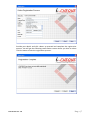
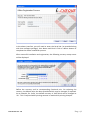
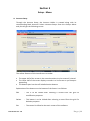
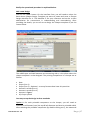
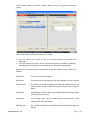
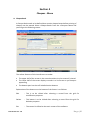
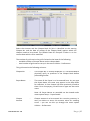
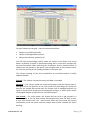
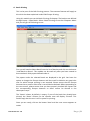
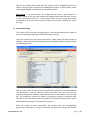
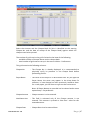
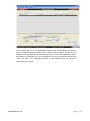
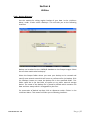
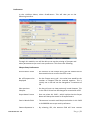
Select <Payee Details> from the <Setup> Menu and you will get the following
screen:
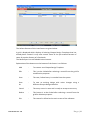
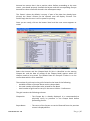
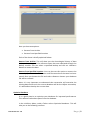
The grid displays the list of Payees in the grid. The module provides for adding
more Payees, edit existing Payees or deleting it from the grid. For deletion, it is
important to note that only those Payees that have not been used can be
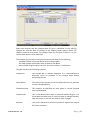
deleted. One can store more information on the Payees such as the address
details.
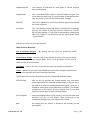
By default the Payees are marked as ‘Account Payee’ – which implies that when
cheques are printed in their favour, it would be as Account Payee. Further, in the
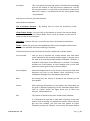
Edit mode, one can ‘Hide’ Payees for the ones which has been created wrongly
or is not required any more. This facility has been provided to overcome the
limitations in the deletion of such Payees as it has been used earlier.
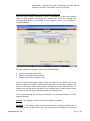
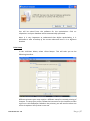
E. Payee Batch
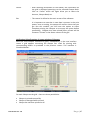
For printing of cheques in batches (through the menu Cheque – Batch Printing),
first the batches of payees need to be created. To create such Payee Batches,
Document Ver: 1.0
P a g e | 20