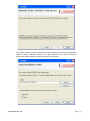
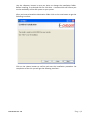
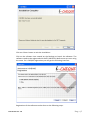
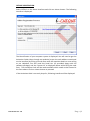
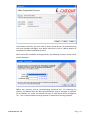
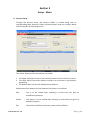
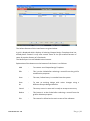
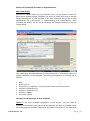
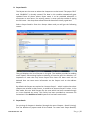
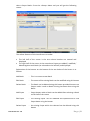
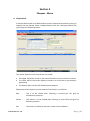
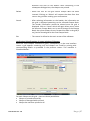
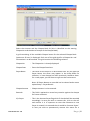
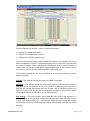
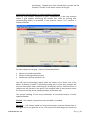
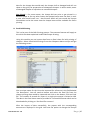
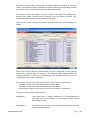
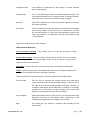
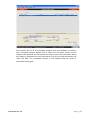
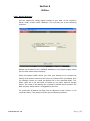
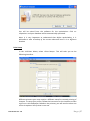
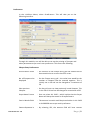
Click <Next> button to get the following interface where you can view the default
folder in which i-CHEQUE software is to be installed or you select a different
destination folder where you want to install the software:
Document Ver: 1.0
Page|3