1
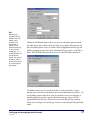
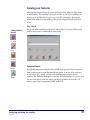
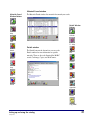
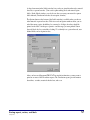
Searching with the Find tab gives you the most information because it uses a full-text
search generated by the program to find topics. This method doesn’t limit your
information to those topics that the Help system authors found appropriate for a certain
topic. Any topic that contains the word or phrase you enter in the “Type word(s) you
want to find” box is displayed in the Topics Found list.
Note: Help features may function or appear differently on a Macintosh.
To open the Find tab from the program
1 Choose Help Topics from the Help menu.
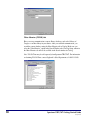
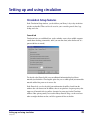
2 Click the Find tab. If this is the first time you have used the Find
feature, the Find Setup wizard opens. Follow the instructions in
the wizard. You can select the default option, Minimize
database size.
To open the Find tab from a Help window
1 Click the Help Topics button.
2 Click the Find tab. If this is the first time you have used the Find
feature, the Find Setup wizard opens. Follow the instructions in
the wizard. You can select the default option, Minimize
database size.
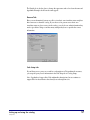
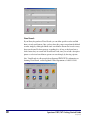
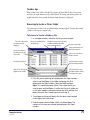
To search for topics using the Find tab
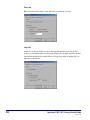
1 In the first box, enter the word or phrase you’re searching for.
The window displays related words in the matching words list
and the topics that contain the specified word or phrase.
2 In the second box, select matching words to narrow your
search.
3 In the third box, double-click the topic you want to view.
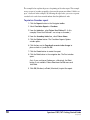
You can set options using the Options button in the Find tab to further define your search
criteria.
Introduction
SCC5gs1200kn
5