1
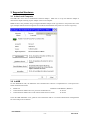
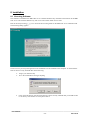
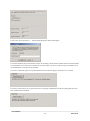
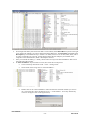
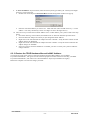
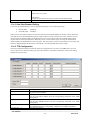
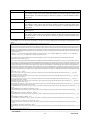
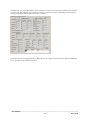
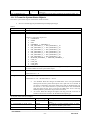
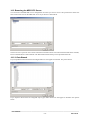
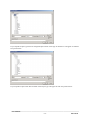
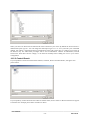
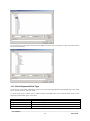
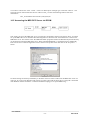
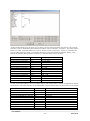
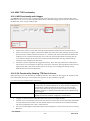
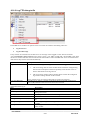
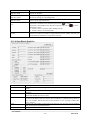
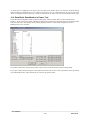
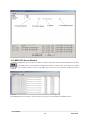
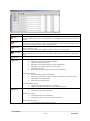
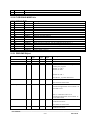
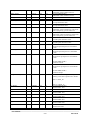
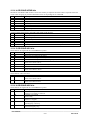
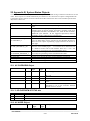
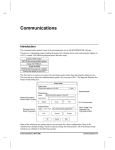
Any object that has the datascope enabled sends messages to this window. To enable the datascope for an object
in the configuration then right click on the object in the MB3 Power Tools tree browser and select Datascope On.
Do only enable datascope for the data blocks you want to troubleshoot. The Datascope only displays the object
dependent data from the updates sent from the ABB controllers.
Do not enable the datascope for to many objects because this will take to much load from the MB3 OPC server’s
performance.
The best way to troubleshoot your communication is to connect a separate network-monitoring program.
_________________________________________________________________________________________
User Manual
- 1242013-06-28