1
Mixed Effects
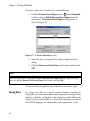
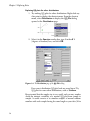
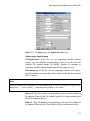
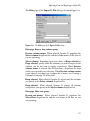
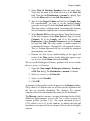
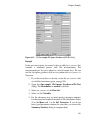
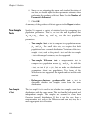
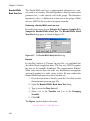
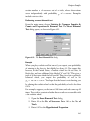
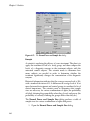
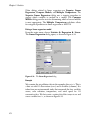
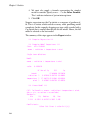
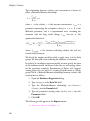
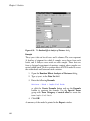
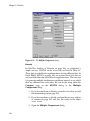
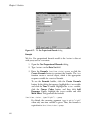
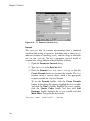
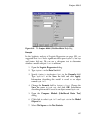
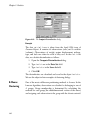
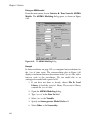
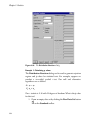
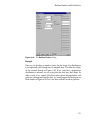
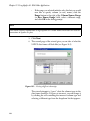
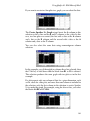
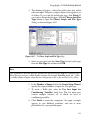
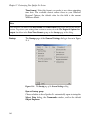
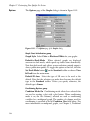
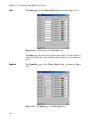
3. Type the following Formula:
weight ~ SSlogis(Time, Asym, xmid, scal)
This specifies that we want to predict weight by a function
SSlogis of the variables Time, Asym, xmid, and scal. The
SSlogis function is a self-starting function used to specify the
nonlinear model, as well as provide initial estimates to the
solver.
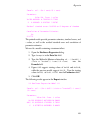
4. Specify starting fixed effect parameter estimates in the
Parameters (name=value) field:
fixed=c(18, 52, 7.5)
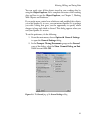
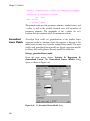
5. Specify that Asym, xmid, and scal are the fixed effects
variables by typing the following formula in the Fixed field
under Effects:
Asym + xmid + scal ~ 1
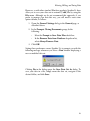
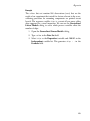
6. Specify that Asym, xmid, and scal are the random effects
variables and that Plot is the grouping variable by typing the
following formula in the Random field under Effects:
Asym + xmid + scal ~ 1 | Plot
7.
Click OK.
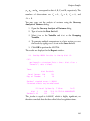
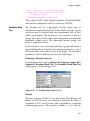
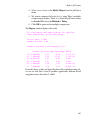
A summary of the fitted model appears in the Report window.
309