1
WPG100
Potentiostat/Galvanostat User’s Manual
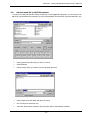
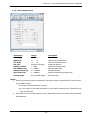
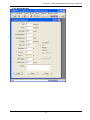
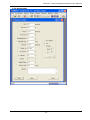
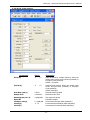
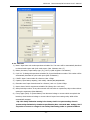
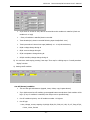
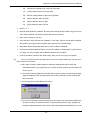
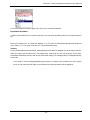
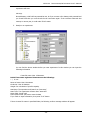
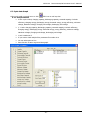
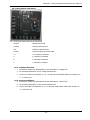
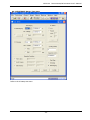
2. If you bought Aux. option, select CalcV formula
V3= V1+V2, V2-V1, V1-V2
Aux. Option :
The voltage (reading or applying) in 3 electrode system (working, reference, counter) is voltage
difference value between working electrode and reference electrode. If user want to measure
auxiliary voltage (such as working vs. Counter or counter vs. Reference, this option is needed.
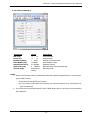
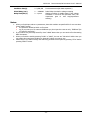
3. If you system equipped temperature measurement option, You can measure temperature
simultaneously.
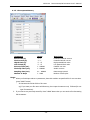
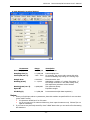
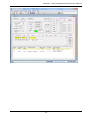
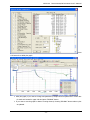
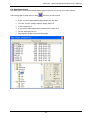
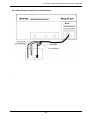
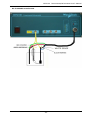
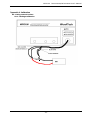
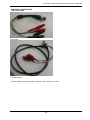
4. Connect battery or half-cell to cell lead cable (working, reference, counter and sense terminal)
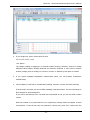
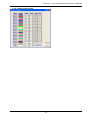
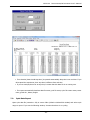
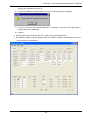
If all connection is normal, you can see STBY (standby) in CH state column. The color will change to
blue character in white background.
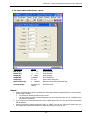
If you tried to test dummy cell or cell itself has low potential at rest, you can see IDLE in status
column.
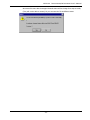
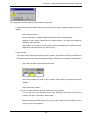
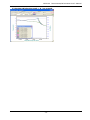
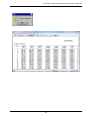
With this condition if you press task bar to run experiment, warning window will appear to avoid
mis-operation. If test cell has very low potential or dummy cell, press “O.K.” button then the
- 67 -