1
Data Integrity
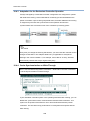
12.2 Detecting Failed Drives
12.2.1 Auto Rebuild on Drive Swap Check Time
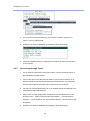
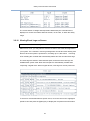
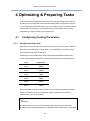
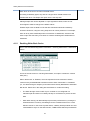
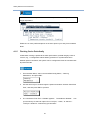
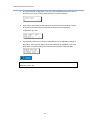
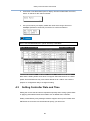
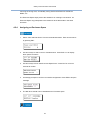
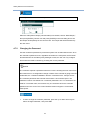
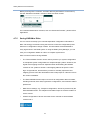
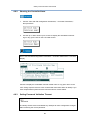
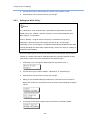
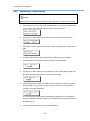
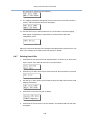
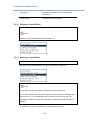
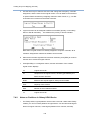
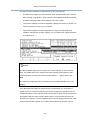
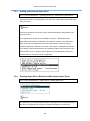
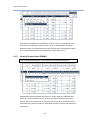
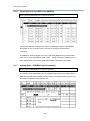
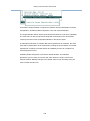
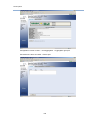
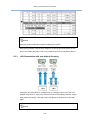
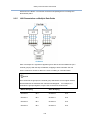
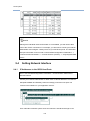
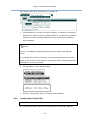
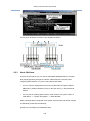
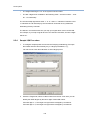
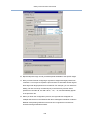
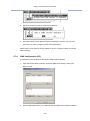
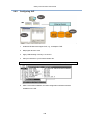
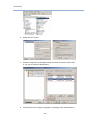
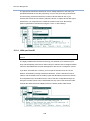
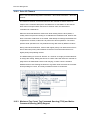
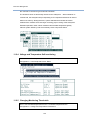
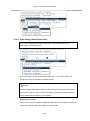
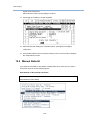
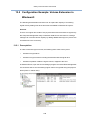
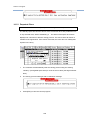
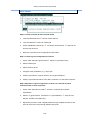
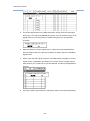
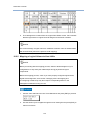
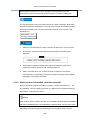
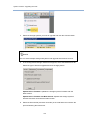
Go to: View and Edit Configuration Parameters > Drive-Side Parameters > Auto
Rebuild on Drive Swap
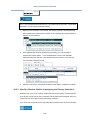
NOTE
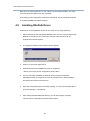
When this option is enabled, it consumes a little portion of system resource by
constantly checking drive buses.
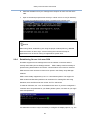
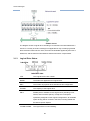
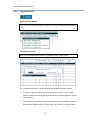
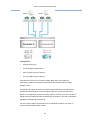
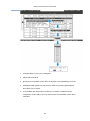
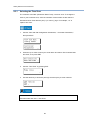
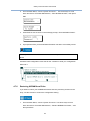
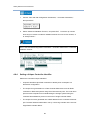
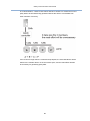
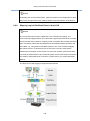
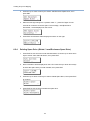
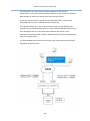
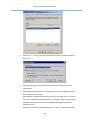
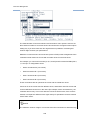
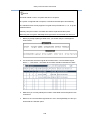
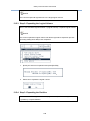
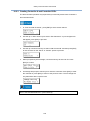
The "Auto Rebuild on Drive Swap” timeout is enabled by choosing a time value. The
RAID controller will poll all connected drives through the controller’s drive channels
at the assigned interval.
Drive removal will be detected even if a host does not
attempt to access data on that specific drive.
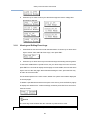
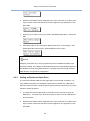
If the "Auto Rebuild on Drive Swap" timeout is set to "Disabled" (the default setting is
"Disabled"), the controller will not be able to detect any drive removal that occurs
after the controller initialization process. The controller will only be able to detect
drive removal when host access is directed to the drive side.
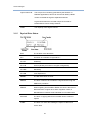
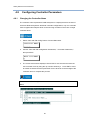
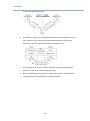
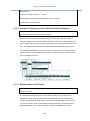
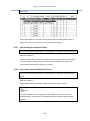
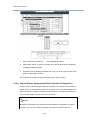
The “Auto Rebuild on Drive Swap” check time is the interval at which the controller
checks to see if a failed drive has been swapped. When a member of a logical drive
fails, the controller will continuously scan the drive bus (at the selected time interval).
Once the failed drive has been swapped with a drive that has the adequate capacity
to rebuild the logical drive, the rebuild will begin automatically.
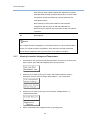
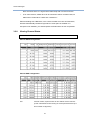
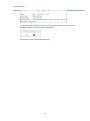
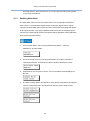
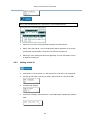
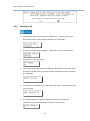
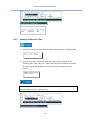
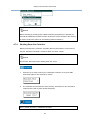
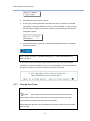
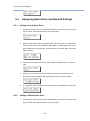
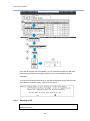
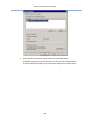
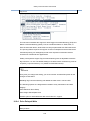
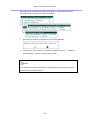
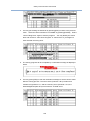
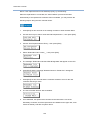
The default setting is “15 seconds,” meaning that the controller will automatically
scan the drive busses if a failed drive has been replaced.
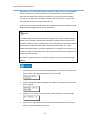
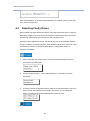
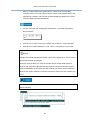
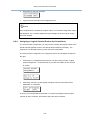
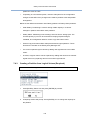
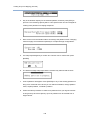
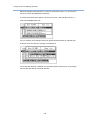
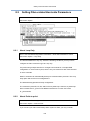
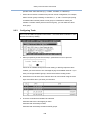
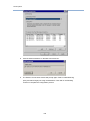
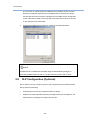
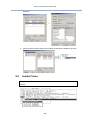
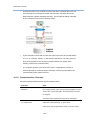
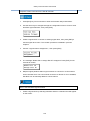
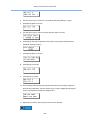
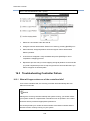
select a time interval.
225
To change the timeout,