1
Data Integrity
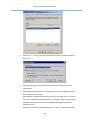
5.
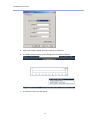
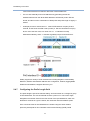
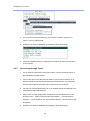
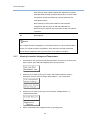
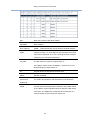
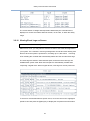
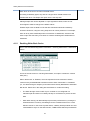
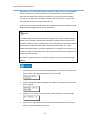
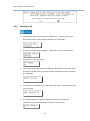
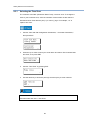
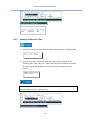
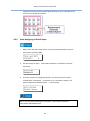
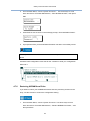
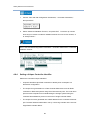
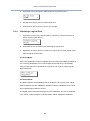
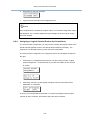
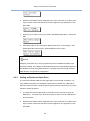
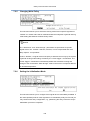
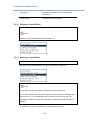
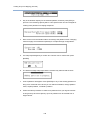
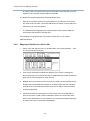
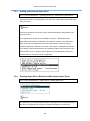
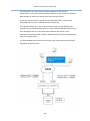
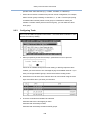
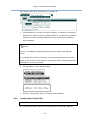
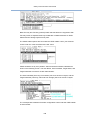
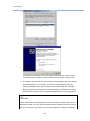
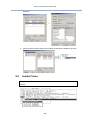
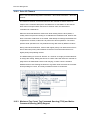
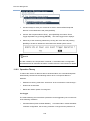
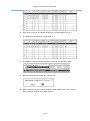
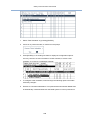
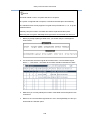
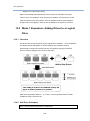
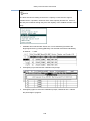
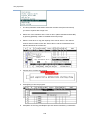
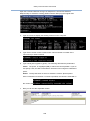
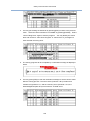
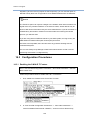
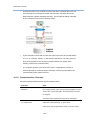
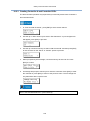
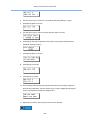
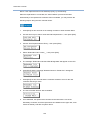
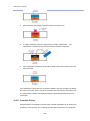
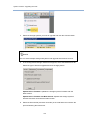
The rebuild should start. Press ESC to skip the message.
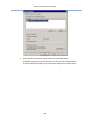
6.
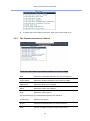
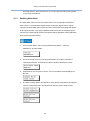
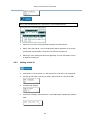
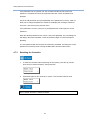
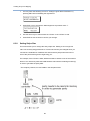
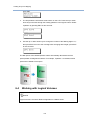
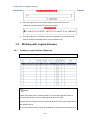
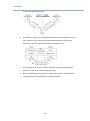
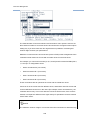
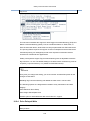
The rebuild progress will be indicated by a status bar.
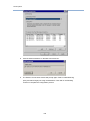
7.
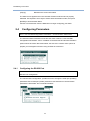
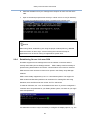
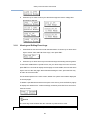
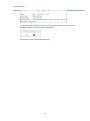
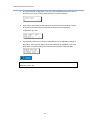
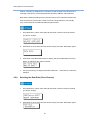
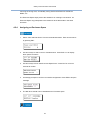
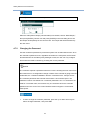
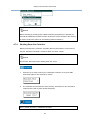
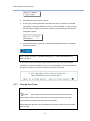
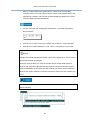
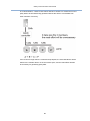
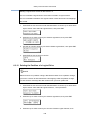
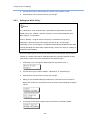
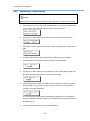
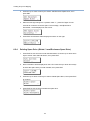
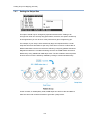
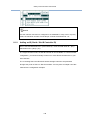
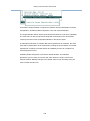
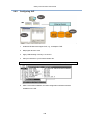
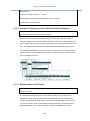
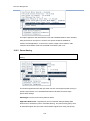
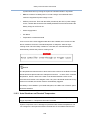
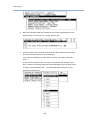
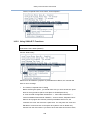
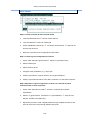
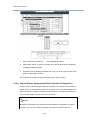
Upon the completion of rebuild, the following message will prompt. Press ESC to
dismiss the message.
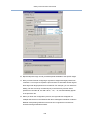
8.
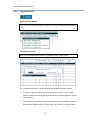
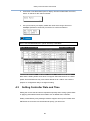
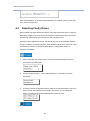
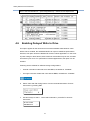
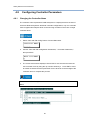
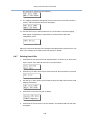
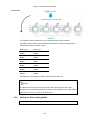
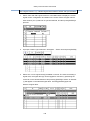
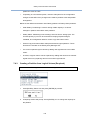
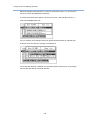
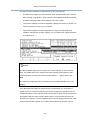
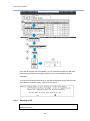
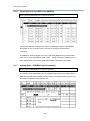
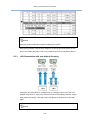
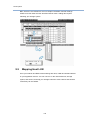
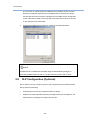
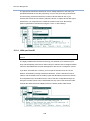
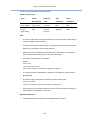
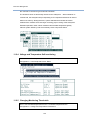
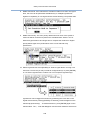
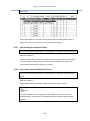
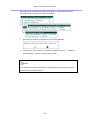
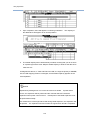
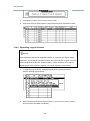
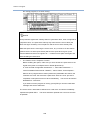
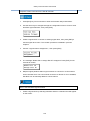
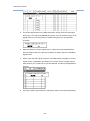
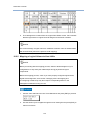
You may now return to the “View and Edit Logical Drives” menu to check if the
array status is stated as “GOOD.”
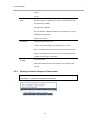
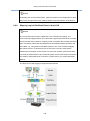
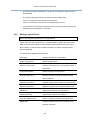
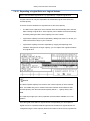
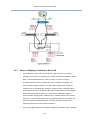
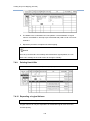
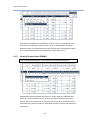
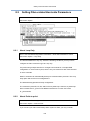
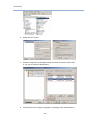
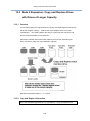
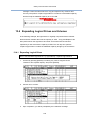
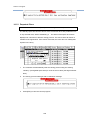
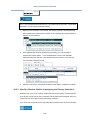
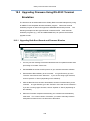
12.5 Regenerating Logical Drive Parity
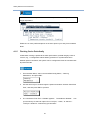
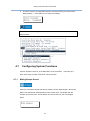
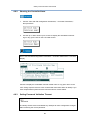
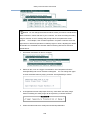
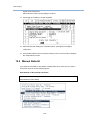
Go to: View and Edit Logical Drives > (Logical Drive) > Execute Regenerate Logical
233