1
Galaxy V3.85 Firmware User Manual
9.8.2
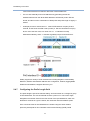
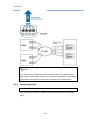
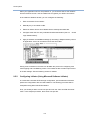
Configuring SLP
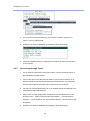
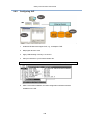
1.
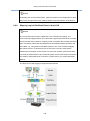
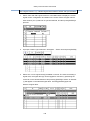
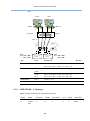
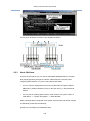
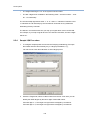
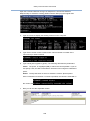
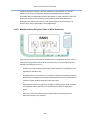
Install iSCSI HBAs that support SLP, e.g., an Adaptec TOE.
2.
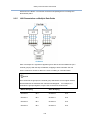
Map logical drives to host
3.
Apply LUN Masking if security is a concern.
4.
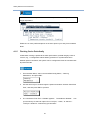
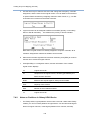
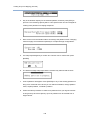
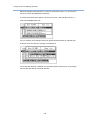
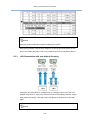
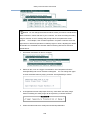
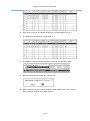
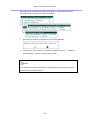
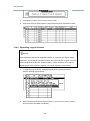
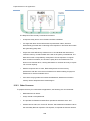
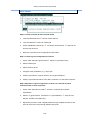
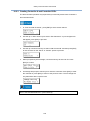
Add your initiators to your firmware initiator list.
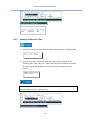
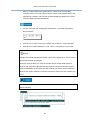
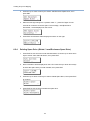
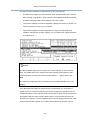
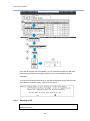
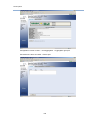
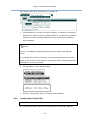
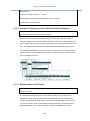
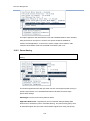
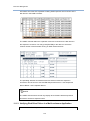
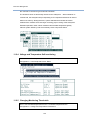
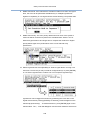
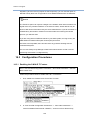
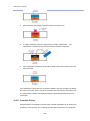
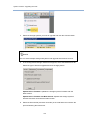
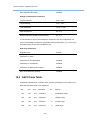
Go to: View and Edit Host LUNs > Edit iSCSI Initiator List > (Initiator)
5.
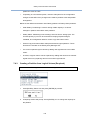
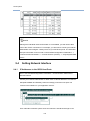
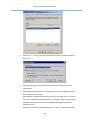
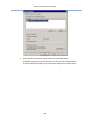
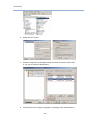
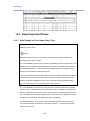
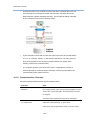
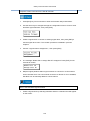
After a successful installation, the HBA configuration software should be
available on the OS.
198