1
Galaxy V3.85 Firmware User Manual
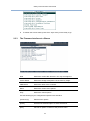
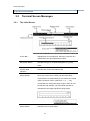
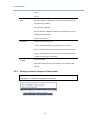
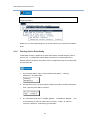
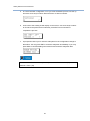
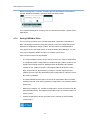
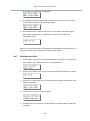
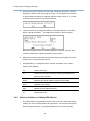
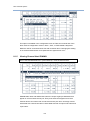
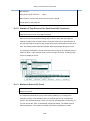
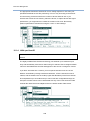
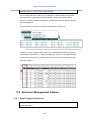
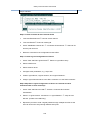
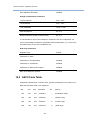
The current status of voltage and temperature detected by the controller will be
displayed on-screen and will be stated as normal, out of order, or within the safety
range.
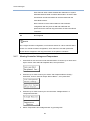
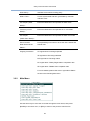
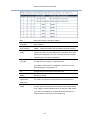
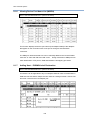
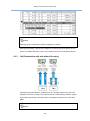
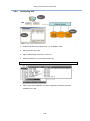
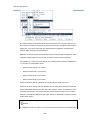
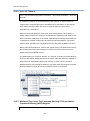
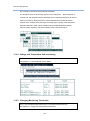
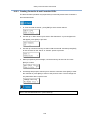
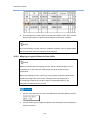
3.2.10 Viewing Event Logs on Screen
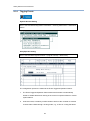
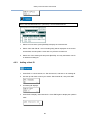
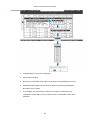
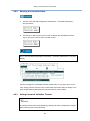
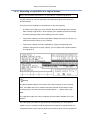
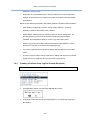
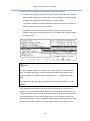
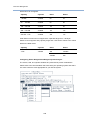
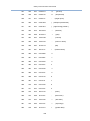
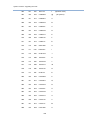
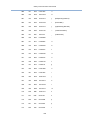
Go to: View and Edit Event Logs
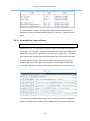
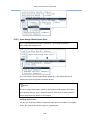
When errors occur, you may want to trace the records to see what has happened to
your system. The controller’s event log management records all events starting from
the time when the system is powered on, recording up to 1,000 events.
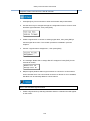
Powering
off or resetting the controller will automatically delete all of the recorded event logs.
The event logs are stored in disk reserved space, and hence the event logs are
available after system reset. Disk reserved space is automatically created when
composing a logical drive. With no logical drives, event logs can not be preserved.
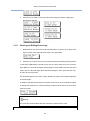
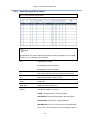
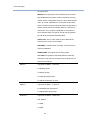
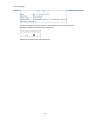
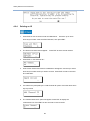
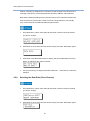
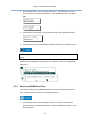
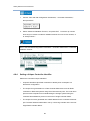
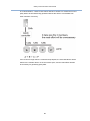
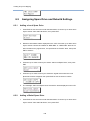
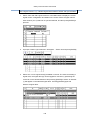
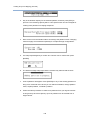
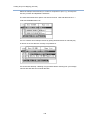
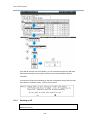
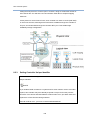
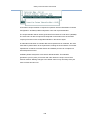
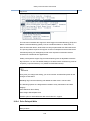
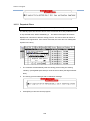
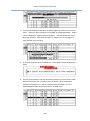
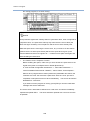
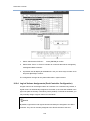
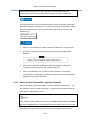
To check for more details about a specific event, move the cursor bar to highlight a
specific event and press the [Space] key to display the complete event information.
44