1
Galaxy V3.85 Firmware User Manual
2.
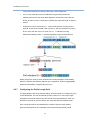
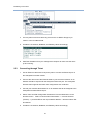
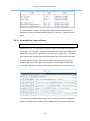
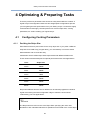
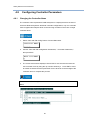
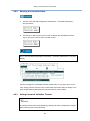
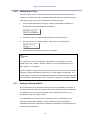
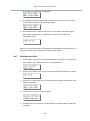
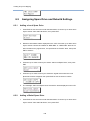
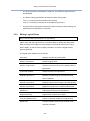
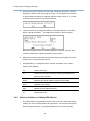
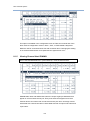
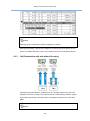
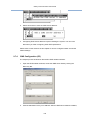
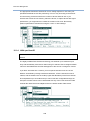
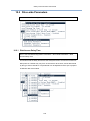
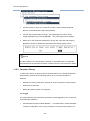
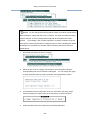
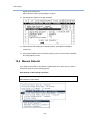
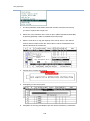
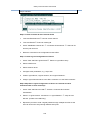
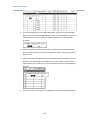
Disk drive information will be displayed on the LCD. Press the up or down arrow
keys to select a disk drive that has not been assigned to any logical drive, then
press ENT.
3.
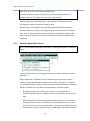
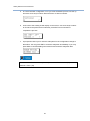
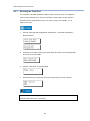
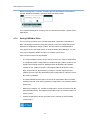
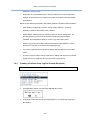
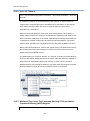
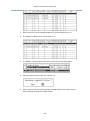
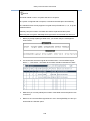
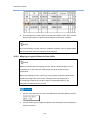
Press the up or down arrow keys to select “Add Global Spare Drive,” then press
ENT
4.
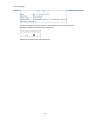
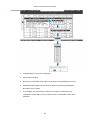
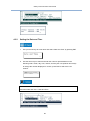
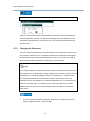
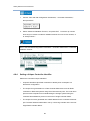
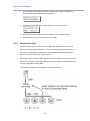
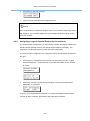
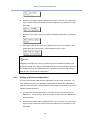
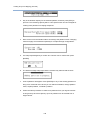
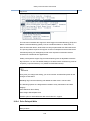
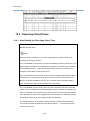
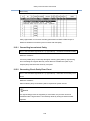
Press ENT again for two seconds to add the spare drive. The message, “Add
Global Spare Drive Successful,” will be displayed on the screen.
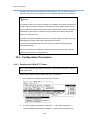
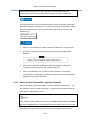
NOTE
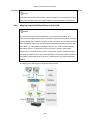
Assigning a hot-spare to an array composed of drives of a different interface type
should be avoided. For example, a SATA Global spare may accidentally participate in
the rebuild of an array using SAS members. It is better to prevent mixing SAS and
SATA drives in a logical drive configuration.
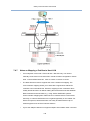
6.5.3
Adding an Enclosure Spare Drive
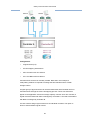
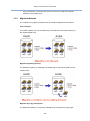
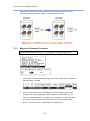
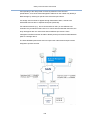
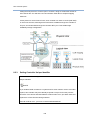
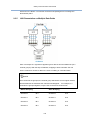
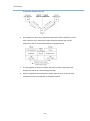
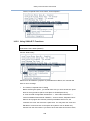
In environments where RAID volumes might span across several enclosures, e.g.,
using JBODs, this option can designate a spare drive to rebuild only a failed drive
within the same enclosure. Using enclosure spares prevents a spare drive to join the
rebuild in another enclosure.
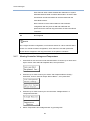
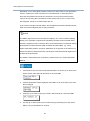
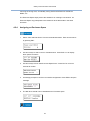
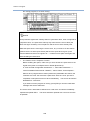
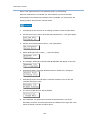
1.
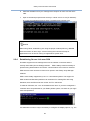
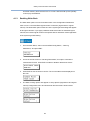
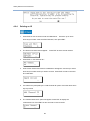
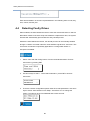
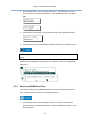
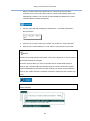
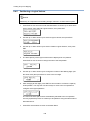
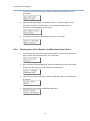
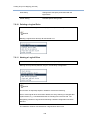
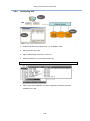
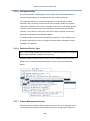
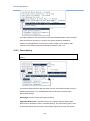
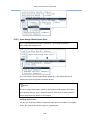
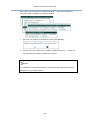
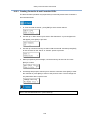
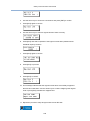
To create an Enclosure Spare Drive, press ENT for two seconds to enter the
Main Menu.
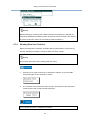
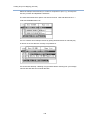
Press the up or down arrow keys to select "View and Edit Drives,"
then press ENT.
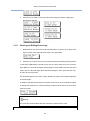
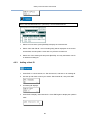
2.
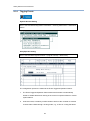
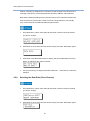
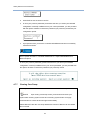
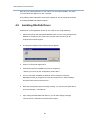
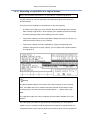
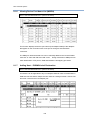
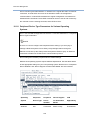
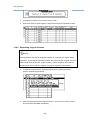
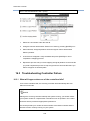
Disk drive information will be displayed on the LCD. Press the up or down arrow
keys to select a disk drive that has not been assigned to any logical drive, then
press ENT.
110