1
4. Commissioning
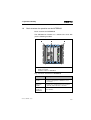
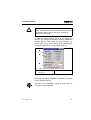
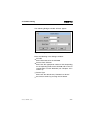
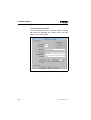
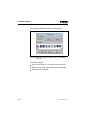
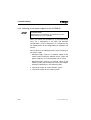
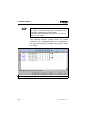
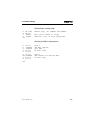
The following dialogue window will then appear:
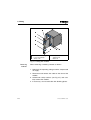
Fig. 4/6: Dialogue window “Insert Device"
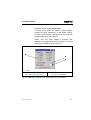
Enter the following in the dialogue window:
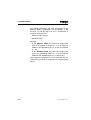
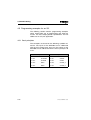
• ID Code
Enter Ident-code 3 for the SPC200.
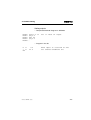
• Process Data Channel
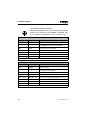
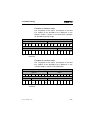
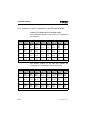
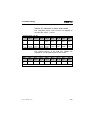
Enter here the appropriate number of bits, depending
on the operating mode of the SPC200 and on the I/O
configuration set with WinPISA (see Chapters 4.2.2
and 4.1.3).
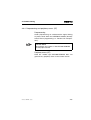
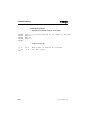
• Device Type
Enter here the default entry “Remote bus device.”
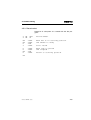
• Save these entries by pressing the OK button.
SPC200-COM-IBS 0503a
4-17