1
SFM - Warehouse Tab
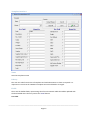
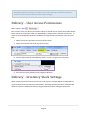
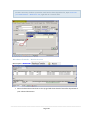
This tab is only available for clients who are running multiple warehouses from the same
database. Full details on this function are listed as it's own topic.
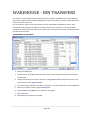
See "Warehouse Transfers" on page 125
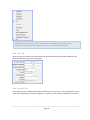
SFM - Image Tab
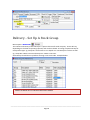
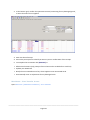
Can load up to 5 different images of the product if required. Contact Your Accrivia Support
Team for assistance if required.
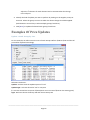
Stock - Search For Stock Codes
Stock items are listed in this screen in alphabetical order, based on the Stock Code. To find a
stock item:
If you know the stock code:
Type this into the Code field (typing the first few letters of the code, and then moving out of the
Code field, will take you to the closest code to the letters you typed).
To move through the records, one at a time:
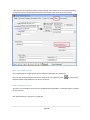
Use the navigator buttons
screens.
to move to another stock item from any of the tab
To search for a specific stock code:
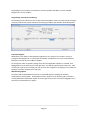
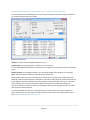
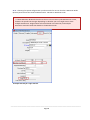
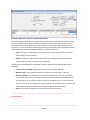
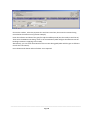
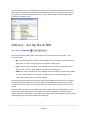
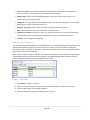
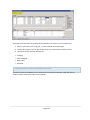
Double click in the Code field. This will display the Stock Line Selection screen.
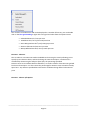
1. In the ‘Search Type’ box, select Stock Code, Stock Group, Description, Supplier or Section No.
2. Enter the information that you wish to search on.
3. Press [F4] to update the search results
4. Once you have found the stock item you are looking for, click [OK]. You will be taken to
this item in the File Maintenance form.
Stock - Modify, Change Details
Stock information can be updated at any time within the Masterfile. To do this:
________________________________________________________________________________________
Page 29