1
Assembly Instructions
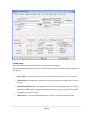
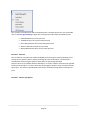
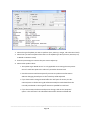
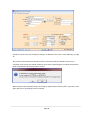
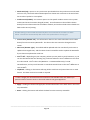
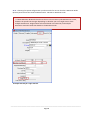
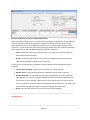
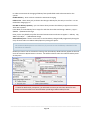
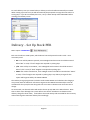
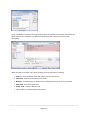
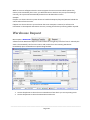
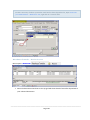
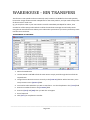
There are 2 fields at the bottom of the screen which instructs the system how to proceed with an
order when this Stock code is chosen. By default No Auto and Non-Manufacture are selected and
can be changed as necessary. The selection made here determines how the system will react when
a customer places an order, which will then be entered into the Debtor Order screen.
l
No Auto – selecting this means that each step in the process is done manually without Automatic processing taking over
l
Auto Raise Ask –the system will ask you if you wish to raise an order whenever a Debtor
makes a request for the Item.
l
Auto Raise – Ticking this will instruct the system not to bother asking, just go ahead and generate an Order because a Debtor has requested the stock.
________________________________________________________________________________________
Page 108