1
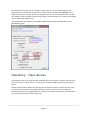
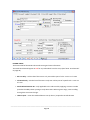
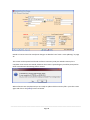
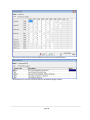
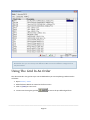
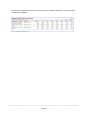
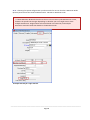
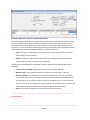
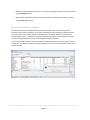
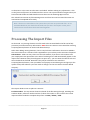
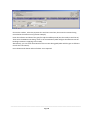
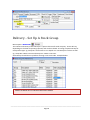
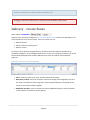
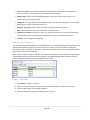
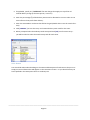
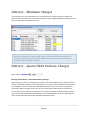
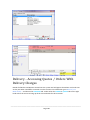
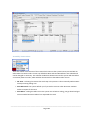
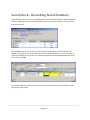
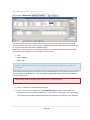
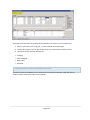
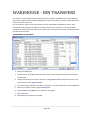
The Status of all Transfers can be filtered and viewed in this screen (current and history)
1. Select a Transfer from the top grid, to view its details in the lower grid.
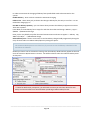
2. Use the filter options on the right of the screen to customise the transfers shown.
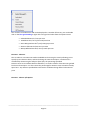
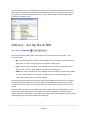
3. The status of each Transfer will show as:
l
Pending
l
Acknowledged
l
Back order
l
Received
Pending Transfers are able to be deleted in this screen
Transfers cannot be modified (you can however short supply and existing order and raise an
additional order for the alternate stock required)
________________________________________________________________________________________
Page 132