1
User Manual
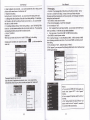
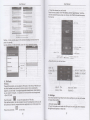
' &ithhess control, touch itto set
ft hightness of the int€rfa@.
23lam, louch alam to enterthe intetrace
3PT. touch itto shume the pidures
t tum6:
go back to the interface of ldle
ffisfundions sel,
phone will
adves
in the seting lime lo
alei you
by dnging or
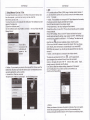
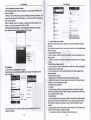
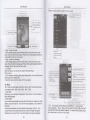
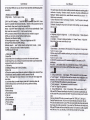
tutng to achieve ii's fundion. Press Menu to add alarm, you can also add it
tu the adding intedae. You @uld set the alarm according to your needs. tn
fu inteda@ of alarm will show three closed alarms (fuo alarm clocks are
Uonday to Friday 8:30,9:00)
Edil
.
Ya €n editthe currentalarm, you @uld edittime.
Watform and bbs,
dnging
tones. vibration.
All recodings save in my recording folder in the default music program
'l'l.Clock
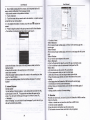
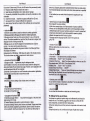
Open the menu of applicaton,
tvl
didf,i
danging time, rep€at,
dng
tones. vibmtion. bbs,
etc
l2.Caculator
hisfundion €n turn your
phone into
calculator,
it can do some simple
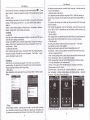
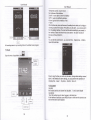
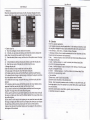
'Touch the number keys to mako il appear in the blank boxln lhe interfa@ ofcalculato4 pr6ss MENU buflon orhold down the screen to the
lefr, then the seniorpanel appeare-
!"-*l