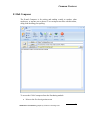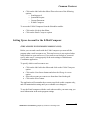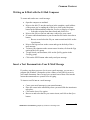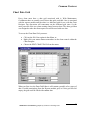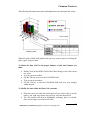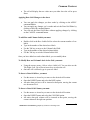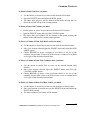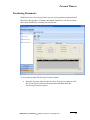
1
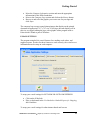
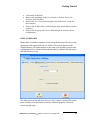
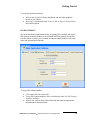
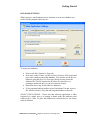
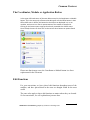
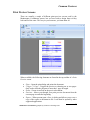
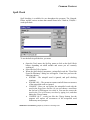
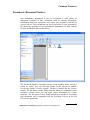
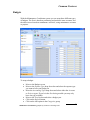
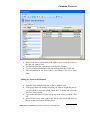
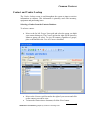
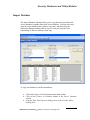
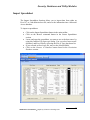
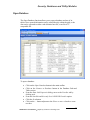
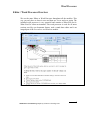
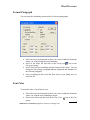
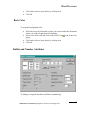
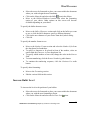
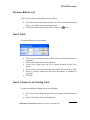
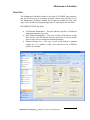
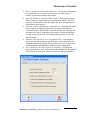
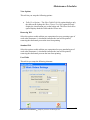
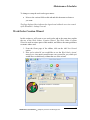
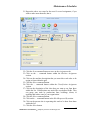
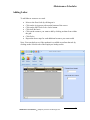
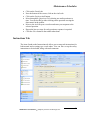
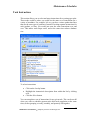
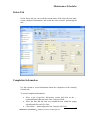
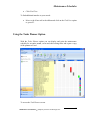
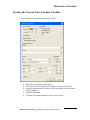
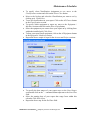
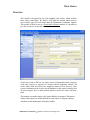
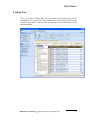
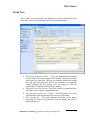
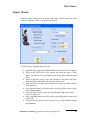
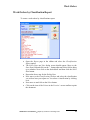
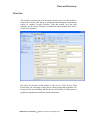
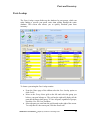
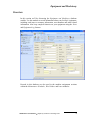
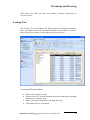
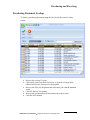
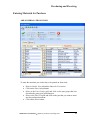
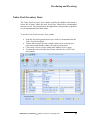
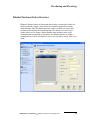
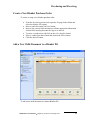
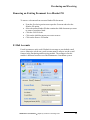
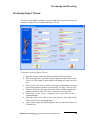
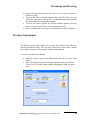
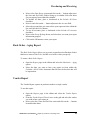
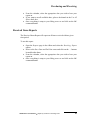
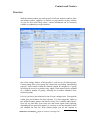
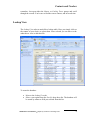
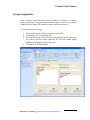
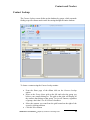
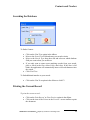
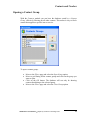
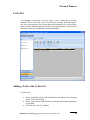
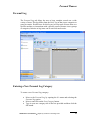
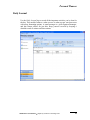
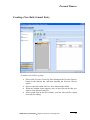
Common Features Contact and Vendor Lookup The Vendor Lookup screen is used throughout the system to input or retrieve information on contacts. This information is primarily used with inventory, equipment and purchasing items. Selecting a Vendor from the Contacts Database To select a contact: Move to the far left Groups Name grid and select the group you think your contact belongs to. The Contact grid on the right will be sorted by whatever group you select. To view all contacts, regardless of groups, place a checkmark in the View All Contacts checkbox. Move to the Contacts grid located to the right of your screen and click on the contact you want to view. To insert the Contact into a document, click the Select button. Maintenance Coordinator Simplicity Software Technologies Inc. 47