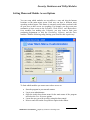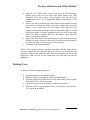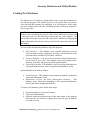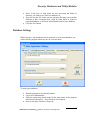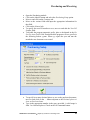
1
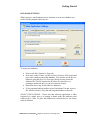
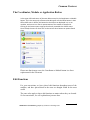
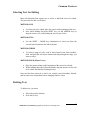
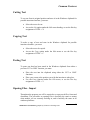
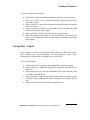
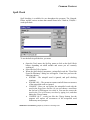
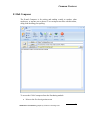
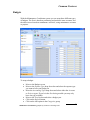
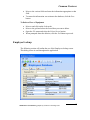
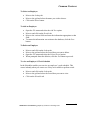
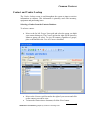
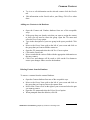
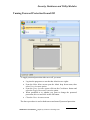
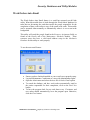
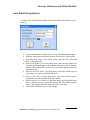
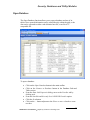
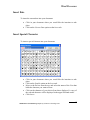
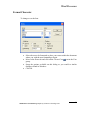
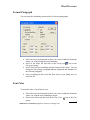
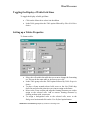
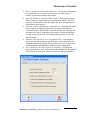
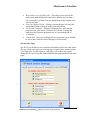
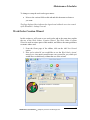
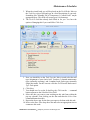
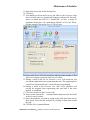
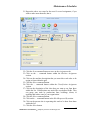
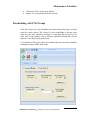
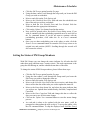
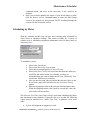
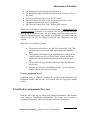
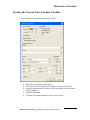
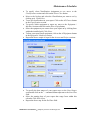
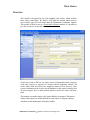
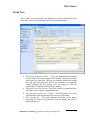
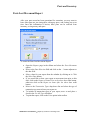
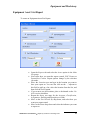
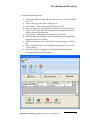
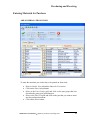
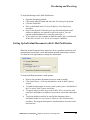
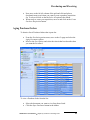
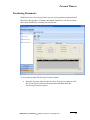
Common Features Spell Check Spell checking is available for use throughout the program. The Notepad, Editor, and the various sections that contain forms have a built in, 250,000 + word spell check. To use the built in spell checker, you must: Open the Tools menu, the Spelling menu or click on the Spell Check button, depending on which module and screen you are currently working in. Select the Spell Check option. When the spell checker encounters a misspelled word, the "Word Not Found In Dictionary" dialog box will appear. From here you have the following choices: IGNORE - The misspell word is ignored, and spell checking continues. IGNORE ALL - The present occurrence and all future occurrences of the misspelled word are ignored. CHANGE - Here you can replace the misspelled word with the word in the Suggestions list box. Or you can choose a word from the list box by clicking on it to select it. You can also correct the word in the Not in Dictionary text box by typing in it, and then hitting the Change button. CHANGE ALL - works just like the Change button, but the program will replace all occurrences of the misspelled word without any more prompts. Maintenance Coordinator Simplicity Software Technologies Inc. 24