1
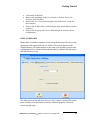
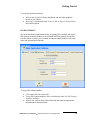
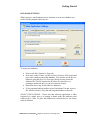
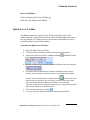
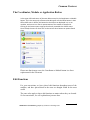
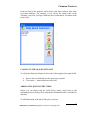
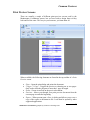
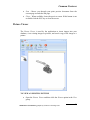
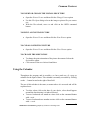
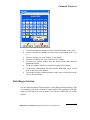
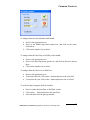
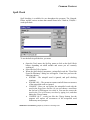
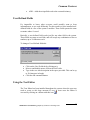
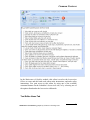
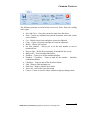
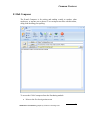
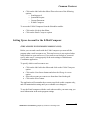
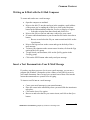
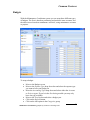
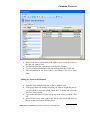
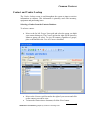
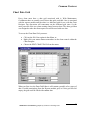
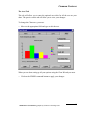
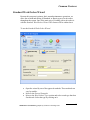
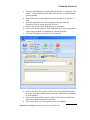
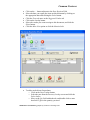
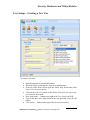
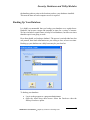
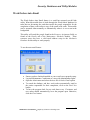
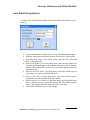
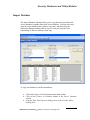
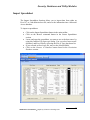
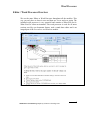
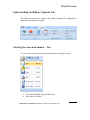
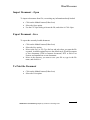
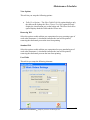
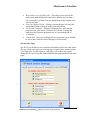
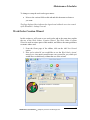
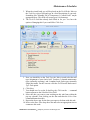
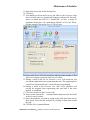
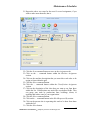
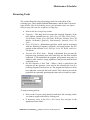
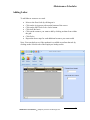
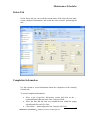
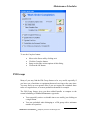
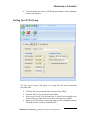
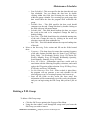
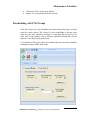
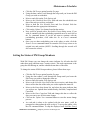
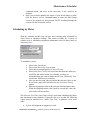
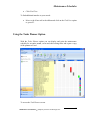
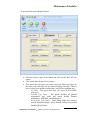
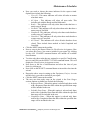
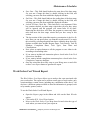
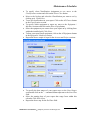
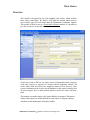
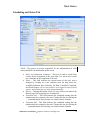
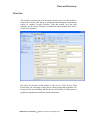
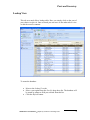
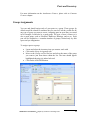
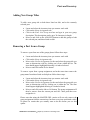
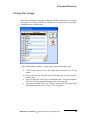
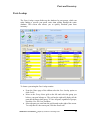
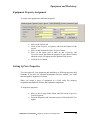
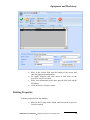
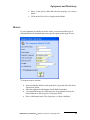
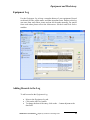
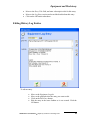
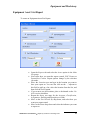
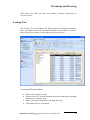
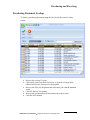
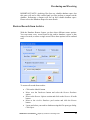
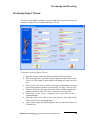
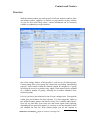
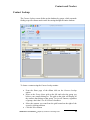
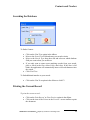
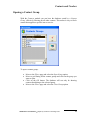
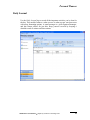
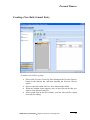
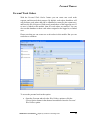
Common Features You can create three different types of documents with this feature. One is a picture document, which can be GIF, JPG, BMP, WMF and ICO formats. The next type of documents can be the editor type. These editor type documents features the use of our built-in word processor. This word processor feature many professional features such as multiple fonts, colors, paragraph formatting, the use of tables and more. Documents created in our word processor are compatible with almost all windows based word processors such as Word and Word Perfect. The third type of documents are Attachment type documents. Attachments point to other files store on hard drives, or other locations such as web-sites. We recommend that you use this document type for picture also. You can point to picture stored on a hard drive as opposed to storing it directly in the database. This saves database space and improves database performance by keeping the database at a reasonable size. Add Document Group Every document used with this program must belong to a document group. These groups will help you keep your information in a more organized form. To create a Document Group: Move to and click on the New Group option. Type in the name of your new group in the space provided. Click the OK button. You can edit the name of your group directly from within the grid once it has been created. Maintenance Coordinator Simplicity Software Technologies Inc. 30