1
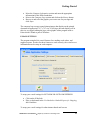
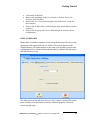
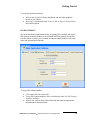
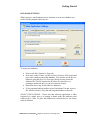
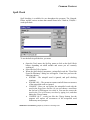
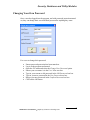
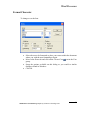
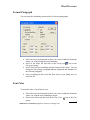
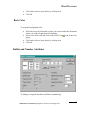
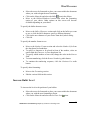
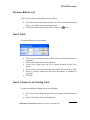
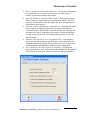
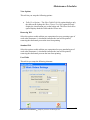
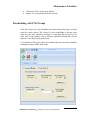
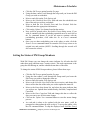
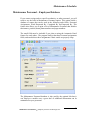
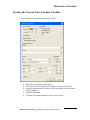
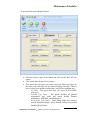
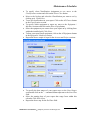
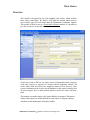
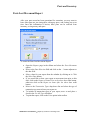
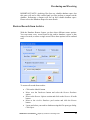
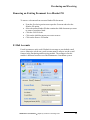
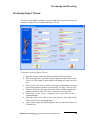
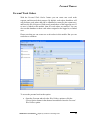
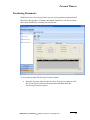
Security, Databases and Utility Modules Changing Your Own Password Once a user has logged into the program, and with password protection turned on, they can change their own individual password to anything they want. For a user to change their password: Ensure password protection has been turned on. Log in to the program and normal. Open the File menu and select the Change Your Password option Ensure your user name is in the User Name text box. Type in your current or old password in the Old Password text box. Type in your new password in the New Password text box. Retype your new password in the Confirm Password text box. Click on the OK button. Maintenance Coordinator Simplicity Software Technologies Inc 7