1
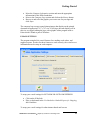
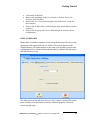
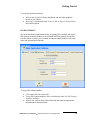
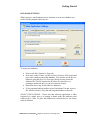
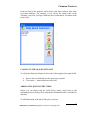
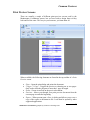
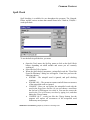
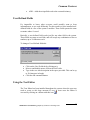
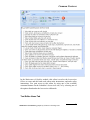
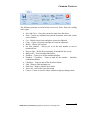
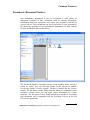
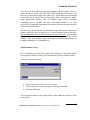
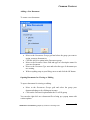
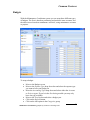
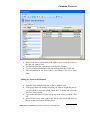
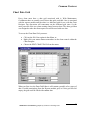
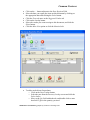
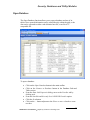
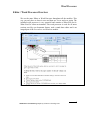
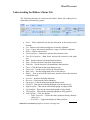
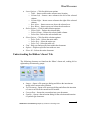
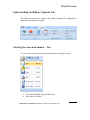
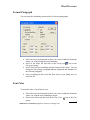
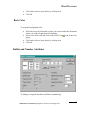
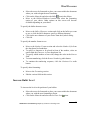
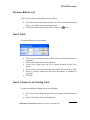
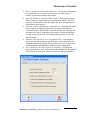
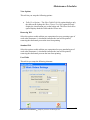
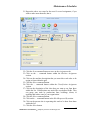
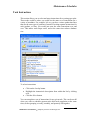
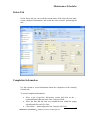
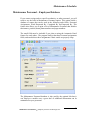
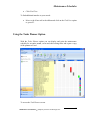
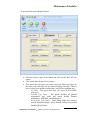
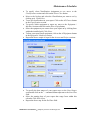
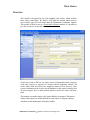
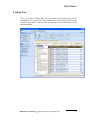
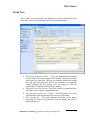
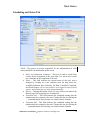
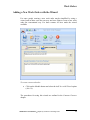
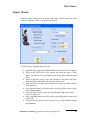
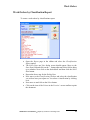
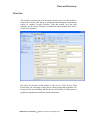
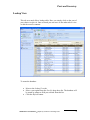
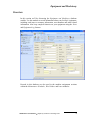
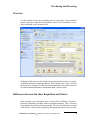
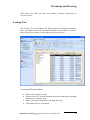
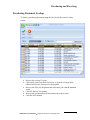
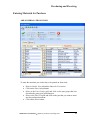
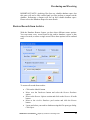
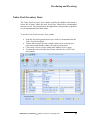
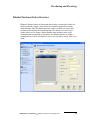
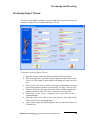
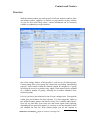
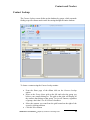
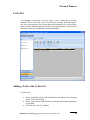
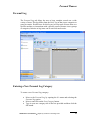
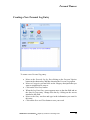
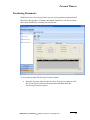
Personal Planner Personal Work Orders With the Personal Work Orders feature you can create new work order requests, and then track their progress. By default, work orders found here will only be those work orders that can be identified as created by the current user, and have the Work Requested field exactly match those of the logged in user. If no user is linked to this module, then all work orders are returned. You can also sort this database to those work orders assigned to the logged in, or linked user. Please note that you can create new work orders in this module. But you can not delete or edit them. To access the personal work orders option. Open the Go menu and select the Work Orders option or click the System Options button in the shortcut bar and then chose the Personal Work Orders option. Maintenance Coordinator Simplicity Software Technologies Inc. 19