1
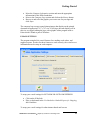
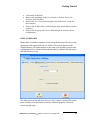
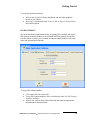
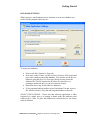
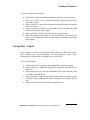
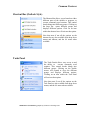
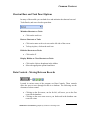
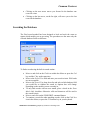
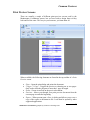
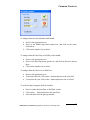
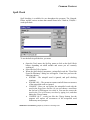
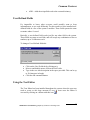
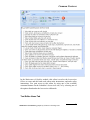
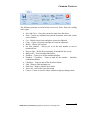
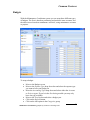
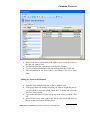
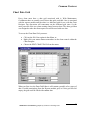
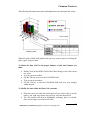
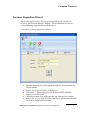
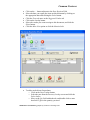
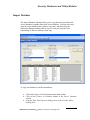
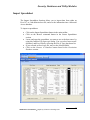
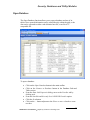
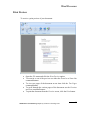
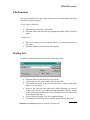
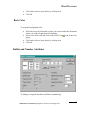
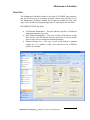
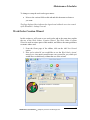
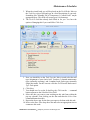
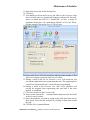
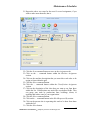
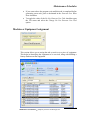
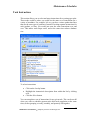
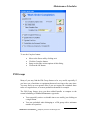
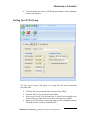
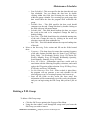
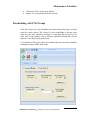
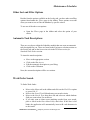
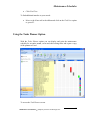
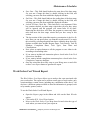
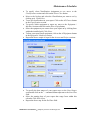
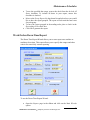
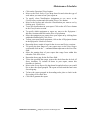
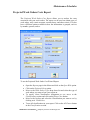
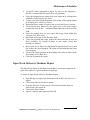
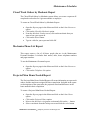
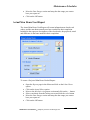
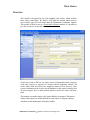
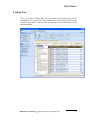
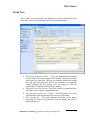
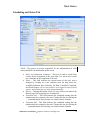
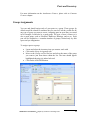
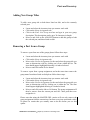
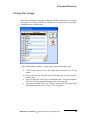
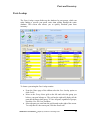
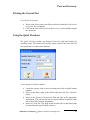
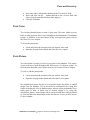
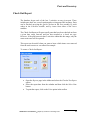
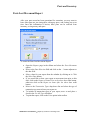
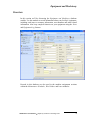
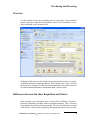
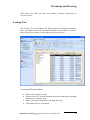
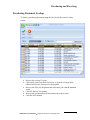
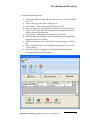
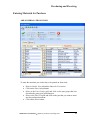
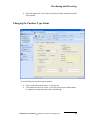
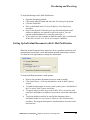
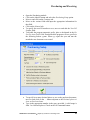
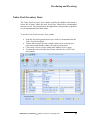
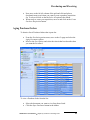
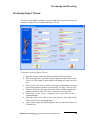
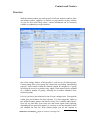
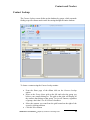
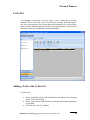
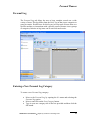
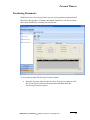
Purchasing and Receiving Under Stock Inventory Items The Under Stock Inventory Items routine searches the database and returns a screen full of items where the stock levels have fallen below recommended inventory levels. You can then have the application create purchase requisition for you automatically from these items. To use the Under Stock Inventory Items routine: From the Purchasing main screen, move to the Go menu and select the Under Stock Items option. To have the list sorted by only a single vendor, move to the list and select an item that has the vendor you want to sort by listed. Click on the Current Vendor option in the ribbon’s Filters group To return the sort to all under stock items, click the Sort by All Under Stock button. Maintenance Coordinator Simplicity Software Technologies Inc. 29