1
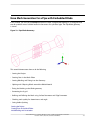
Bottom Up Hexa Mesh Strategy for a Grid Fin
2.
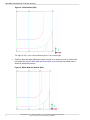
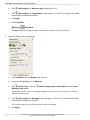
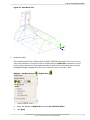
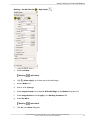
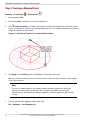
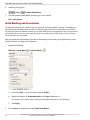
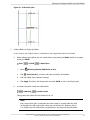
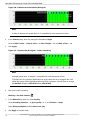
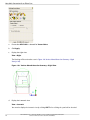
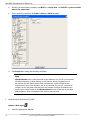
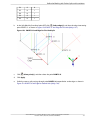
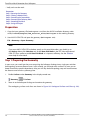
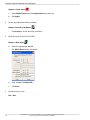
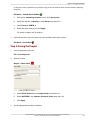
Associate mid-edge vertices.
Blocking > Associate
> Associate Vertex
a.
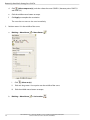
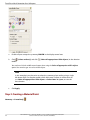
In the Entity selection box, enable Point.
b.
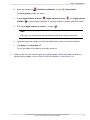
Click
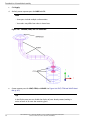
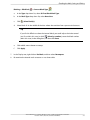
(Select vert(s)), and then select vertex 33.
c.
Click
(Select point(s)), and then select the point POINTS.18.
d.
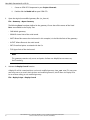
Click Apply to complete the association.
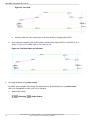
The vertex moves immediately to the associated point.
e.
3.
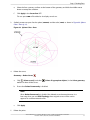
Similarly, associate vertex 35 to point POINTS.14.
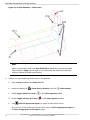
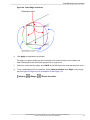
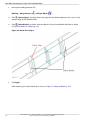
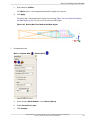
Move middle O-grid vertex.
a.
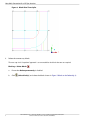
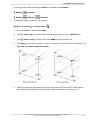
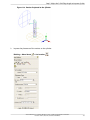
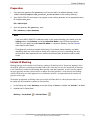
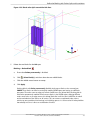
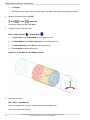
Display the front view.
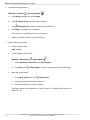
View > Front
b.
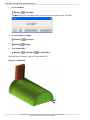
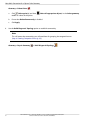
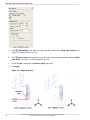
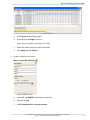
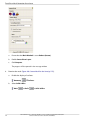
Fix the direction of the vertex.
Blocking > Move Vertex
c.
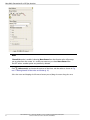
> Move Vertex
i.
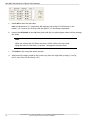
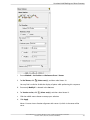
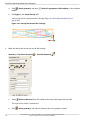
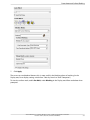
Under Movement Constraints, enable Fix direction.
ii.
For Vector, click
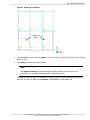
(Select edge(s)), and then select edge 13-34 (vertical edge).
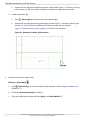
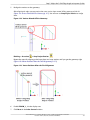
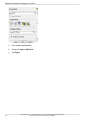
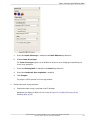
Move the middle vertex.
i.
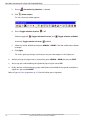
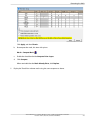
In the Move Vertex DEZ, click
ii.
Click and drag vertex 34 towards vertex 13.
iii.
Click the middle mouse button to accept.
(Select vert(s)).
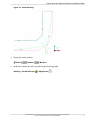
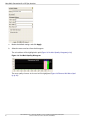
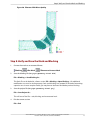
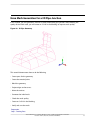
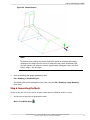
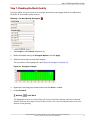
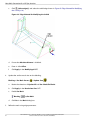
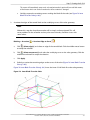
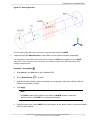
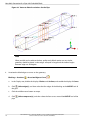
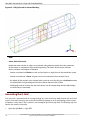
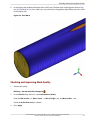
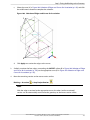
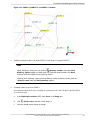
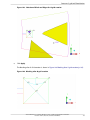
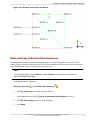
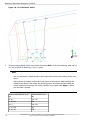
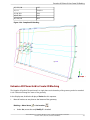
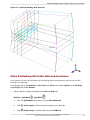
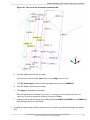
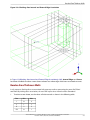
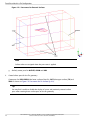
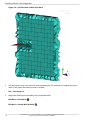
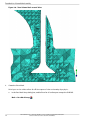
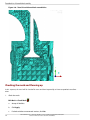
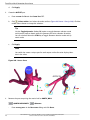
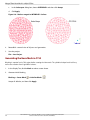
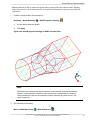
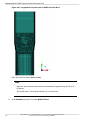
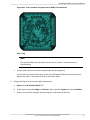
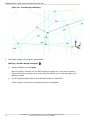
The blocking after vertex placement is shown in Figure 145: Blocking after Vertices are
Moved (p. 187)
186
ANSYS ICEM CFD 14.5 - © SAS IP, Inc. All rights reserved. - Contains proprietary and confidential information of ANSYS, Inc. and its subsidiaries and affiliates.