1
Backup/Restore SQL Server 2000 Database
Restoring Files on Windows 2000
A system administrator may be asked to restore the system in case of disk
failure, or change in computer equipment.
•
If a catastrophic failure occurs, install the operating system, any
new drivers or patches to the operating system, and the Facility
Commander software and any patches in this order.
•
To completely restore the system, a system administrator should
restore the last “normal” backup prior to the target date.
•
Follow this by restoring the last “differential” backup prior to the
target date, or the sequence of incremental backups between the
normal backup that was restored and the target date.
Use these instructions to restore a Windows file system on the same
machine.
!
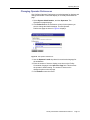
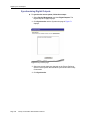
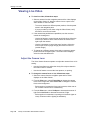
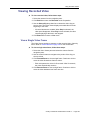
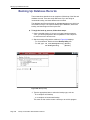
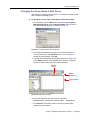
To restore the files, follow these steps:
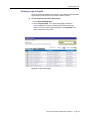
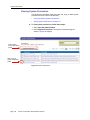
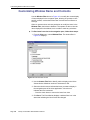
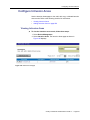
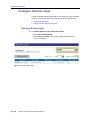
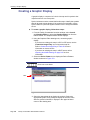
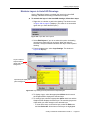
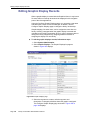
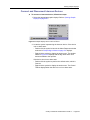
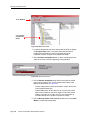
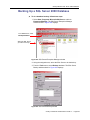
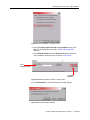
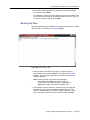
1. Click Start on the taskbar, then select Programs, Accessories,
System Tools, and Backup. The Backup [Restore] window
displays.
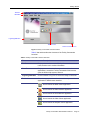
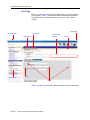
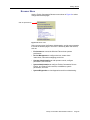
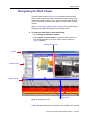
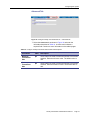
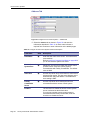
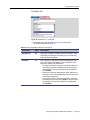
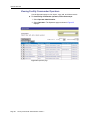
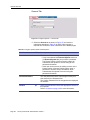
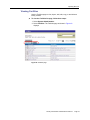
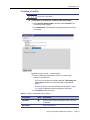
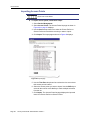
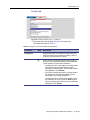
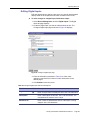
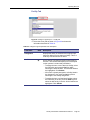
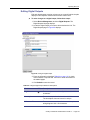
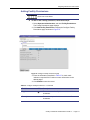
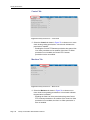
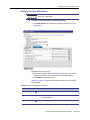
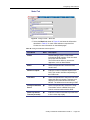
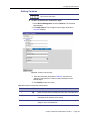
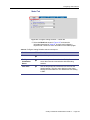
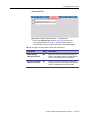
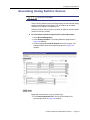
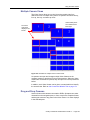
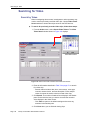
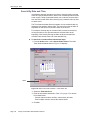
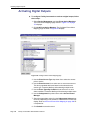
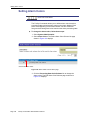
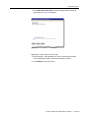
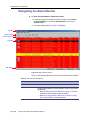
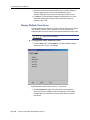
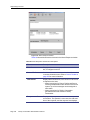
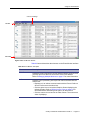
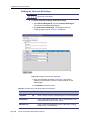
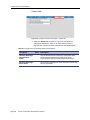
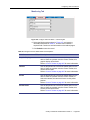
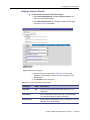
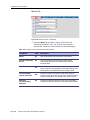
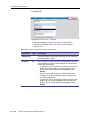
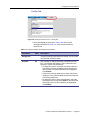
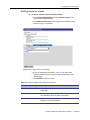
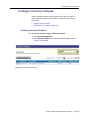
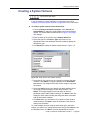
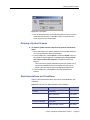
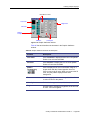
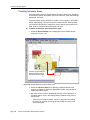
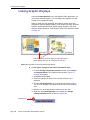
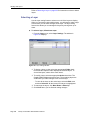
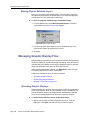
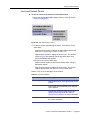
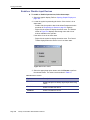
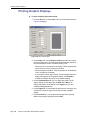
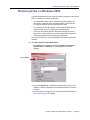
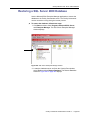
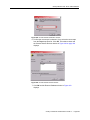
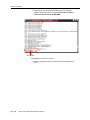
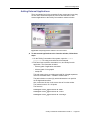
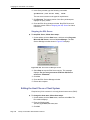
Select Restore
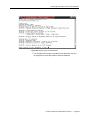
Figure 228. Backup window
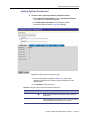
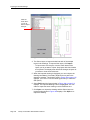
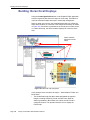
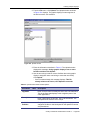
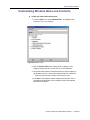
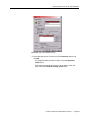
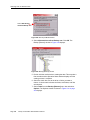
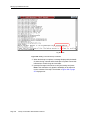
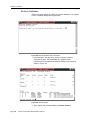
2. Select the Restore tab. The Restore tab as shown in Figure 228
displays. Locate the tape device and expand the folder to view the
contents.
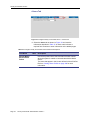
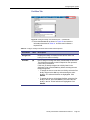
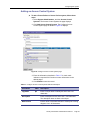
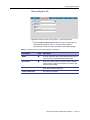
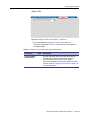
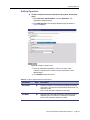
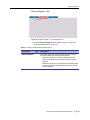
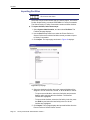
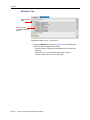
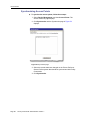
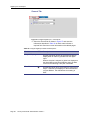
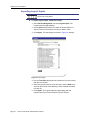
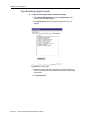
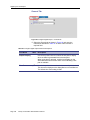
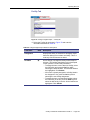
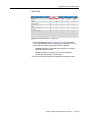
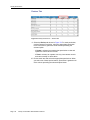
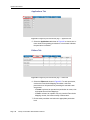
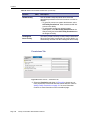
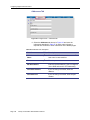
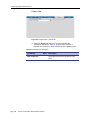
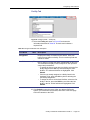
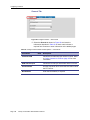
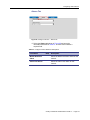
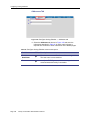
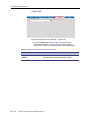
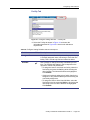
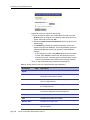
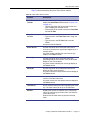
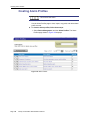
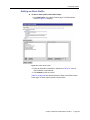
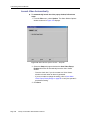
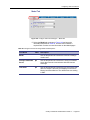
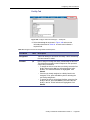
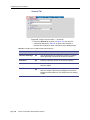
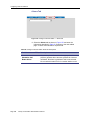
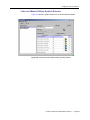
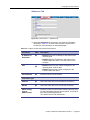
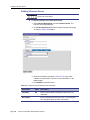
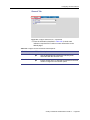
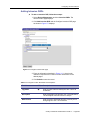
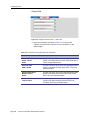
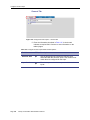
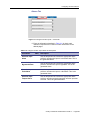
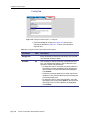
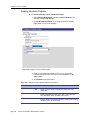
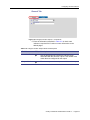
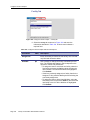
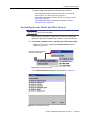
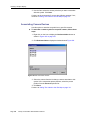
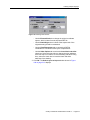
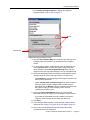
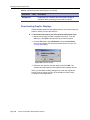
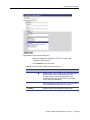
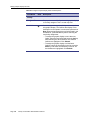
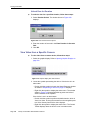
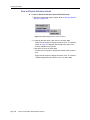
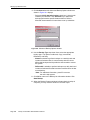
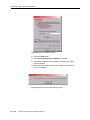
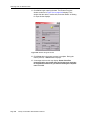
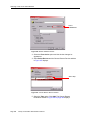
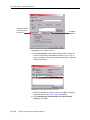
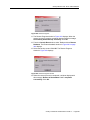
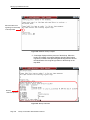
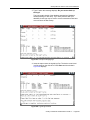
3. Insert the tape in the tape drive. The New Import Media window in
Figure 229 on page 358 displays.
Facility Commander Administration Guide 2.1
Page 357