1
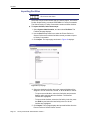
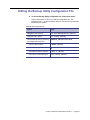
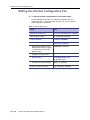
Editing the Backup Utility Configuration File
!
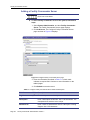
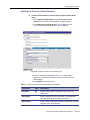
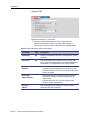
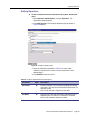
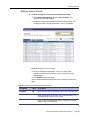
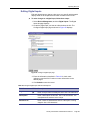
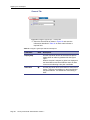
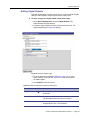
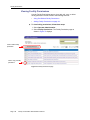
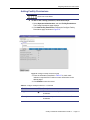
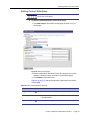
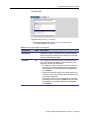
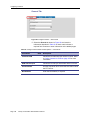
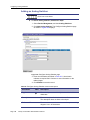
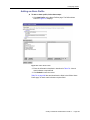
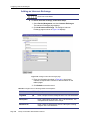
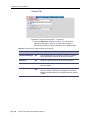
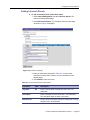
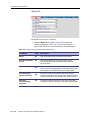
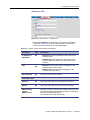
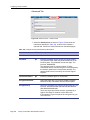
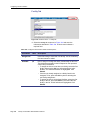
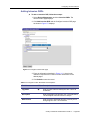
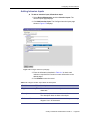
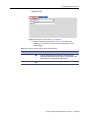
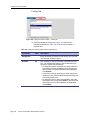
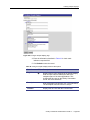
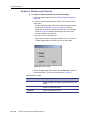
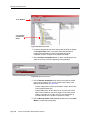
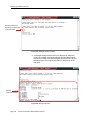
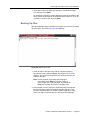
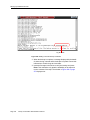
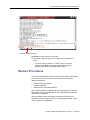
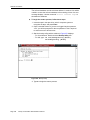
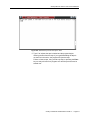
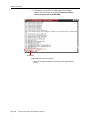
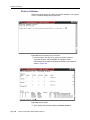
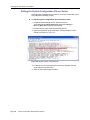
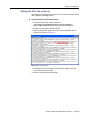
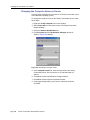
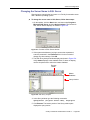
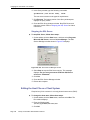
To edit the Backup Utility configuration file, follow these steps:
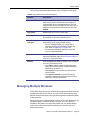
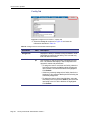
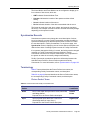
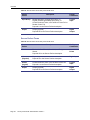
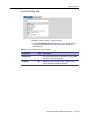
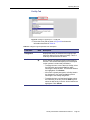
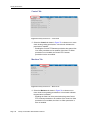
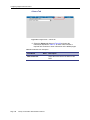
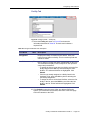
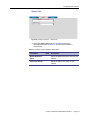
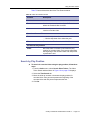
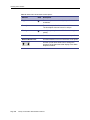
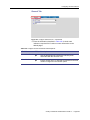
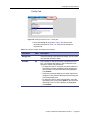
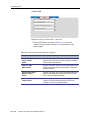
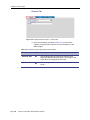
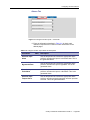
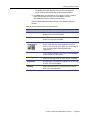
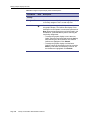
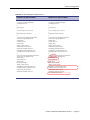
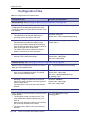
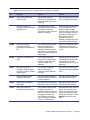
Use the instructions in Table 72 to edit the configuration file. The
instructions use vi as the text editor, however, you can use any text editor
installed on the system.
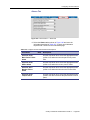
Table 72. Edit configuration file
Action
Type
Navigate to the directory.
cd /etc/BackupUtilty [Enter]
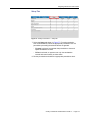
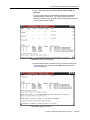
Open file with vi editor.
vi config [Enter]
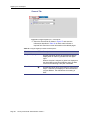
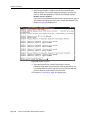
Uncomment the line by removing
the # symbol from this line.
#BACKUP_DEVICE=/dev/disk
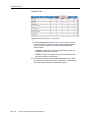
- Move to this location.
/#BACK [Enter]
- Delete the # symbol.
x
- Exit editor and save changes.
[Esc]:x [Enter]
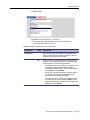
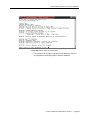
- View file to confirm changes.
cat config [Enter]
Facility Commander Administration Guide 2.1
Page 427