1
Configuring Video Devices
Configuring Analog Switchers
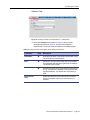
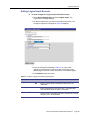
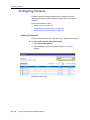
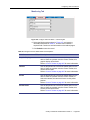
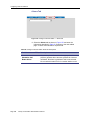
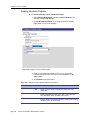
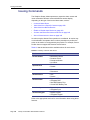
The Analog Switchers page is used to add a new analog switcher record,
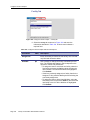
upload a configuration file, and identify the inputs and outputs.
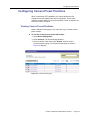
Viewing Analog Switchers
!
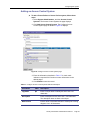
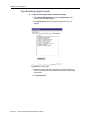
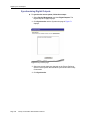
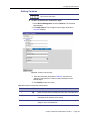
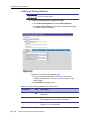
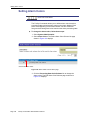
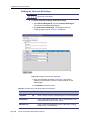
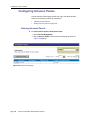
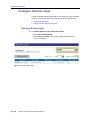
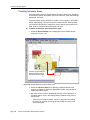
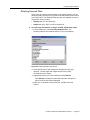
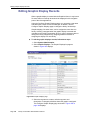
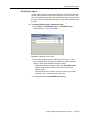
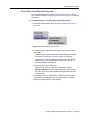
To view the analog switcher records, follow these steps:
1. Select Device Management.
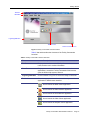
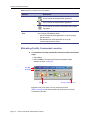
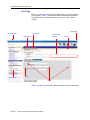
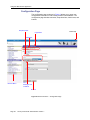
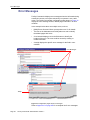
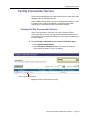
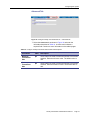
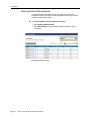
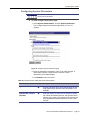
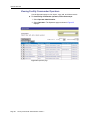
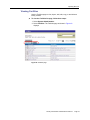
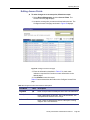
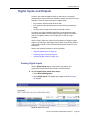
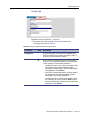
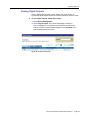
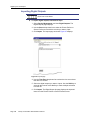
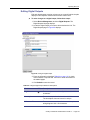
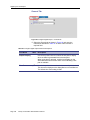
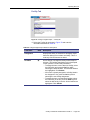
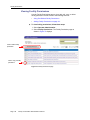
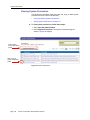
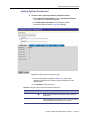
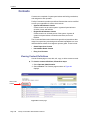
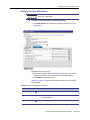
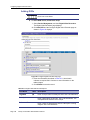
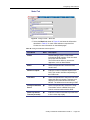
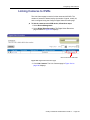
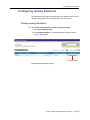
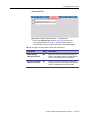
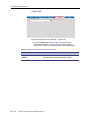
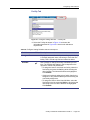
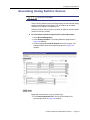
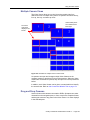
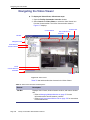
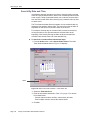
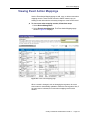
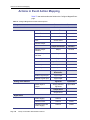
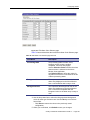
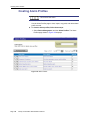
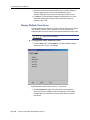
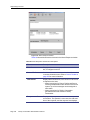
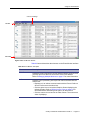
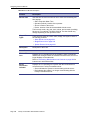
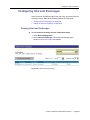
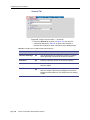
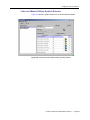
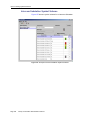
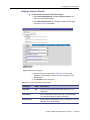
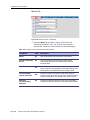
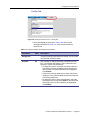
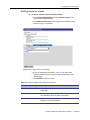
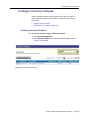
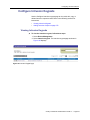
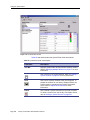
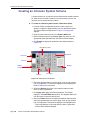
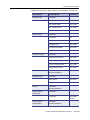
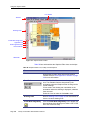
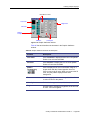
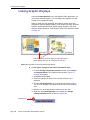
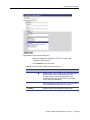
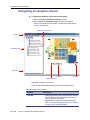
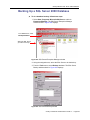
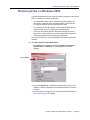
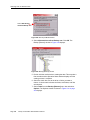
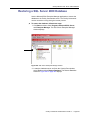
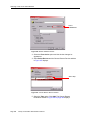
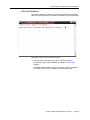
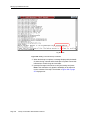
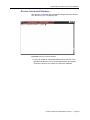
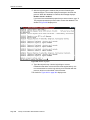
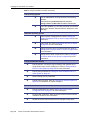
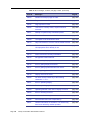
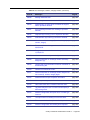
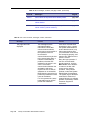
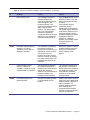
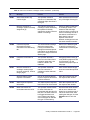
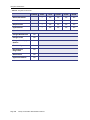
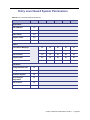
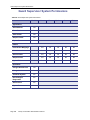
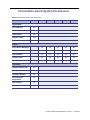
2. Select Analog Switchers. The Analog Switchers page as shown
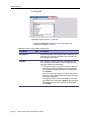
in Figure 105 displays.
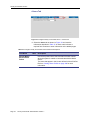
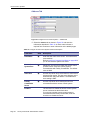
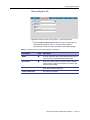
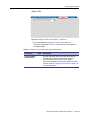
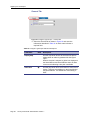
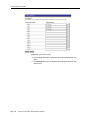
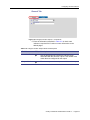
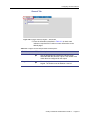
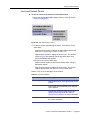
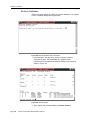
Input and Outputs
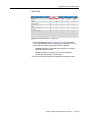
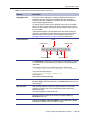
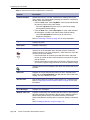
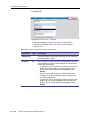
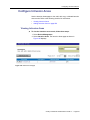
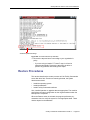
Figure 105. Analog Switchers page
Facility Commander Administration Guide 2.1
Page 147