1
Simple guide to editing in Audacity - Steeple
24/08/2009 14:29
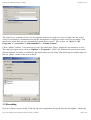
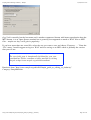
input level so that the level indicator peaks at about -3dB.
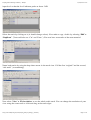
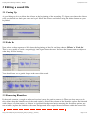
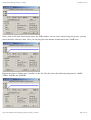
Select the track by clicking on it (it should change colour). Now make a copy, do this by selecting ‘Edit’ >
‘Duplicate’. (You could also use ‘Cut’ and ‘Paste’.) You now have two tracks of the same material.
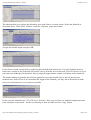
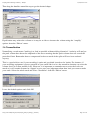
Name both tracks by using the drop down arrow in the track view. Call the first “original” and the second,
“edit track” (or something).
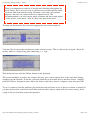
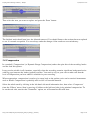
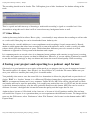
Next select ‘View’ > ‘Fit in window‘ to see the whole audio track. You can change the resolution of your
view using the zoom tools or click and drag at the track edges.
http://www.steeple.org.uk/wiki/Simple_guide_to_editing_in_Audacity
Page 5 of 14