1
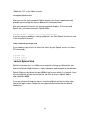
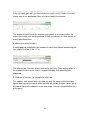
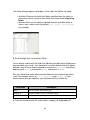
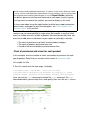
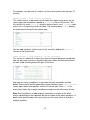
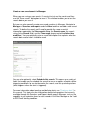
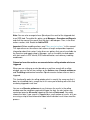
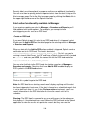
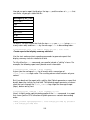
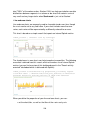
For now, ignore everything on the right panel next to the contextual help.
Search assistant has more uses once you start learning the search language,
as you'll see later. And, if you don't want search assistant to open, click "turn
off auto-open" and close the window using the green arrow below the search
bar.
More keyword searches
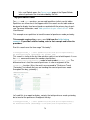
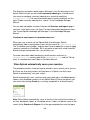
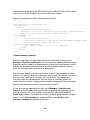
2. If you didn't already, run the search for the IP address. (Hit Enter.)
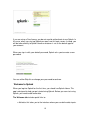
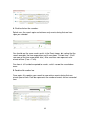
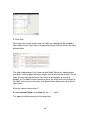
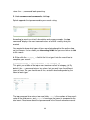
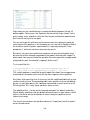
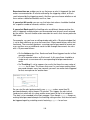
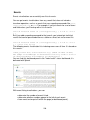
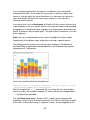
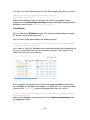
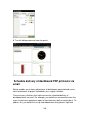
Splunk retrieves the customer's access history for the online Flower & Gift shop.
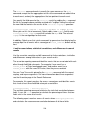
Each time you run a search, Splunk highlights in the search results what you
typed into the search bar.
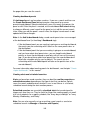
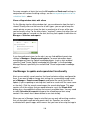
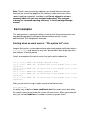
3. Skim through the search results.
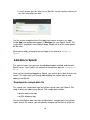
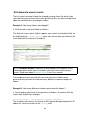
You should recognize words and phrases in the events that relate to the online
shop (flower, product, purchase, etc.).
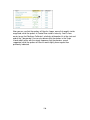
The customer mentioned that he was in the middle of purchasing a gift, so let's
see what we find by searching for "purchase".
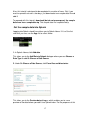
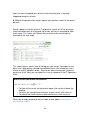
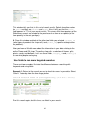
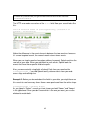
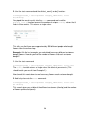
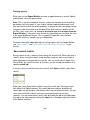
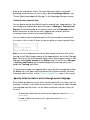
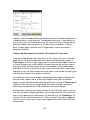
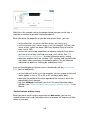
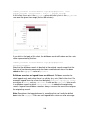
4. Type purchase into the search bar and run the search:
sourcetype=access_combined_wcookie 10.2.1.44 purchase
When you search for keywords, your search is not case-sensitive and Splunk
retrieves the events that contain those keywords anywhere in the raw text of the
event's data.
27