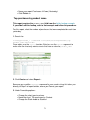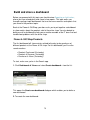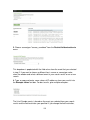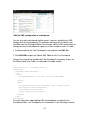
1
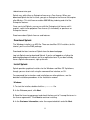
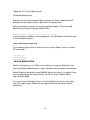
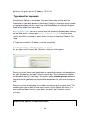
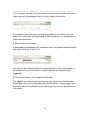
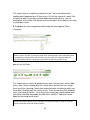
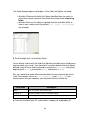
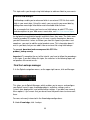
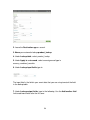
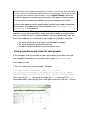
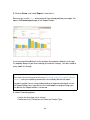
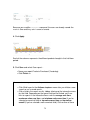
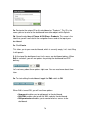
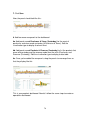
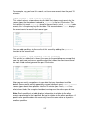
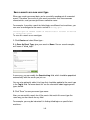
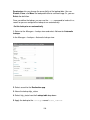
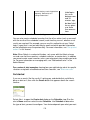
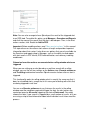
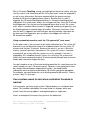
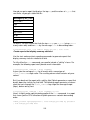
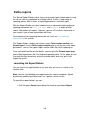
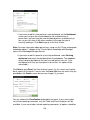
2. Leave the Destination app as search.
This tells Splunk to save your lookup table file in the Search app.
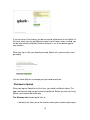
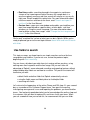
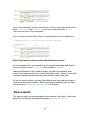
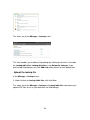
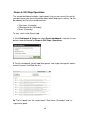
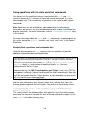
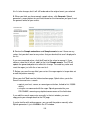
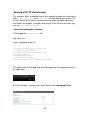
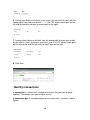
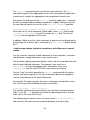
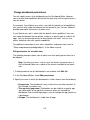
3. Under Upload a lookup file, browse for the CSV file (product_lookup.csv) to
upload.
4. Under Destination filename, name the file product_lookup.csv.
This will be the name you use to refer to the file in a lookup definition.
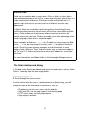
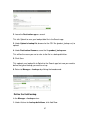
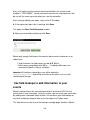
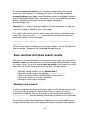
5. Click Save.
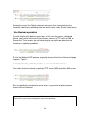
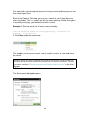
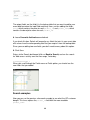
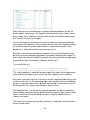
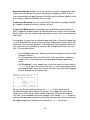
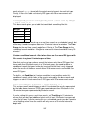
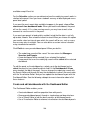
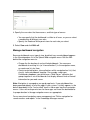
This uploads your lookup file to Splunk to the Search app, but now you need to
define the type of lookup you want to set up.
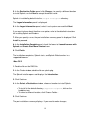
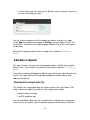
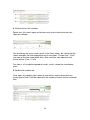
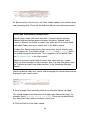
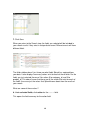
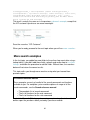
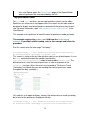
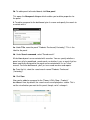
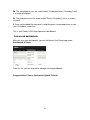
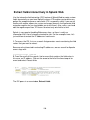
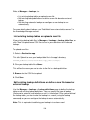
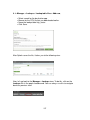
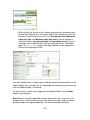
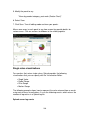
6. Return to Manager > Lookups by clicking the breadcrumb:
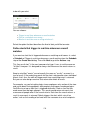
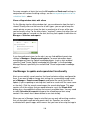
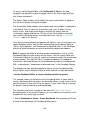
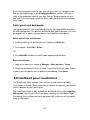
Define the field lookup
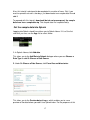
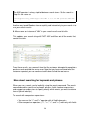
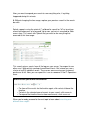
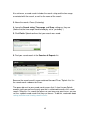
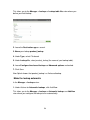
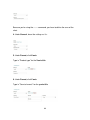
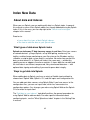
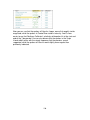
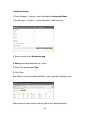
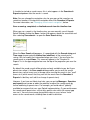
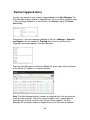
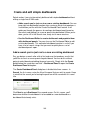
In the Manager > Lookups view:
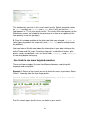
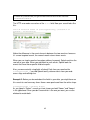
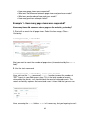
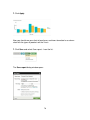
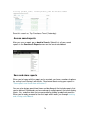
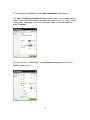
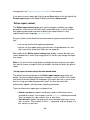
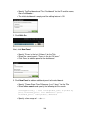
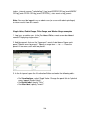
1. Under Actions for Lookup definitions, click Add New.
57